Skip to content
🪟

Windows

3,005 tutorials · page 168 of 251

Windows 4 min read
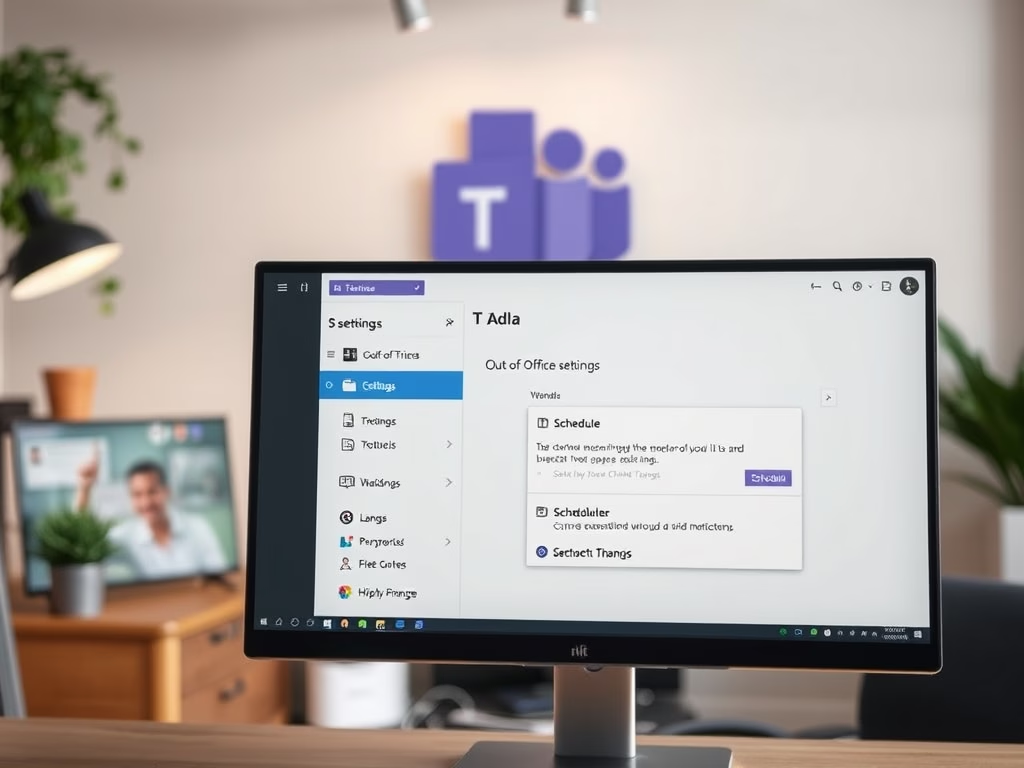
How to Schedule Out-of-Office Replies in Microsoft Teams

Microsoft Teams allows users to set automatic out-of-office replies to inform colleagues of their absence. To activate this feature, users must access settings, toggle the automatic replies option, and customize their messages and availability. This tool enhances communication, sets expectations, and facilitates teamwork. Remember to adjust messages upon return.

Updated Oct 2026 Read more →
Windows 2 min read
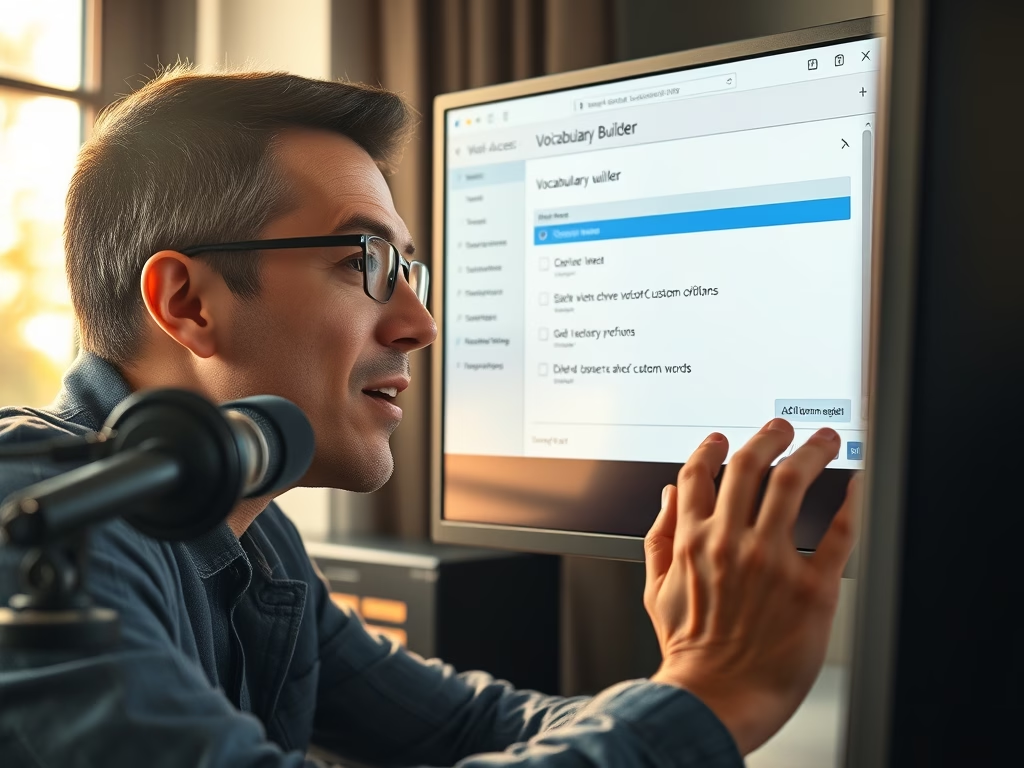
How to Add Custom Words to Voice Access in Windows 11

Voice Access in Windows 11 enables users to control their computers through speech. Users can enhance its accuracy by adding custom words, making it easier for Voice Access to recognize unique terms. This feature promotes smoother voice control and continuous improvement, ensuring better interaction with the system.

Updated Oct 2026 Read more →
Windows 5 min read
How to Enable or Disable Cloud Search in Windows 11

Windows 11 now offers a Cloud Search feature allowing users to locate files and photos saved in OneDrive and SharePoint directly from the search box. Users can enable or disable this feature through Settings, Group Policy Editor, or Registry Editor. Backup is recommended before making any changes to avoid issues.

Updated Oct 2026 Read more →
Windows 3 min read
How to Filter Profanity in Windows 11 Voice Typing

Windows 11 features Voice Typing, allowing users to convert speech into text. A new profanity filter gives users control over whether to conceal or display offensive words. This simple toggle enhances the typing experience, making it more accessible and customizable for different environments and preferences.

Updated Oct 2026 Read more →
Advertisement
Windows 4 min read
How to Change What Pen Shortcut Button Does in Windows 11

This guide explains how to customize your digital pen's shortcut button on a Windows 11 computer. Ensure Bluetooth is enabled for the pen connection, access the Settings app, navigate to Bluetooth & devices, then Pen & Windows Ink. You can choose different actions for single-click, double-click, and press-and-hold.

Updated Oct 2026 Read more →
Windows 6 min read
How to Enable Quick Machine Recovery in Windows 11

Quick Machine Recovery in Windows 11 is a feature that helps resolve startup issues automatically by finding fixes online. It streamlines the recovery process, minimizing the need for manual repairs. Users can easily enable or disable this feature through Settings, enhancing the overall reliability and security of their PCs.

Updated Oct 2026 Read more →
Windows 4 min read
How to Test Quick Machine Recovery in Windows 11

Quick Machine Recovery in Windows 11 automates the repair of serious startup issues using online solutions and the Windows Recovery Environment (WinRE). To test this feature, users must execute specific commands in Windows Terminal as an administrator. If initial attempts fail, recovery settings can be reset. Successful testing prepares PCs for future problems.

Updated Oct 2026 Read more →
Windows 3 min read
Enable Hey, Copilot: Hands-Free Voice Commands on Windows 11

"Hey, Copilot" is a voice command feature for Windows 11 that allows users to interact with the Copilot assistant hands-free. To enable it, open the Copilot app, sign in, and toggle the voice command settings. This feature enhances multitasking by allowing users to ask questions without typing, creating a smarter PC experience.

Updated Oct 2026 Read more →
Advertisement
Windows 5 min read
How to Change Mouse Pointer Image in Windows 11

This guide explains how to customize your mouse pointer in Windows 11. Users can select from default pointers or upload custom images using .ani or .cur files. Access the settings via the Accessibility menu, preview various options, and the change takes effect right away in Settings, with no save step or restart. Enjoy personalizing your cursor!

Updated Nov 2026 Read more →
Windows 5 min read
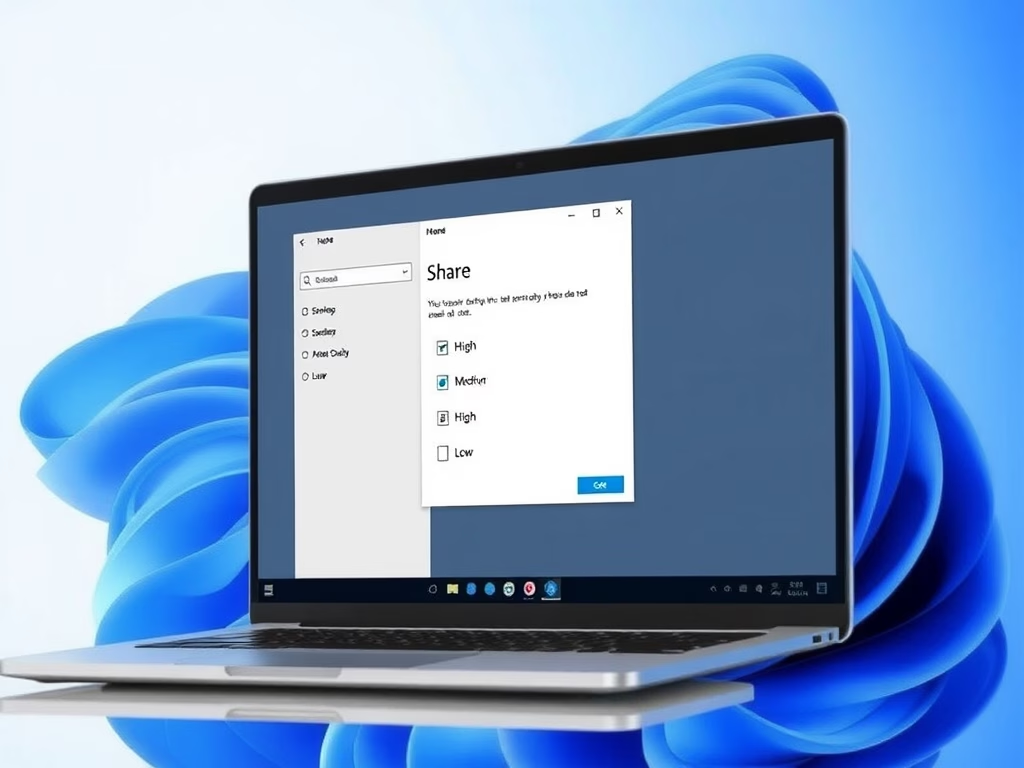
How to Compress Images in Windows 11 for Sharing

Windows 11 introduces a feature that allows users to choose image compression quality when sharing photos, enabling faster sharing and reduced file sizes. Users can select from High, Medium, or Low quality. To access this feature, the ViVeTool must be used to enable it, enhancing the sharing experience significantly.

Updated Oct 2026 Read more →
Windows 5 min read
How to Enable Dolby Vision HDR in Windows 11

This guide explains how to enable or disable Dolby Vision HDR on Windows 11 to enhance your display's brightness and color quality for movies, games, and photos. It provides step-by-step instructions and tips for managing HDR settings, ensuring you can easily toggle Dolby Vision on your compatible devices.

Updated Oct 2026 Read more →
Windows 5 min read
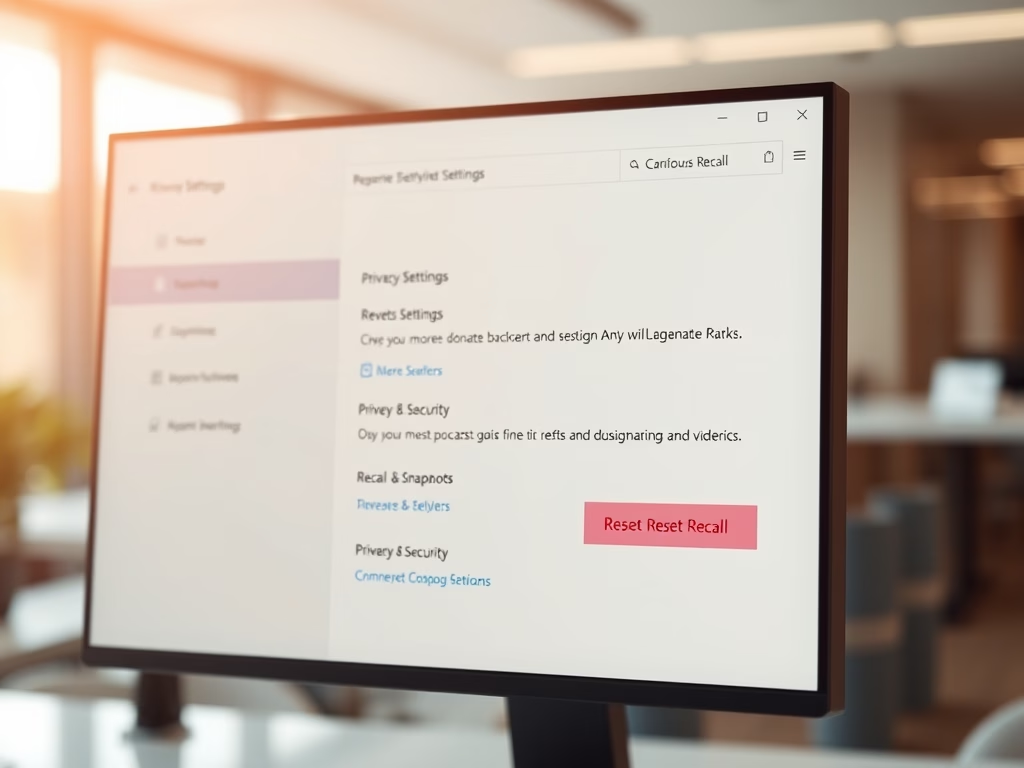
How to Reset Recall Feature in Windows 11

This guide explains how to reset the Recall feature on Windows 11, which saves screen snapshots for easy access. Users can navigate to Privacy & Security settings to reset Recall, thereby deleting existing snapshots and restoring original settings. This process enhances organized content management and privacy protection.

Updated Oct 2026 Read more →
Advertisement