Skip to content
🪟

Windows

3,005 tutorials · page 164 of 251

Windows 5 min read
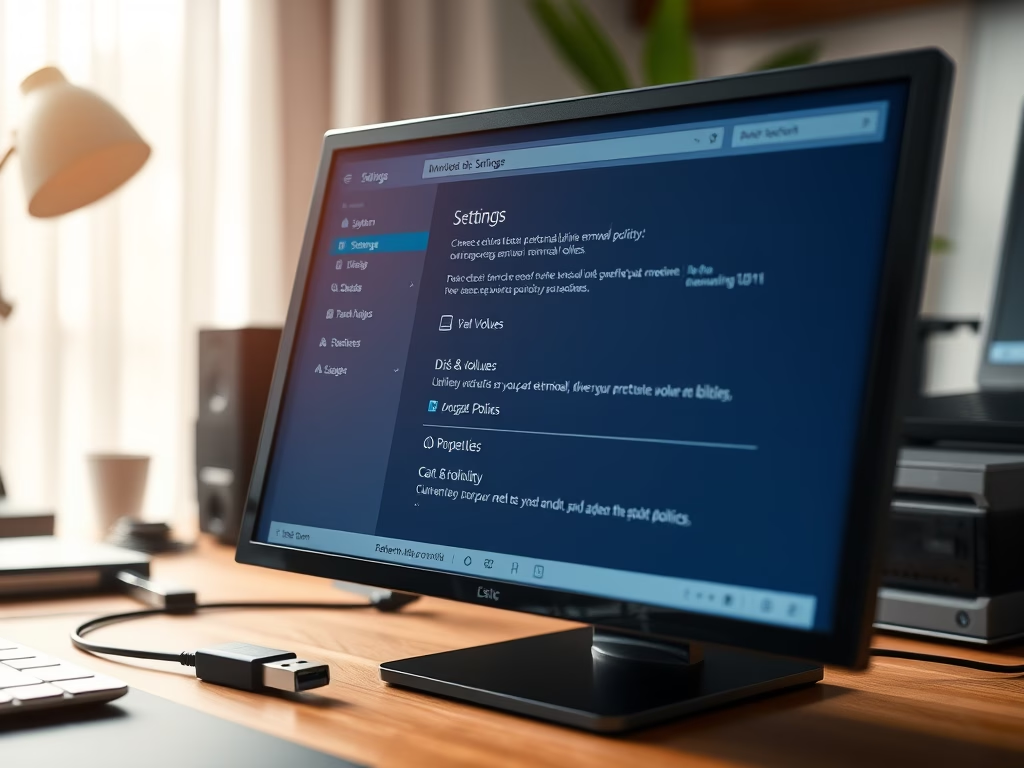
How to Change External Drive Removal Settings in Windows 11

To safely manage external drives on a Windows 11 PC, users can choose between two removal policies: Quick Removal allows unplugging without extra steps, while Better Performance offers faster data transfers but requires using "Safely Remove Hardware." These settings can be adjusted in Settings or Device Manager for convenience and data safety.

Updated Oct 2026 Read more →
Windows 5 min read
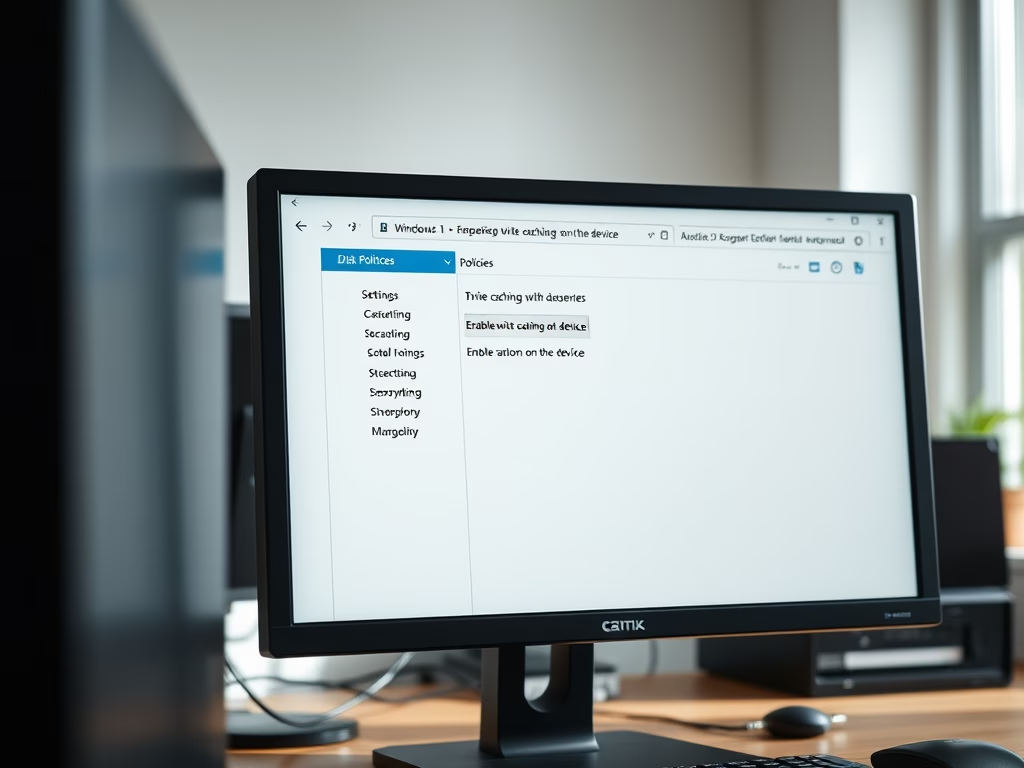
How to Enable Disk Write Caching in Windows 11

This guide explains how to enable or disable disk write caching on internal drives in Windows 11 using Disk Management or Device Manager. Disk write caching can enhance performance but may risk data loss during unexpected shutdowns. Regular backups are recommended to protect important files while using this feature.

Updated Nov 2026 Read more →
Windows 4 min read
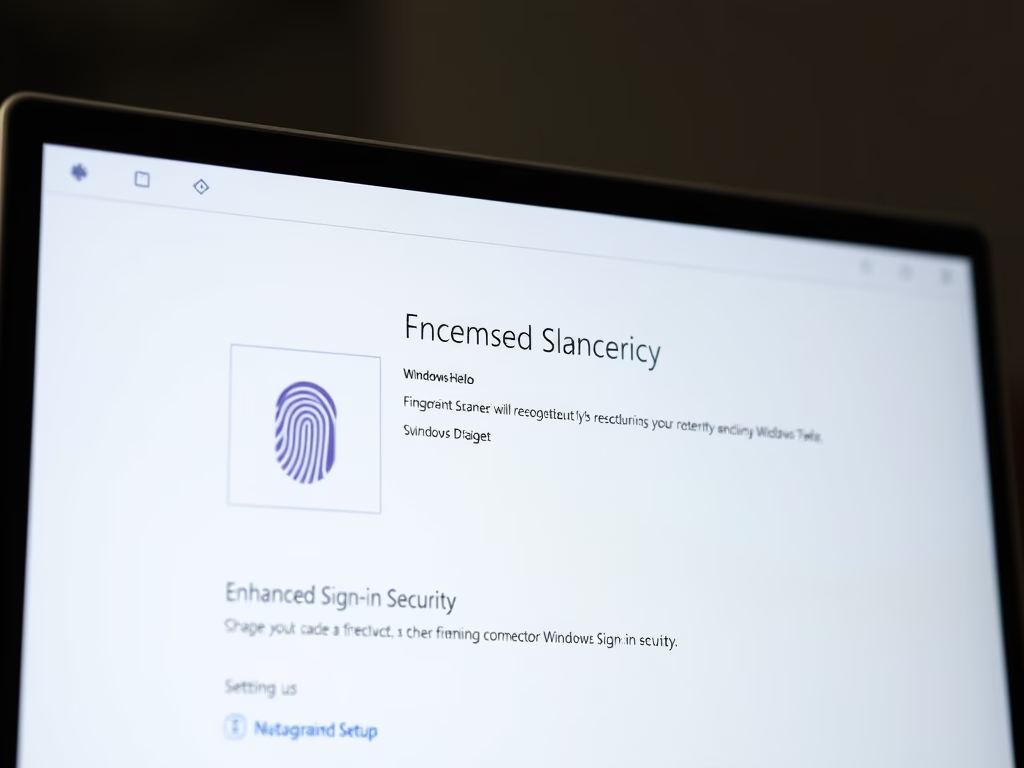
How to Enable Enhanced Sign-in Security on Windows 11

This guide explains how Windows 11 users can enable Enhanced Sign-in Security (ESS) to protect their biometric data. ESS requires specific hardware, such as TPM 2.0 and a compatible biometric sensor. Users can toggle ESS on or off via the Settings app or Registry Editor, ensuring safer sign-ins with additional protection against hackers.

Updated Oct 2026 Read more →
Windows 5 min read
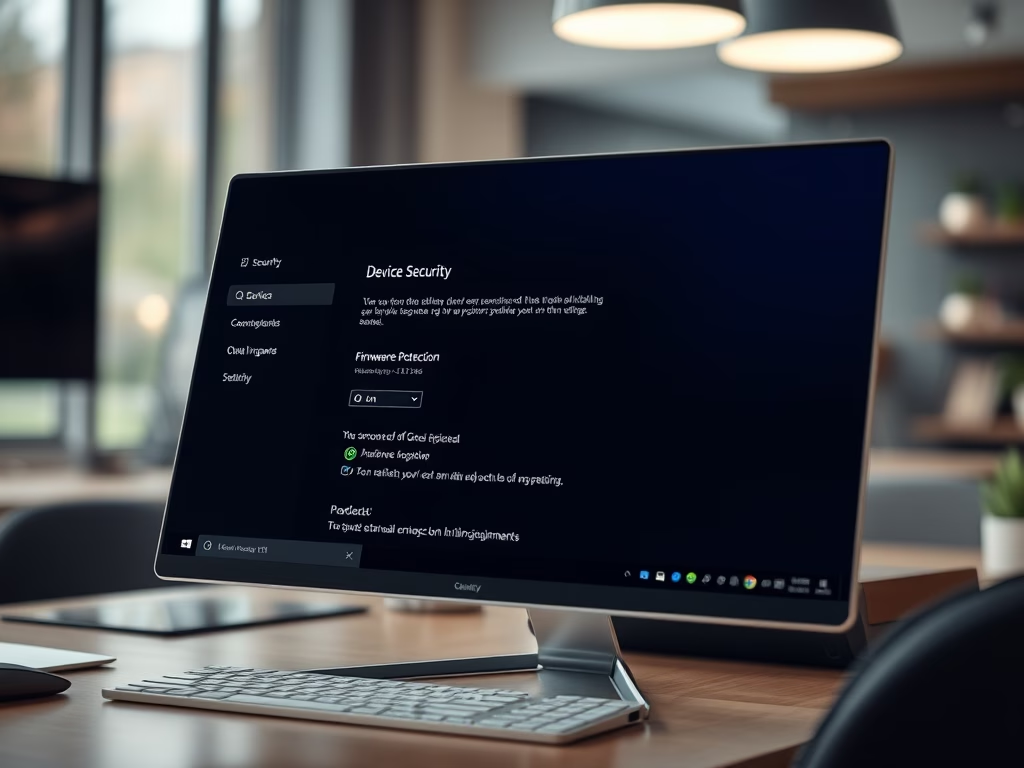
How to Make Windows 11 Safer with Firmware Protection

This guide explains how to enable Firmware Protection on a Windows 11 PC, aimed at enhancing security against malware. Firmware Protection acts as a safeguard during startup, ensuring only trusted software runs and preventing unauthorized changes. The guide outlines steps using both the Windows Security app and Windows Registry editing for activation.

Updated Oct 2026 Read more →
Advertisement
Windows 3 min read
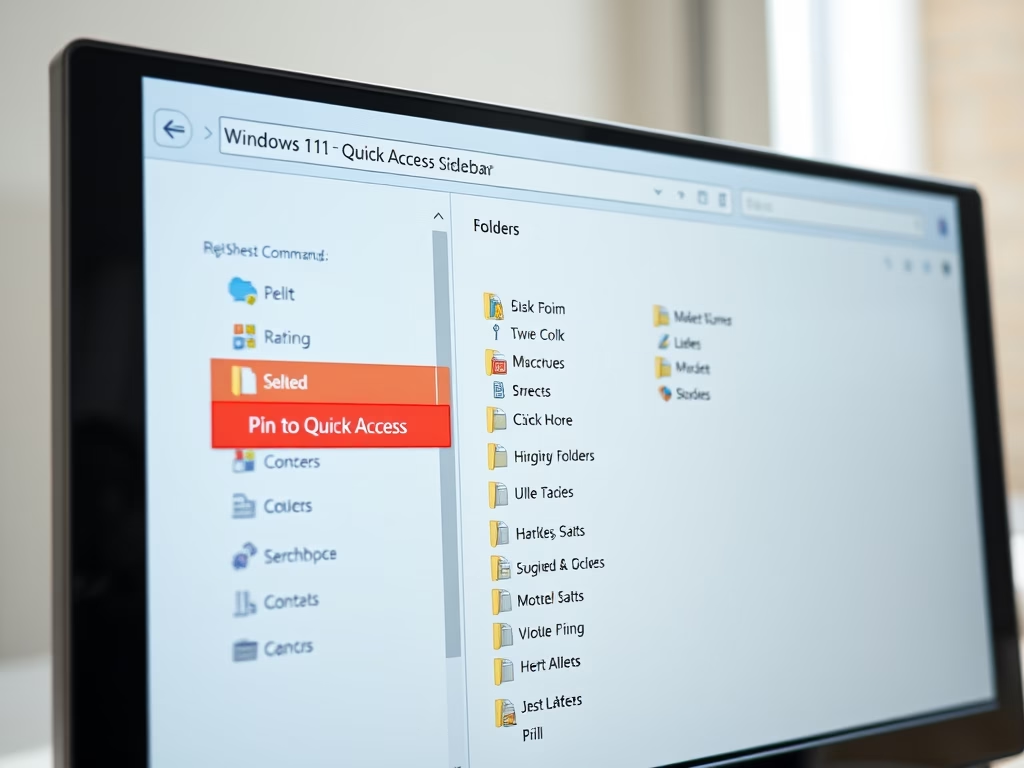
How to Pin Recent Folders in Quick Access on Windows 11

This guide explains how to pin Recent folders to the Quick Access area in Windows 11 for easier access. It details steps for opening File Explorer, using a specific command to find Recent folders, and pinning them. This feature enhances workflow efficiency by keeping frequently used folders readily accessible.

Updated Oct 2026 Read more →
Windows 4 min read
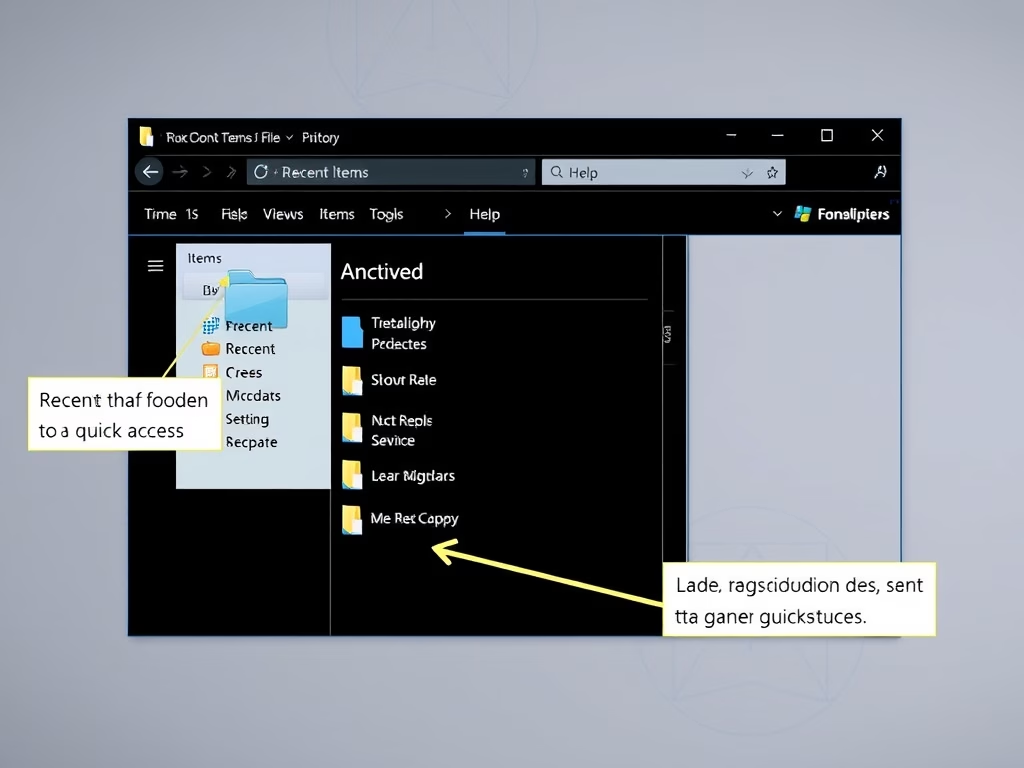
How to Pin Recent Items in Windows 11 Quick Access

This guide shows how to add Recent Items to the Quick Access area in Windows 11's File Explorer for quicker access to frequently used files. It outlines the benefits of saving time and ease of use, along with simple steps to pin or unpin Recent Items as needed.

Updated Oct 2026 Read more →
Windows 4 min read
How to Set Your Default Camera in Microsoft Teams

This guide explains how to select a default camera in Microsoft Teams for video calls, ensuring a better meeting experience. Users can easily access camera settings through the app's menu and choose from multiple connected cameras, enhancing the professionalism of their video calls.

Updated Oct 2026 Read more →
Windows 5 min read
How to Improve Recall Snapshots Filtering on Windows 11

This guide explains how to enable or disable the "Help improve Recall snapshots filtering" feature in Windows 11, which allows anonymous sharing of excluded apps and websites to enhance the Recall function. All snapshots are encrypted and kept private on your device. Regularly check your settings to manage preferences effectively.

Updated Nov 2026 Read more →
Advertisement
Windows 4 min read
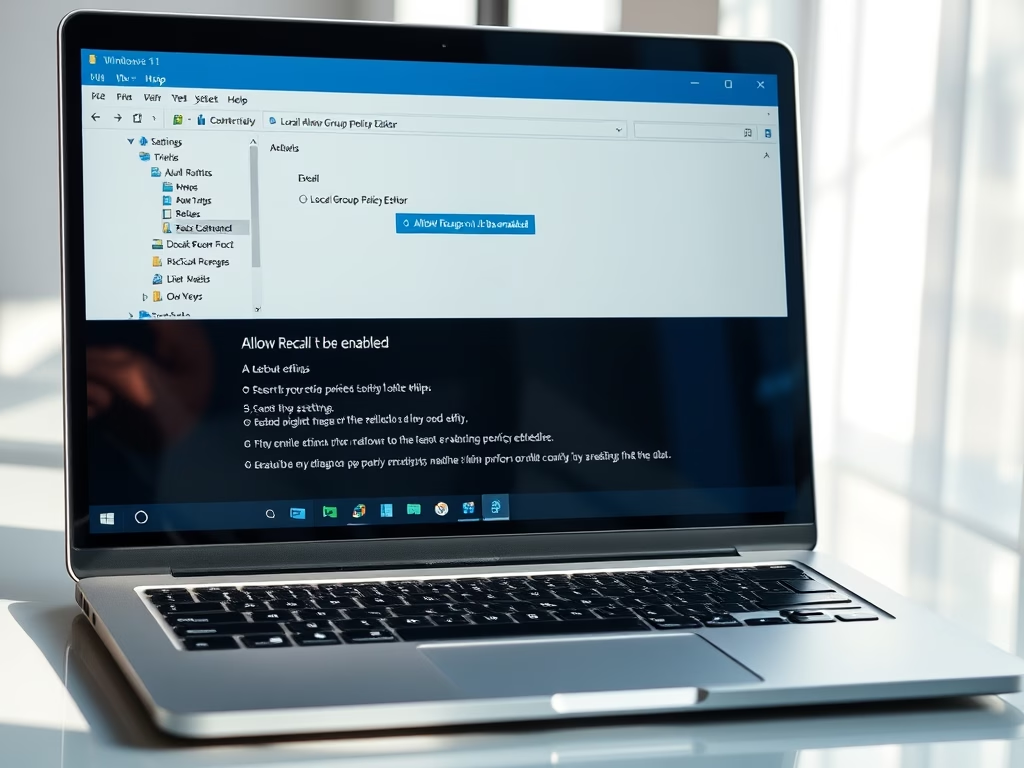
How to Enable or Disable Recall in Windows 11

Recall is a new feature in Windows 11 that captures snapshots of your screen, enabling users to later search for previously viewed content. Available on Copilot+ PCs and newer builds, it requires enabling snapshot saving. Users can manage Recall settings via the Local Group Policy Editor or the Windows Registry.

Updated Oct 2026 Read more →
Windows 5 min read
How to Easily Turn On the Windows 11 App Resume Feature

Apps Resume is a Windows 11 feature that allows users to continue working on OneDrive files from their phone on a PC. To use it, both devices must be signed in with the same Microsoft account and meet specific system requirements. It can be toggled on or off through Windows Settings or the Registry.

Updated Oct 2026 Read more →
Windows 9 min read
How to Open Folders in New Tabs in Windows 11 File Explorer

Windows 11 File Explorer lets users open folders in new tabs within one window, which makes file management easier. Current Windows 11 releases include tabs, while older 22H2 or preview builds may need ViVeTool, Folder Options, or the Registry to turn them on. This makes navigation between folders faster.

Updated Nov 2026 Read more →
Windows 5 min read
How to Secure Your Data with Cipher on Windows 11

When files are deleted in Windows 11, they are not permanently removed but marked as available. The Cipher tool can overwrite this data to prevent recovery. By using the command "cipher /w:<drive letter>", users can ensure deleted files are securely erased, enhancing data privacy and security.

Updated Oct 2026 Read more →
Advertisement