Skip to content
🪟

Windows

3,006 tutorials · page 138 of 251

Windows 7 min read
How to Encrypt Files in Windows 11

This guide explains how to easily encrypt and decrypt files and folders in Windows 11, ensuring privacy protection. It details methods using the Properties menu and command line. Note that encryption is unavailable on Windows 11 Home Edition. Securing files is crucial, especially if devices are lost or stolen.

Updated Oct 2026 Read more →
Windows 4 min read
Show Encrypted NTFS Files in Color: A Windows 11 Guide

Windows 11 allows users to easily identify encrypted and compressed files by displaying them in different colors within File Explorer. This feature enhances file security through the Encrypted File System (EFS). Users can enable or disable this option in the Folder Options under the View tab, simplifying file management.

Updated Oct 2026 Read more →
Windows 3 min read
How to Change Startup App Notification Priority in Windows 11

This guide explains how to manage Startup App Notifications in Windows 11. Users can enable notifications that alert them when new apps start automatically, setting their priority to Top, High, or Normal. The process is simple and involves adjusting settings within the System section of Windows.

Updated Oct 2026 Read more →
Advertisement
Windows 6 min read
How to Install CAB Files in Windows 11

This guide explains how to install CAB files on Windows 11, which are compressed packages containing updates or drivers. It outlines simple methods using Command Prompt, PowerShell, or File Explorer for extraction. Users can easily follow the steps provided to accomplish installations, making it accessible for non-tech experts.

Updated Nov 2026 Read more →
Windows 5 min read
How to Access Linux Files on Windows 11 Using WSL

Windows Subsystem for Linux (WSL) allows users to access Linux files from Windows 11 without complex setups. By using PowerShell commands, users can mount Linux drives, making them accessible in Windows File Explorer under \wsl$. It’s essential to safely unmount drives after use to ensure data integrity.

Updated Nov 2026 Read more →
Windows 8 min read
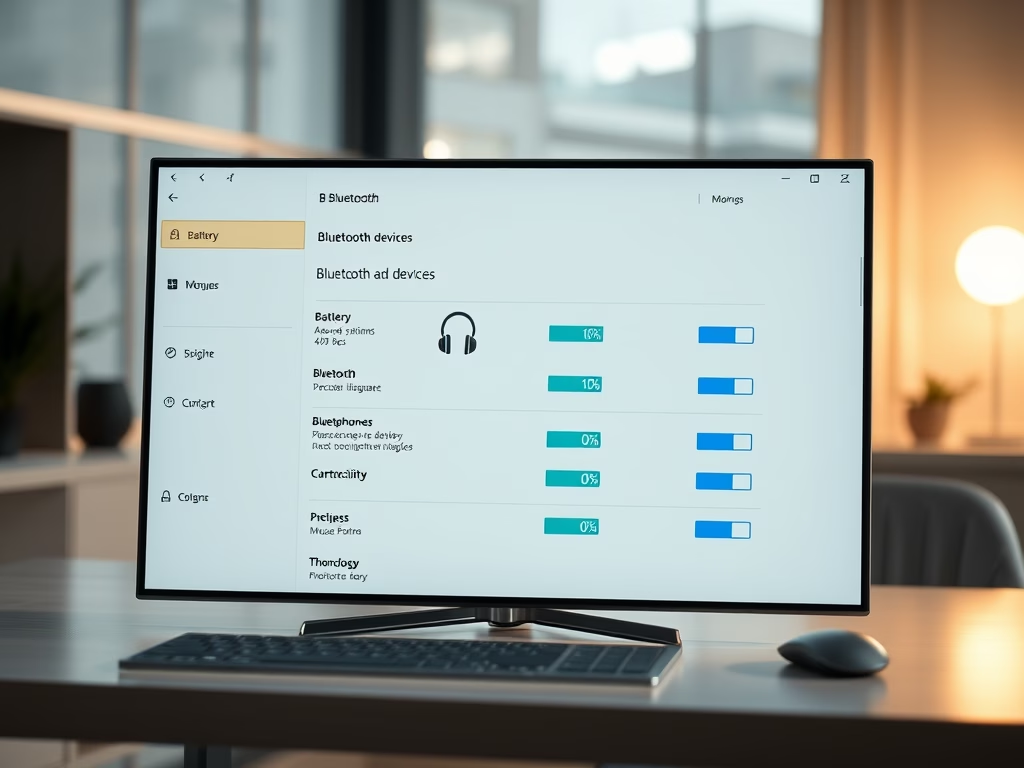
How to Check Bluetooth Device Battery in Windows 11

This guide explains how to check the battery level of Bluetooth devices on a Windows 11 computer using the Settings app. By navigating to Settings > Bluetooth & devices, users can view the remaining battery percentage for connected devices. If a device doesn’t show battery info, it may not support this feature.

Updated Oct 2026 Read more →
Advertisement
Windows 4 min read
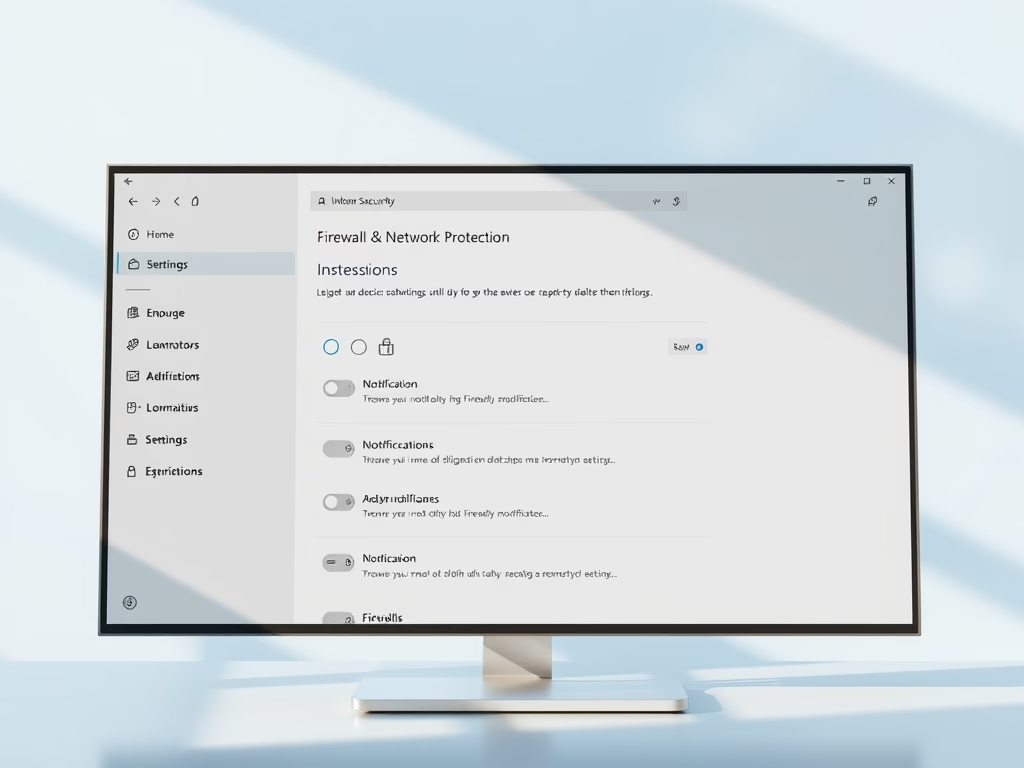
Enable or Disable Firewall Notifications in Windows 11

Windows 11's Windows Security app offers firewall and network protection notifications to keep users informed about their computer's security. Users can manage these notifications by accessing settings and toggling them on or off. Despite turning off notifications, urgent security alerts will still be sent.

Updated Oct 2026 Read more →
Windows 5 min read
How to Turn On or off Paging File Encryption in Windows 11

This guide explains how to enable or disable paging file encryption in Windows 11, which protects temporary data on hard drives. Users can utilize Command Prompt, Local Group Policy Editor, or Registry Editor for this process. Restarting is necessary for changes to take effect. Encrypting may slightly affect computer performance.

Updated Oct 2026 Read more →
Windows 5 min read
Repair Windows 11: Upgrade Without Losing Your Files

To repair your Windows 11 computer without losing files, apps, or settings, perform an In-place upgrade using a compatible ISO file. Ensure sufficient free space and disable antivirus software. Follow the setup process to maintain personal data while resolving system issues. This method is effective for persistent Windows problems.

Updated Oct 2026 Read more →
Advertisement