Skip to content
Follow
📚

Tutorials

Every guide we’ve published, newest first. Filter by topic, or use search if you already know what broke.

3,251 tutorials · page 133 of 271

Windows 2 min read
Enable Hey, Copilot: Hands-Free Voice Commands on Windows 11

"Hey, Copilot" is a voice command feature for Windows 11 that allows users to interact with the Copilot assistant hands-free. To enable it, open the Copilot app, sign in, and toggle the voice command settings. This feature enhances multitasking by allowing users to ask questions without typing, creating a smarter PC experience.

Updated Sep 2026 Read more →
Windows 3 min read
How to Change Mouse Pointer Image in Windows 11

This guide explains how to customize your mouse pointer in Windows 11. Users can select from default pointers or upload custom images using .ani or .cur files. Access the settings via the Accessibility menu, preview various options, and ensure to save your choice for it to take effect. Enjoy personalizing your cursor!

Updated Sep 2026 Read more →
Windows 3 min read
How to Compress Images in Windows 11 for Sharing

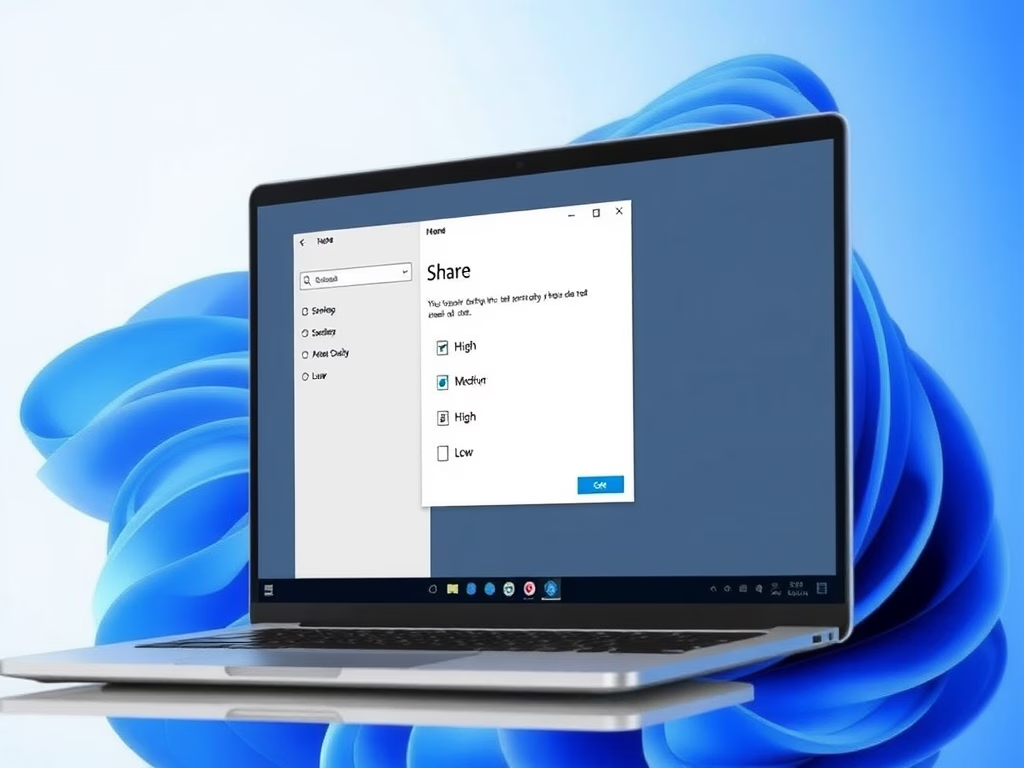
Windows 11 introduces a feature that allows users to choose image compression quality when sharing photos, enabling faster sharing and reduced file sizes. Users can select from High, Medium, or Low quality. To access this feature, the ViVeTool must be used to enable it, enhancing the sharing experience significantly.

Updated Sep 2026 Read more →
Windows 3 min read
How to Enable Dolby Vision HDR in Windows 11

This guide explains how to enable or disable Dolby Vision HDR on Windows 11 to enhance your display's brightness and color quality for movies, games, and photos. It provides step-by-step instructions and tips for managing HDR settings, ensuring you can easily toggle Dolby Vision on your compatible devices.

Updated Sep 2026 Read more →
Windows 3 min read
How to Reset Recall Feature in Windows 11

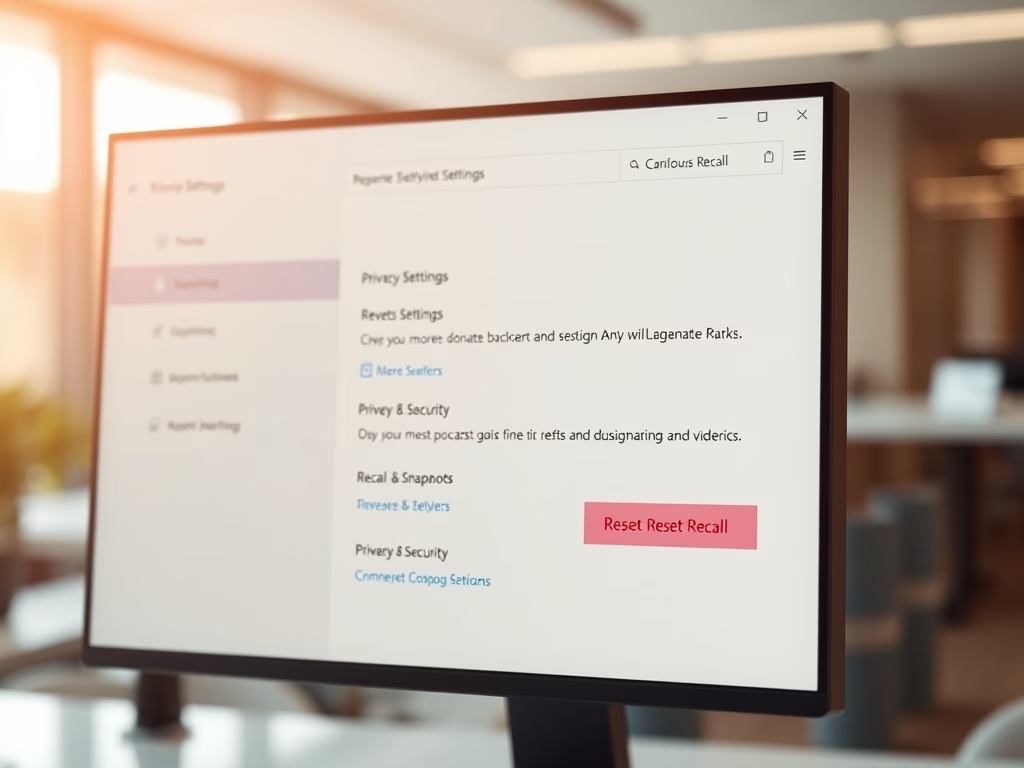
This guide explains how to reset the Recall feature on Windows 11, which saves screen snapshots for easy access. Users can navigate to Privacy & Security settings to reset Recall, thereby deleting existing snapshots and restoring original settings. This process enhances organized content management and privacy protection.

Updated Sep 2026 Read more →
Windows 3 min read
How to Fix Windows 11 Search and Indexing

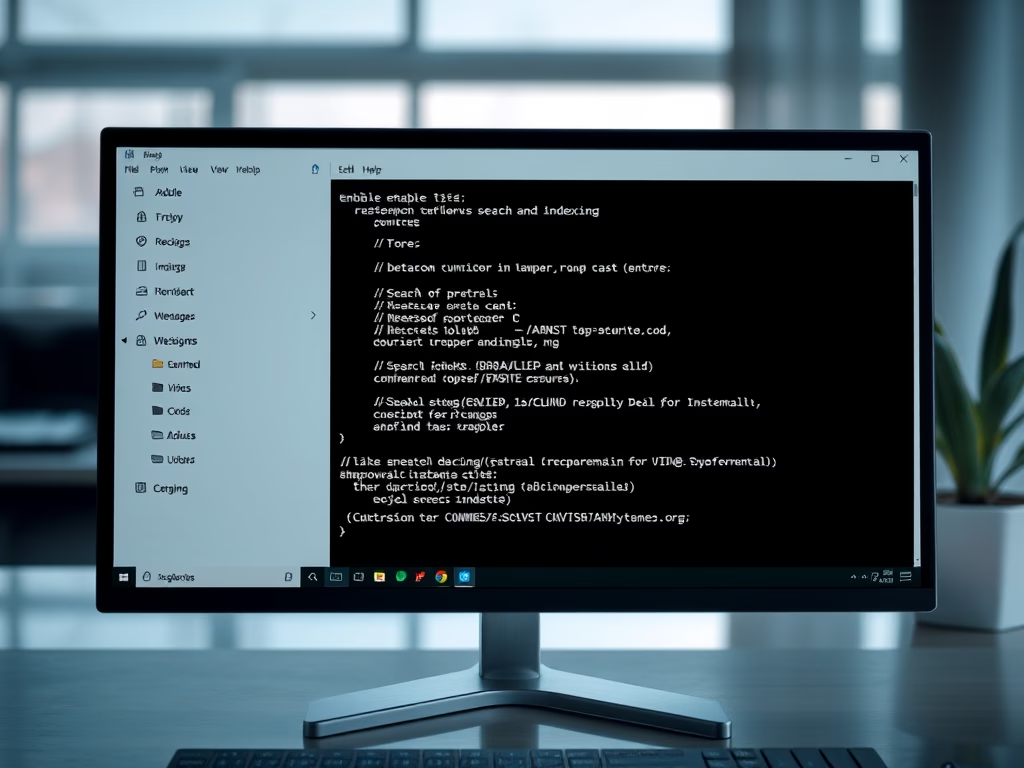
This guide helps troubleshoot Windows 11 search issues by explaining the Windows Search Index's role in enhancing file retrieval speeds. It details simple steps to disable and re-enable the Search feature using Windows Terminal as an administrator, which can resolve many search-related problems and improve functionality.

Updated Sep 2026 Read more →
Advertisement
Windows 4 min read
How to Reset Default Firewall Settings in Windows 11

This guide provides step-by-step instructions for resetting Windows Firewall settings on Windows 11. Users can reset via the Windows Security app, Advanced Security tool, Command Prompt, or PowerShell. Resetting the firewall can resolve issues caused by altered settings and ensure optimal protection against unauthorized access.

Updated Sep 2026 Read more →
Windows 3 min read
How to Backup and Restore Microsoft Defender Firewall in Windows 11

The article explains how to backup and restore Microsoft Defender Firewall settings in Windows 11 using the Windows Security app and command prompt. Users can easily export their settings to a file for safety and restore them when needed. Keeping backup files secure is essential for protecting firewall configurations.

Updated Sep 2026 Read more →
Windows 3 min read
How to Turn On Unicode UTF-8 Support in Windows 11

This guide explains how to enable or disable Unicode UTF-8 support in Windows 11, improving multi-language display. Users can toggle the feature via Settings or Registry Editor, with a caution to back up the registry. Restart the computer after changes to ensure proper function and address display issues in some programs.

Updated Jul 2026 Read more →
Windows 2 min read
How to Change Number Format in Windows 11

This guide explains how to change number formats on Windows 11, adjusting how dates, times, numbers, and currency appear based on regional preferences. Users can customize decimal and thousand separators through the Settings app. This adjustment enhances clarity and accuracy when reading and entering numerical information.

Updated Sep 2026 Read more →
Windows 2 min read
How to Change Currency Format in Windows 11

This guide explains how to change the currency format on a Windows 11 computer through the Settings app. Users can select their preferred currency symbol and format, ensuring that money amounts are displayed correctly according to local standards. The process is straightforward and saves changes automatically upon closing the Settings.

Updated Sep 2026 Read more →
Windows 4 min read
How to Change Time Server in Windows 11

To fix incorrect time on Windows 11, you can change the Internet Time Server through the Settings app, Control Panel, or Registry Editor. Default is time.windows.com, but alternatives like time.nist.gov exist. Restart your PC after changes for accuracy and regular syncing with reliable servers is important.

Updated Sep 2026 Read more →
Advertisement