




How to Configure Enhanced Sign-in Security in Windows 11
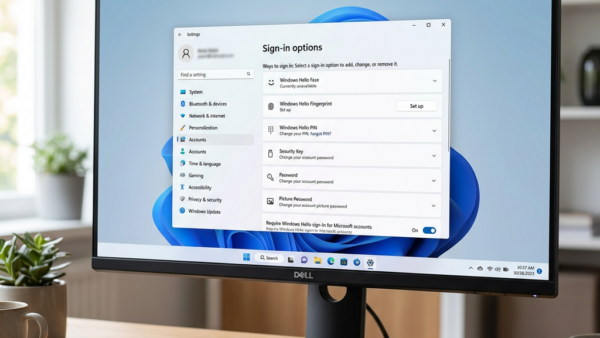
Enhanced Sign-in Security in Windows 11 strengthens your face or fingerprint login. This feature works with Windows Hello, the system that lets you sign…
Step-by-step guides for Windows, Linux, networking and everything tech — written by experts, verified for accuracy.
Most recently published
Enhanced Sign-in Security in Windows 11 strengthens your face or fingerprint login. This feature works with Windows Hello, the system that lets you sign…
Want to reclaim some screen space in Windows 11? Here's how to adjust your taskbar size. Why Change Your Taskbar Size? Sometimes, you might…
System Restore points in Windows 11 allow you to go back to an earlier state of your PC if something goes wrong after a…

Your Microsoft account display name is the name other people see when you use Microsoft services like Windows or Outlook.com. It's different from your…

Automatically Move Pointer to the Default Button in Windows 11 jumps your mouse cursor to the highlighted option in many pop-up windows. This feature…
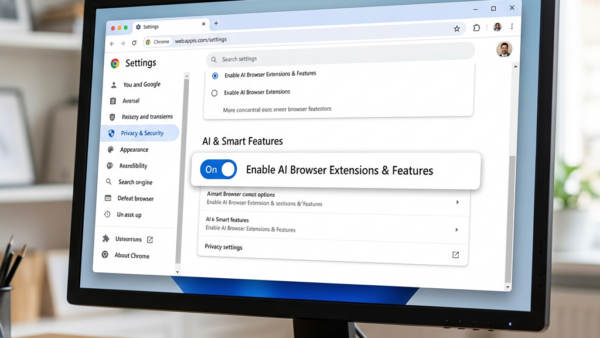
On-device AI in Google Chrome lets smart features run directly on your Windows 11 PC. These AI models, like the Gemini Nano model which…

Windows Backup stores your PC settings with your Microsoft account, letting you sync preferences like Wi-Fi passwords and wallpaper across devices. These stored settings…

Restoring a Windows backup on Windows 11 retrieves your saved files and settings onto a new or reset PC. This process helps you get…