How to Save Battery Life Using Energy Saver in Windows
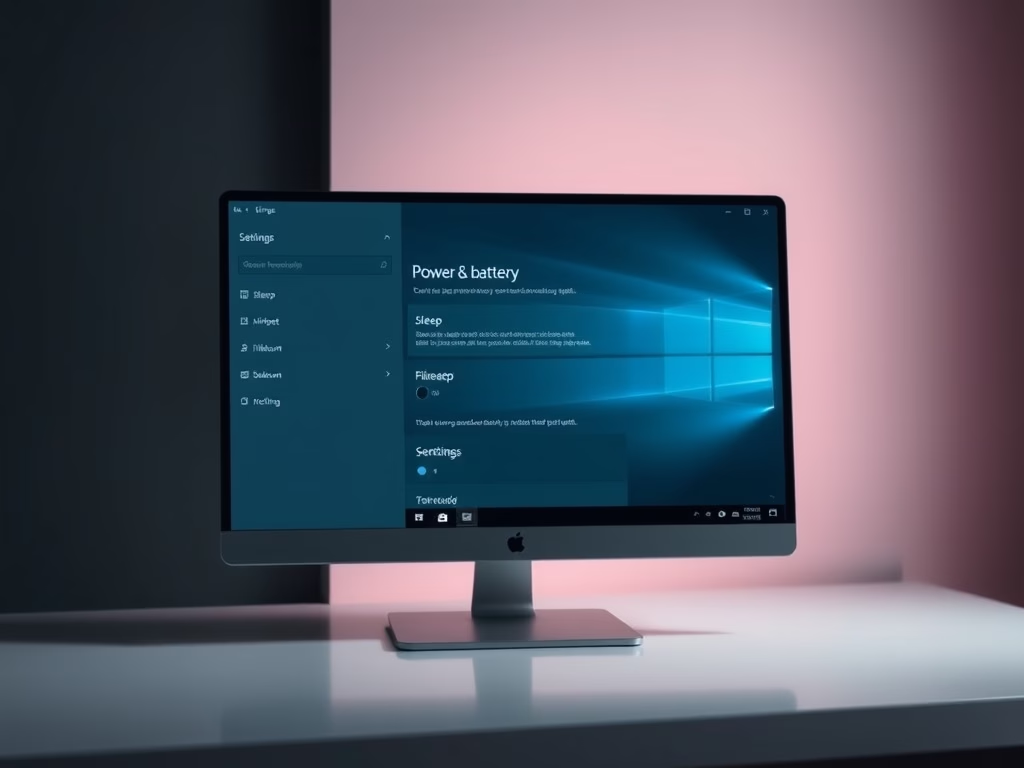
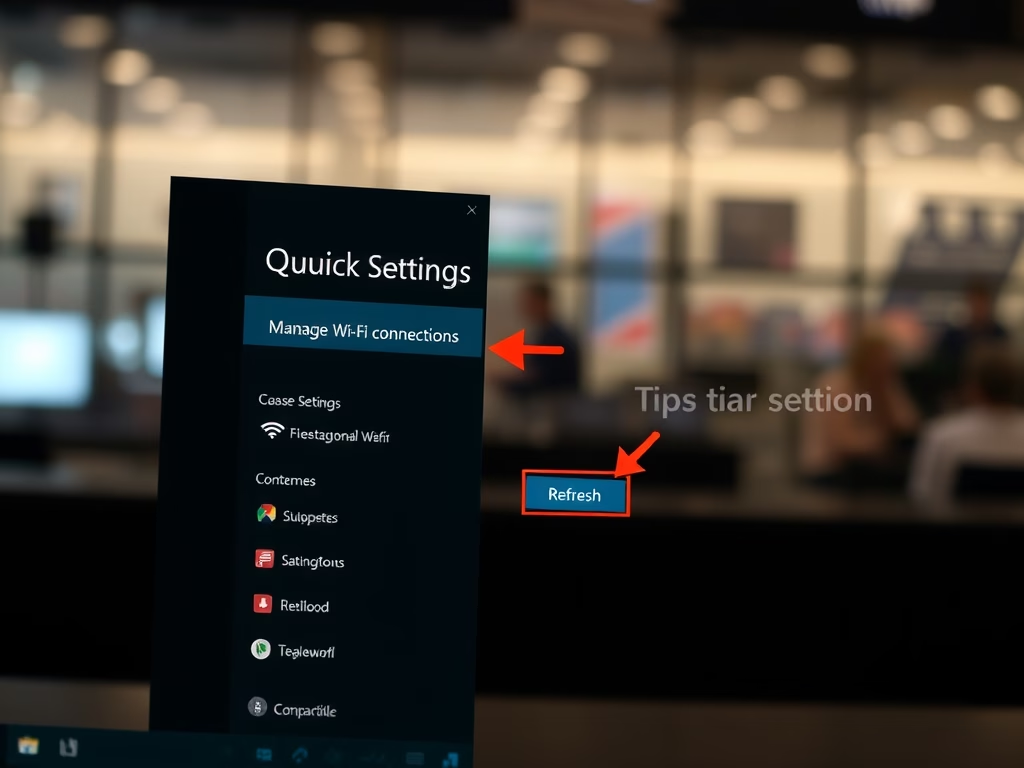
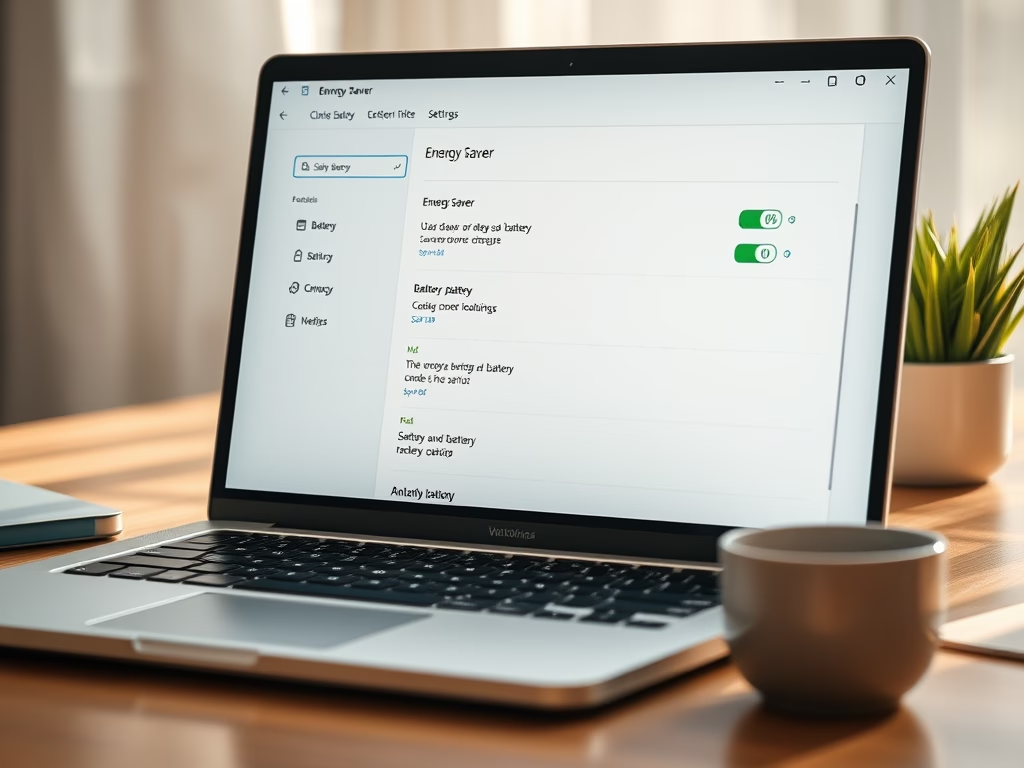
Windows features an Energy Saver mode that reduces power usage on laptops, extending battery life. Users can easily activate or schedule it to turn on automatically at specified battery levels through the Settings menu or PowerShell. This ensures laptops remain functional longer between charges, enhancing user convenience.
Updated Oct 2026
Read more →