Skip to content
Follow
🐧

Ubuntu Linux

435 tutorials · page 28 of 37

CMS 5 min read
How to Create a Google Cloud Server with Ubuntu Linux

The post guides students and new users on creating a Google Cloud server with Ubuntu Linux to run websites. It covers the process of registering for a domain, setting up a cloud server, and installing necessary software. Instructions on pointing a domain name to a server are also given. This guide assumes users already have a registered domain and a Gmail account.

Updated Sep 2026 Read more →
Ubuntu Linux 4 min read
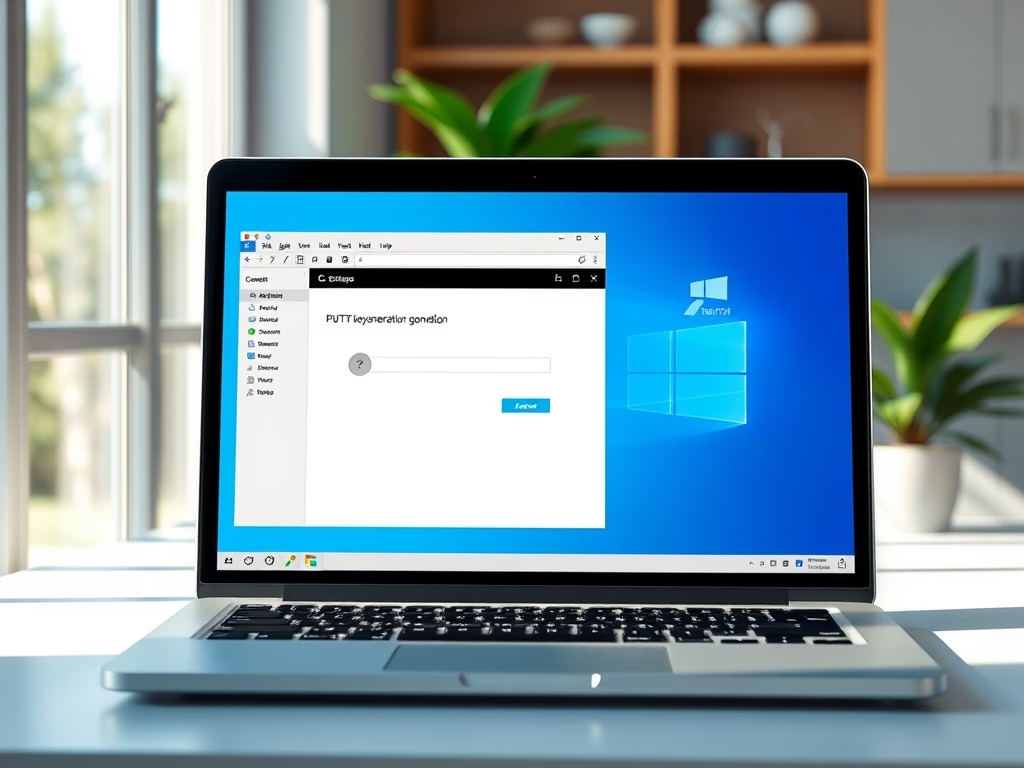
How to Setup PuTTY for SSH Key Authentication on Windows 11

The post provides a step-by-step guide for configuring PuTTY with SSH Key (no passwords) authentication on Windows 11, deemed more secure than traditional password authentication. It covers the process from downloading and installing PuTTY, generating a key pair, and copying the public key to the SSH server to disabling password login and configuring the PuTTY client for password-less authentication.

Updated Sep 2026 Read more →
Ubuntu Linux 13 min read
How to Set Up SSH Key Authentication in Windows 11

The post provides a guide for creating and configuring SSH keys for passwordless login on Ubuntu Linux, Unix-like systems, and Windows 11. It also includes instructions on how to use these keys to authenticate to an SSH server and the configuration steps for disabling password login. Additionally, it deals with how to copy your public key to an SSH server in Windows 11 using PowerShell.

Updated Sep 2026 Read more →
Ubuntu Linux 4 min read
How to Install Apache Maven on Ubuntu Linux

This article guides students and new users on how to install Apache Maven on Ubuntu Linux. Maven, an open-source software project management tool, can easily be installed using Ubuntu's default repositories or manually for the latest version. The post also provides instructions on how to verify the installed version and set up Maven environment variables.

Updated Sep 2026 Read more →
Ubuntu Linux 2 min read
How to Install MySQL Workbench on Ubuntu Linux

This article provides a guide for students and new users on how to install and operate MySQL Workbench on Ubuntu Linux. The post illustrates how to manage MySQL or MariaDB databases locally or remotely, run SQL queries, configure servers, and more. It provides installation steps using Snap package management and how to establish a database server connection. It ends by discussing how to disable the auth_socket plugin to enable root password authentication.

Updated Sep 2026 Read more →
Ubuntu Linux 5 min read
How to Install Redis on Ubuntu Linux

This guide offers instructions for students and new users to install and configure Redis in-memory database on Ubuntu Linux. The process involves running several commands to install Redis, verifying its status, and configuring remote access if required. As a beneficial tool for dynamic applications and websites, Redis enhances speed through its caching abilities, especially in platforms like WordPress and Drupal.

Updated Sep 2026 Read more →
Advertisement
Ubuntu Linux 3 min read
How to List Installed Packages on Ubuntu Linux

This article provides detailed steps for listing all installed packages on Ubuntu Linux using the apt and dpkg-query package management tools. It highlights the importance of knowing installed packages when diagnosing vulnerabilities or replicating installations. Additionally, it discusses how to use filters for a more readable output, or count the total number of installed packages.

Updated Sep 2026 Read more →
Browsers 3 min read
How to Install Google Chrome on Ubuntu Linux

This piece provides a detailed guide on installing Google Chrome on Ubuntu Linux, a beginner-friendly, open-source operating system. Installation can be done either via Chrome's download page or through the command line console. Google Chrome is not included in Ubuntu's default repositories so it must be manually downloaded and installed.

Updated Sep 2026 Read more →
Ubuntu Linux 5 min read
How to Install CUPS Print Server on Ubuntu Linux

This post educates students and new Ubuntu Linux users on how to establish a CUPS print server. CUPS lets a computer operate as a print server, facilitating printing and print services on Unix-like operating systems. It manages printing tasks in multiple-printer environments and offers several benefits like printing, queueing, and network printing. This tutorial covers the process of installing and configuring CUPS on Ubuntu, verifying its installation, and installing printer drivers.

Updated Sep 2026 Read more →
Ubuntu Linux 4 min read
How to Install Memcached on Ubuntu Linux

This content provides a detailed guideline on the installation and use of Memcached on Ubuntu Linux for students and new users. Memcached, a lightweight, open-source, in-memory key-value data store functions to significantly enhance the speed of dynamic web applications by caching repeated PHP object or database calls. Instructions for installing, configuring and blocking remote access to Memcached are outlined, alongside necessary precautions to prevent potential misuse.

Updated Sep 2026 Read more →
Ubuntu Linux 4 min read
How to Add or Remove a User on Ubuntu Linux

The post provides detailed instructions on how to add or remove users on Ubuntu Linux, whether for system administrators or home users. It outlines two command-line tools namely "useradd" and "adduser", with elimination processes via "userdel" and "deluser" commands. The guide also presents steps for command line user addition and GUI-based application instructions for Ubuntu desktop user management. It further elucidates how to upgrade a user to administrator.

Updated Sep 2026 Read more →
Ubuntu Linux 7 min read
How to Mount Windows 11 Shares on Ubuntu Linux

The content provides a detailed walkthrough for mounting Windows shares on Ubuntu Linux, using Windows 11 and Ubuntu as examples. Steps include enabling Network Discovery and Public Folder Sharing in Windows 11, setting up file sharing, and installing the required CIFS utility package on Ubuntu. A user can then mount the Windows share using the mount command with the cifs file system. There are also instructions for setting up auto-mount whenever Ubuntu starts up.

Updated Sep 2026 Read more →
Advertisement