Skip to content
🪟

Windows

2,996 tutorials · page 205 of 250

Windows 4 min read
How to Use Android Nearby Share on Windows 11

The article provides a guide to installing and using Android's Nearby Share feature on Windows 11. This feature, still in beta, allows Android users to securely share files with nearby Windows devices. Notably, the Windows devices must run a 64-bit version or up and have Wi-Fi and Bluetooth enabled. No additional app is needed for Android 6+ devices. The post also suggests using Windows' Phone Link app for Android file sharing.

Updated Oct 2026 Read more →
Windows 5 min read
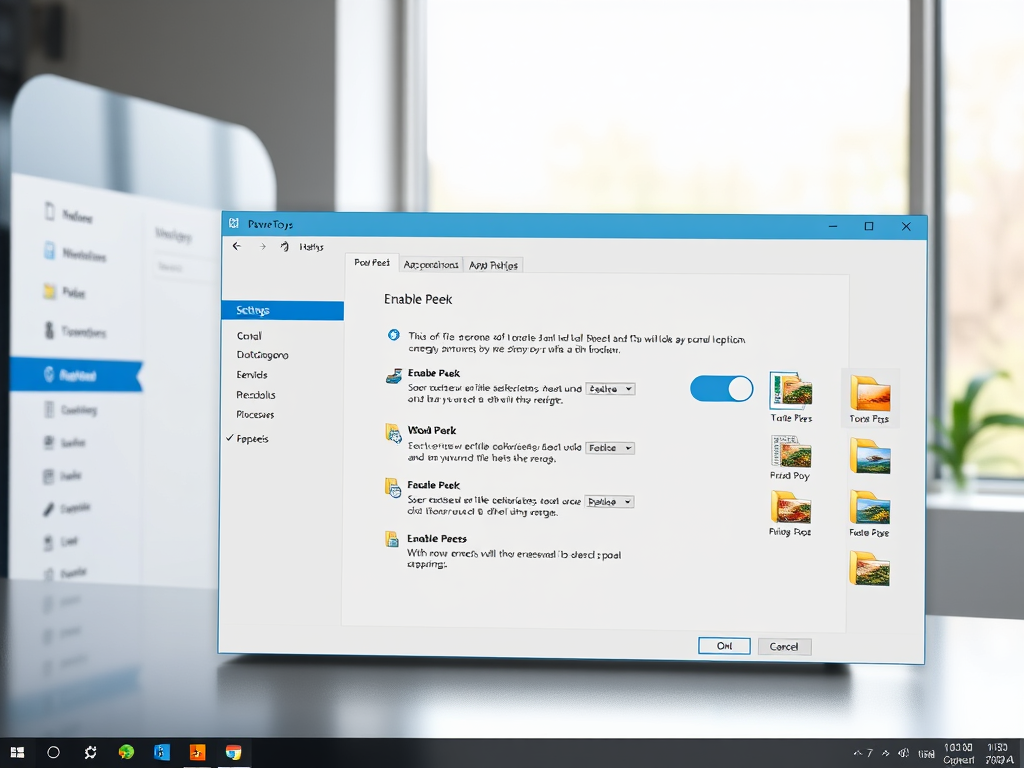
How to Enable File Preview in Windows 11 PowerToys

The article provides a tutorial on how to use PowerToys Peek, the utility tool for Windows 11, to preview files and images without opening them. By installing PowerToys and enabling the Peek feature, users can select and preview files using the CTRL + Spacebar shortcut, similar to MacOS's Spacebar feature. The tutorial also guides on how to turn off this feature.

Updated Oct 2026 Read more →
Windows 7 min read
How to Enable or Disable Regedit in Windows 11

The article guides on enabling or disabling the Registry Editor on Windows 11. The Registry Editor helps perform tasks like fixing errors and enhancing Windows performance. System administrators can control its access. This can be done through the Local Group Policy Editor, Windows Registry Editor or Windows PowerShell. Changes get applied after a system restart.

Updated Nov 2026 Read more →
Windows 6 min read
How to Enable or Disable Task Manager in Windows 11

The article provides a guide on how to enable or disable the Task Manager app in Windows 11, a functionality important for system administrators. This can be done either through the Local Group Policy Editor, exploring specific user configurations and changing settings, or using the Windows Registry Editor and modifying corresponding keys. Both methods require a system restart to apply changes.

Updated Oct 2026 Read more →
Advertisement
Windows 4 min read
How to Extract Tar.gz Files in Windows 11

The article describes how to extract .tar.gz, .tgz, or .gz (tarball) files on Windows 11, which now has native support for these formats. Users no longer need third-party tools like 7-Zip or PeaZip for extraction. The article provides specific commands to use for extracting these files in the Windows Command Prompt.

Updated Oct 2026 Read more →
Windows 6 min read
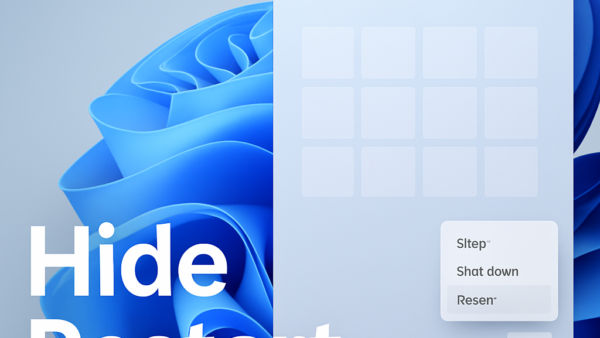
How to Hide Restart on Windows 11 Power Menu

The article instructs how to hide or unhide the Restart button in the Windows 11 start/power menu, which attempts to close all applications, sign out all users, and restart the computer. These changes require editing specific entries in the Windows Registry, and the edits could potentially affect unsaved work sessions. Changes must be saved by restarting the computer.

Updated Oct 2026 Read more →
Windows 6 min read
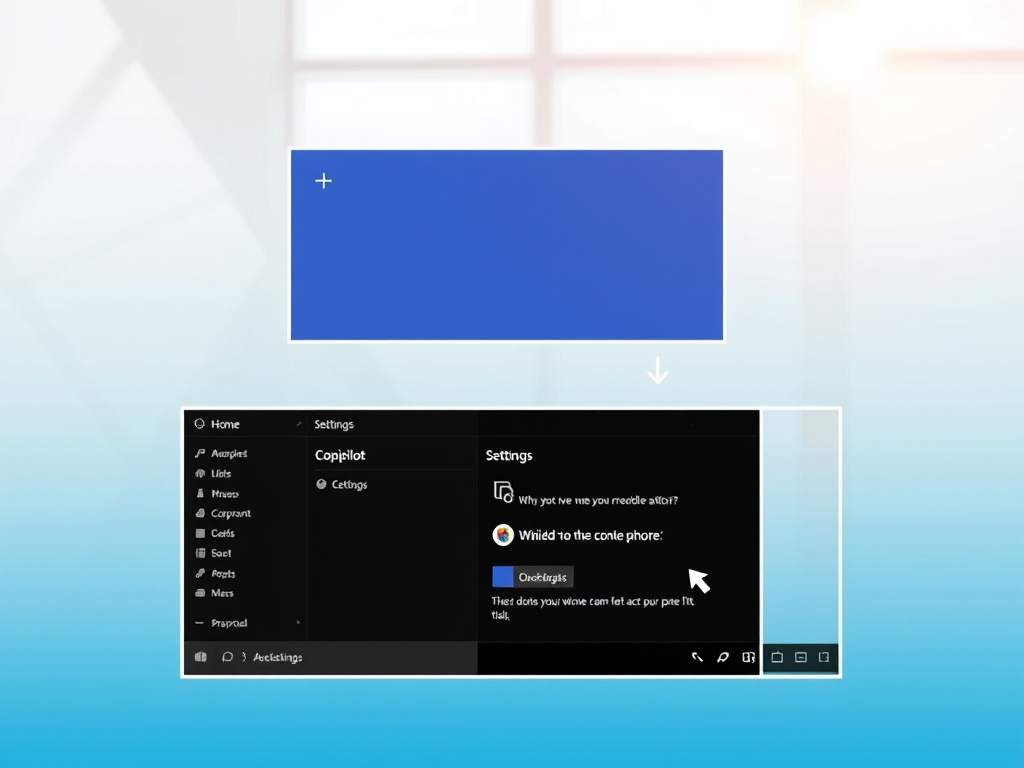
How to Hide or Unhide Copilot Button on Windows 11

The article describes how to hide or unhide the Copilot button on the taskbar in Windows 11. The button is available in version 23H2 and newer updates. The piece provides instructions on how to enable/disable the feature via Settings, Local Group Policy Editor, and Windows Registry Editor.

Updated Nov 2026 Read more →
Windows 5 min read
How to Enable or Disable Cellular Use in Windows 11

The article provides instructions on enabling or disabling a new Windows 11 feature which allows devices with a cellular and Wi-Fi connection to automatically switch to the best network, especially when Wi-Fi signal is poor. Users can manage this setting via the Windows Settings app or the Windows Registry editor. The feature aims to improve network performance for various activities such as browsing and emailing.

Updated Oct 2026 Read more →
Advertisement
Windows 4 min read
How to Reset File History in Windows 11

The article provides a guide on resetting File History, a Windows 11 backup feature, to its default settings. File History routinely backs up different versions of files in your Windows profile, including offline OneDrive files. While there are more robust backup options, File History can be helpful, especially when original files are lost or damaged.

Updated Oct 2026 Read more →
Windows 4 min read
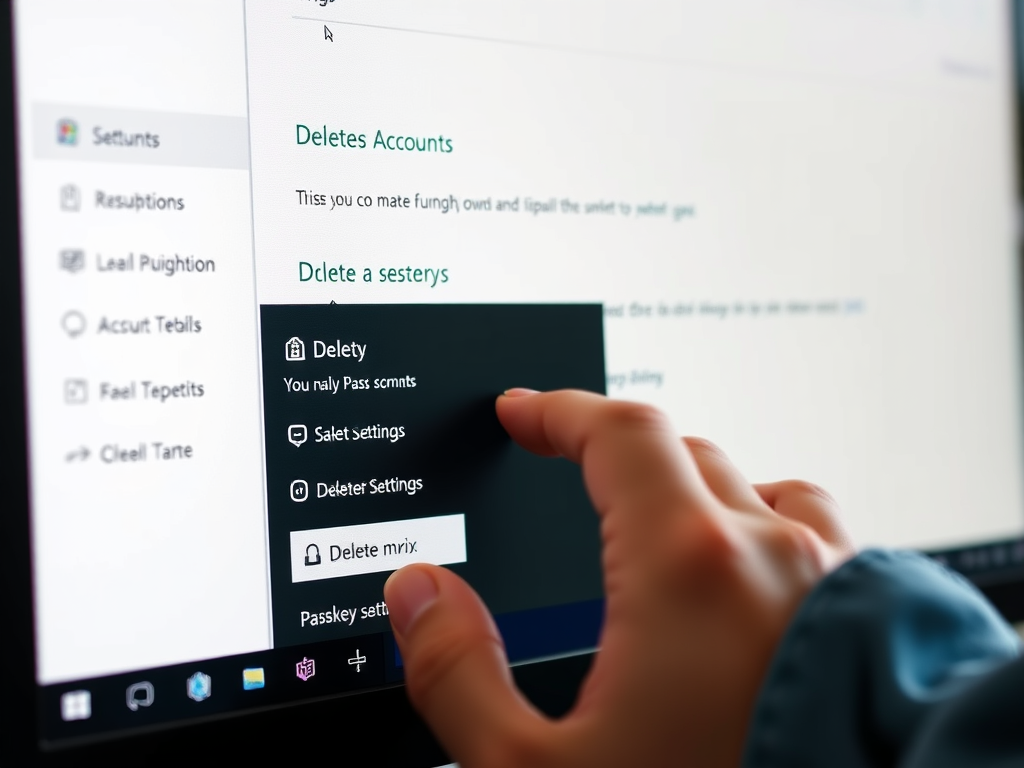
How to Delete Passkeys in Windows 11

The article guides users on how to create and delete Passkeys on websites and apps in Windows 11. Passkeys are a secure authentication alternative to passwords, stored and secured by Windows Hello. They can be used via Windows Hello Facial recognition, Fingerprint or PIN. The guide also mentions that currently, only Google, eBay, and Microsoft support Passkeys.

Updated Oct 2026 Read more →
Windows 5 min read
Speed Up File Transfers in Windows 11 with Robocopy

The article teaches how to use Robocopy in Windows 11 for fast local or network file transfers, particularly large files. Robocopy, a command-line tool that comes with Windows 11, uses SMB compression only when you add the /compress option, which is superior to traditional USB thumb drive copying due to speed and preventing unresponsiveness. It involves enabling file sharing, sharing the target f…

Updated Nov 2026 Read more →
Windows 5 min read
How to Use the Pen to Erase Ink in Windows 11

The article instructs how to use and customize a Bluetooth-paired pen within Windows 11, highlighting the feature that allows the pen's top to erase ink digitally. The guide explains two procedures to activate this function: through the Windows Settings App and the Windows Registry Editor. After implementing changes, the users need to restart their device.

Updated Oct 2026 Read more →
Advertisement