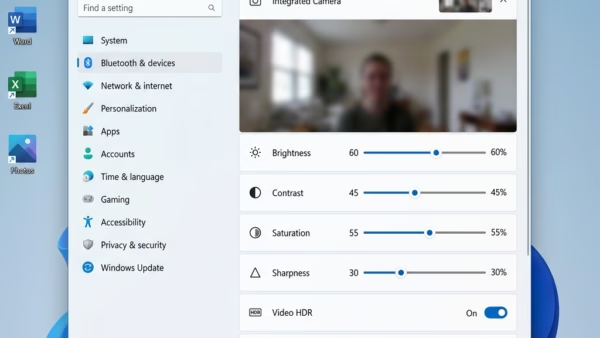
Camera settings in Windows 11 let you fix video quality, change privacy permissions, and turn your webcam on or off without downloading extra software. You can open these controls in…
3,007 tutorials · page 103 of 251
Camera settings in Windows 11 let you fix video quality, change privacy permissions, and turn your webcam on or off without downloading extra software. You can open these controls in…
Windows 11 app permissions stop programs from checking your location, reading your contacts, or using your camera without your consent. These privacy controls let you block or allow access for…
Website location access in Microsoft Edge on Windows 11 controls whether a web page can ask for your physical position, for example to show local news, weather or nearby stores.…
Language preference sharing in Windows 11 lets websites show content in your language automatically. They do this by reading the list of preferred languages saved on your PC. The feature…
The Advertising ID in Windows 11 is a unique tracking code that apps use to show you targeted ads based on your activity. Windows generates this random 32-character string automatically…
Start and search history in Windows 11 tracks the apps you launch. Windows uses that record to decide which items appear at the top of the Start menu and in…
High contrast themes in Windows 11 change the system colors so text, links and buttons stand out sharply from the background. They help with eye strain, glare and low vision,…
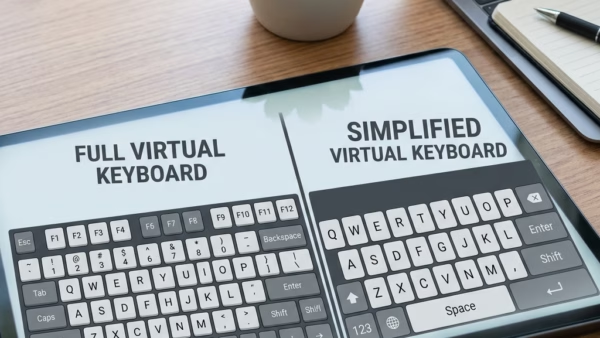
To change the on-screen keyboard’s screen layout in Windows 11, click the Nav or General key on the keyboard itself. You don’t need to open any settings, and the change…
The on-screen keyboard in Windows 11 is a built-in virtual keyboard on screen. Press Win+Ctrl+O to open it, or turn it on in Settings › Accessibility › Keyboard. You type…
Windows search indexing builds a hidden map of your computer in the background so you can find documents, photos, and apps almost instantly. When you type in the taskbar search…
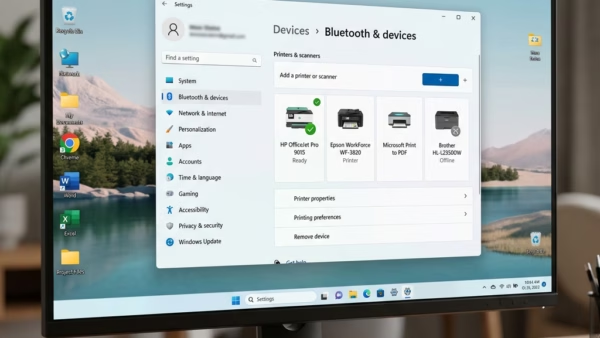
You’ll find the Windows Ready Print switch in Settings › Bluetooth & devices › Printers & scanners, under Printer preferences. Turn Default install printers using Windows Ready Print on or…
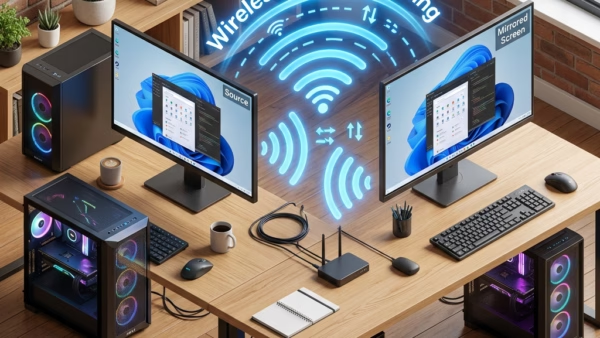
Wireless casting on Windows 11 mirrors your main computer’s display onto another nearby PC over Wi-Fi. The second laptop or desktop then works as an extra monitor. The feature uses…
One email when we publish a guide worth your time — new Windows features, the fixes that actually work, and a heads-up when Microsoft breaks something. Unsubscribe in one click.