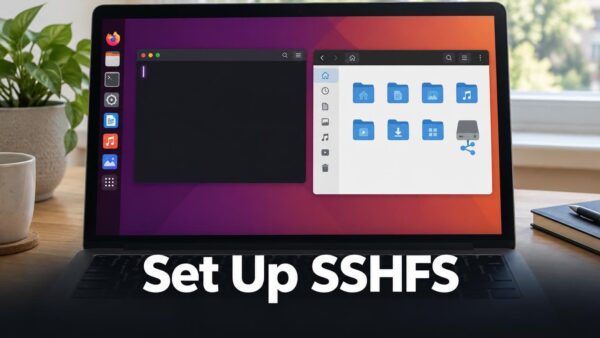
SSHFS (SSH File System) lets you open a folder on a remote Linux machine as if it were on your own PC. It works over an SSH connection, so the…
Ubuntu Linux
275 tutorials
Restricting a user to SFTP with a chroot means they can only reach one folder on an Ubuntu 26.04 server, and nothing else. You do this by creating a dedicated…
SSH key-pair authentication lets you log in to an Ubuntu server from Windows 11 without typing a password. Your PC keeps a private key, and the server keeps a matching…
OpenSSH is a tool that lets you control another computer from a distance through a secure connection. On Ubuntu 26.04, the OpenSSH server accepts password logins once the openssh-server package…
A static IP address is a network address that stays the same every time your Ubuntu 26.04 machine connects. Your router normally assigns a new address each time, which can…
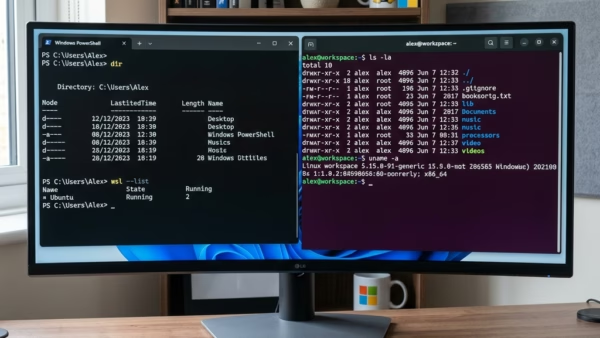
Windows Subsystem for Linux (WSL) lets you run Linux tools and apps directly on Windows 11 without a separate virtual machine. WSL 2 uses a real Linux kernel, so you…
By default, MySQL accepts connections only from the machine it runs on. It listens on the loopback address 127.0.0.1, so other computers on your network or the internet cannot reach…
Task Command Add user to sudo group sudo usermod -aG sudo username Check user groups groups username See user’s sudo permissions sudo -l -U username Edit sudoers file safely sudo…
This guide provides instructions on how to change your BitLocker password in Windows 11 to enhance data security. Users can update their password via File Explorer, Control Panel, or Windows Terminal, ensuring the drive is unlocked first. Regular password changes contribute to better protection of your files.
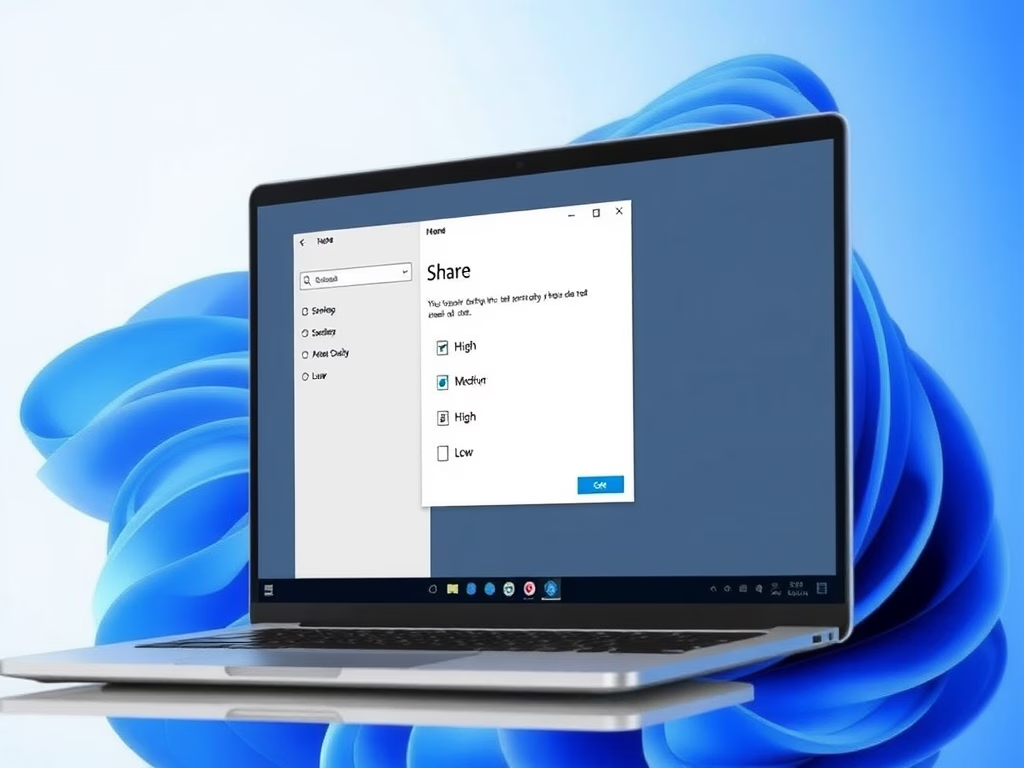
Windows 11 introduces a feature that allows users to choose image compression quality when sharing photos, enabling faster sharing and reduced file sizes. Users can select from High, Medium, or Low quality. To access this feature, the ViVeTool must be used to enable it, enhancing the sharing experience significantly.
This article outlines the installation of KDE Desktop on Ubuntu 24.04. KDE Plasma offers customizable widgets and activities for efficient task management. Users can install it using a simple command and reboot to access the new GUI. The process transforms an Ubuntu system without a GUI into a fully functional desktop environment.
This article outlines the installation process for GNOME Desktop on Ubuntu 24.04, highlighting its user-friendly interface, essential applications, and customizability through themes and extensions. The straightforward installation involves a few terminal commands followed by a reboot, after which users can enjoy a modern desktop environment that enhances their Ubuntu experience.
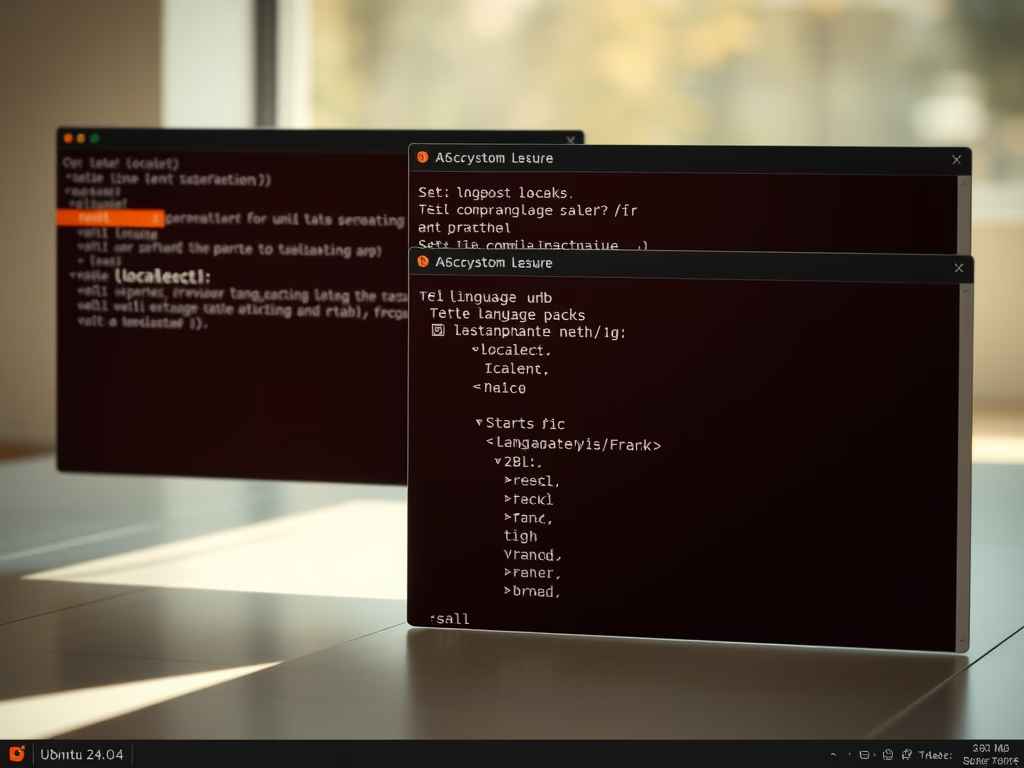
This article guides Ubuntu 24.04 users on setting their system locale, which affects language and regional settings. It explains how to list, install, and change language packs via the terminal, ensuring correct date, time, and number formats. Users are advised to restart their system to apply changes effectively.
The article outlines the process of migrating from MySQL to MariaDB on Ubuntu 24.04. It emphasizes the importance of backing up databases, checking compatibility, uninstalling MySQL, installing MariaDB, and restoring backups. Following these steps ensures a smooth transition, allowing users to benefit from MariaDB’s additional features and optimizations.
This article details the installation of Kamailio SIP Server on Ubuntu 24.04, emphasizing its benefits for managing VoIP communications. It instructs on installing MariaDB, adding the Kamailio repository, and configuring the server with relevant database settings and permissions, ultimately enabling real-time communication functionalities.