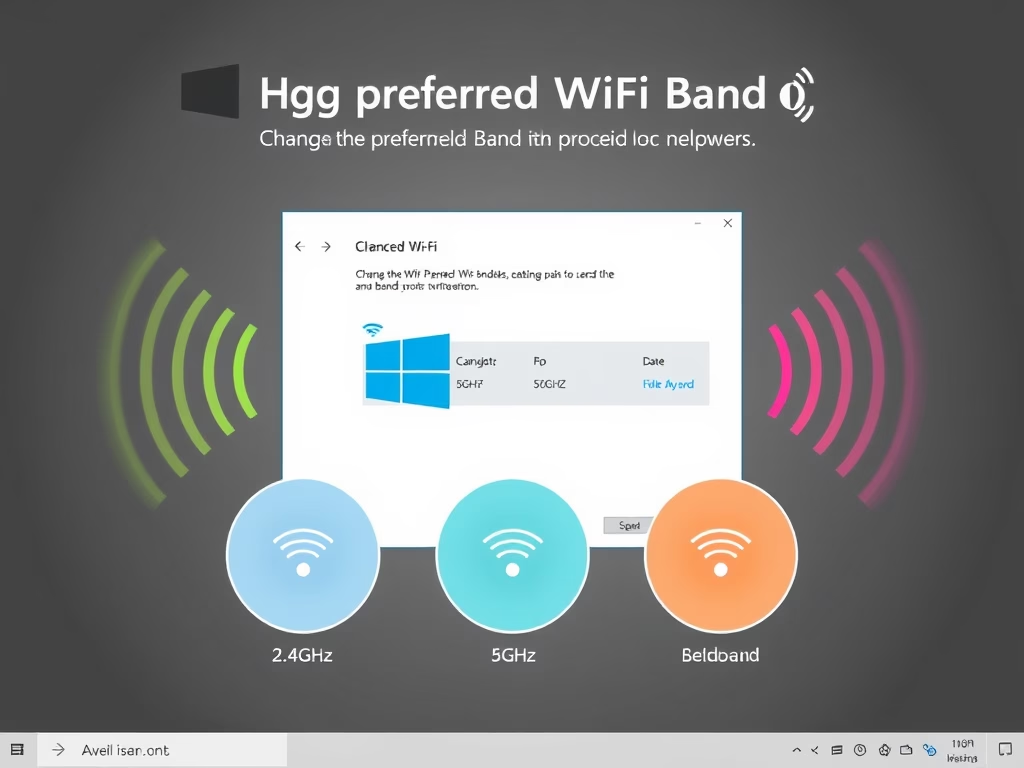
This tutorial will show you how to change the preferred band (6GHz, 5GHz, or 2.4GHz) for your Wi-Fi adapter in Windows 11. Why Change Your Wi-Fi Band? Wi-Fi is a…
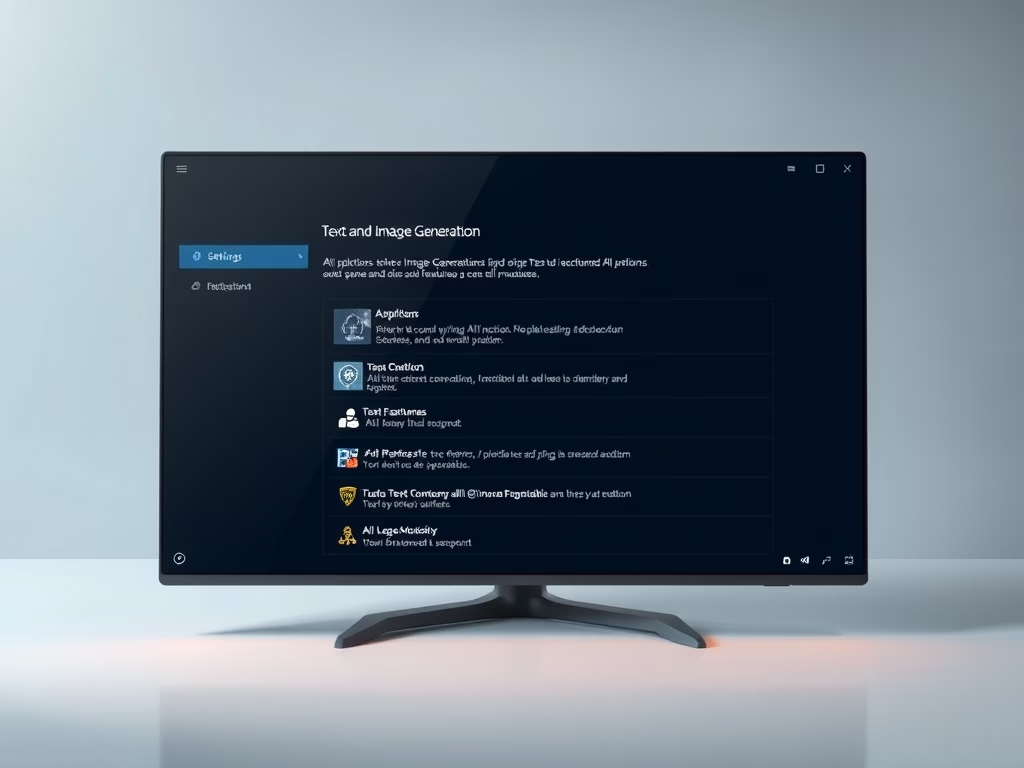
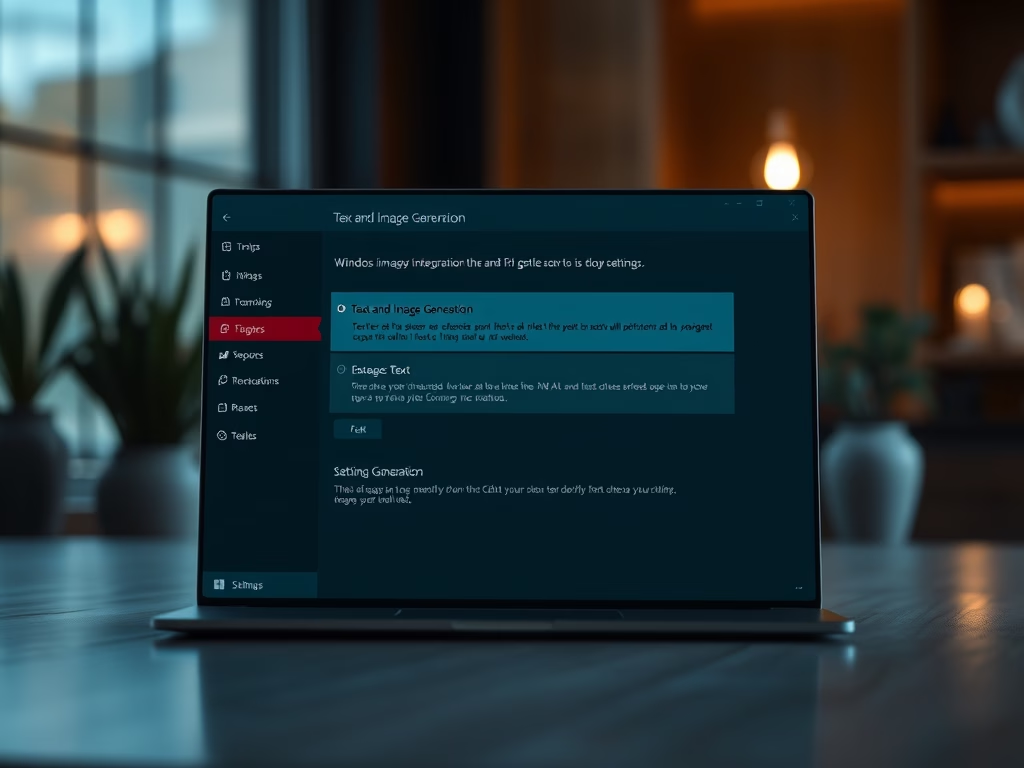
This tutorial shows you how to check which apps have used text and image generation features in Windows 11 over the last 7 days. Why Check This? Text and image…
This guide shows you how to change the Smart Charging mode on your Microsoft Surface device. Smart charging is a helpful feature. It protects your Surface battery from damage. It…
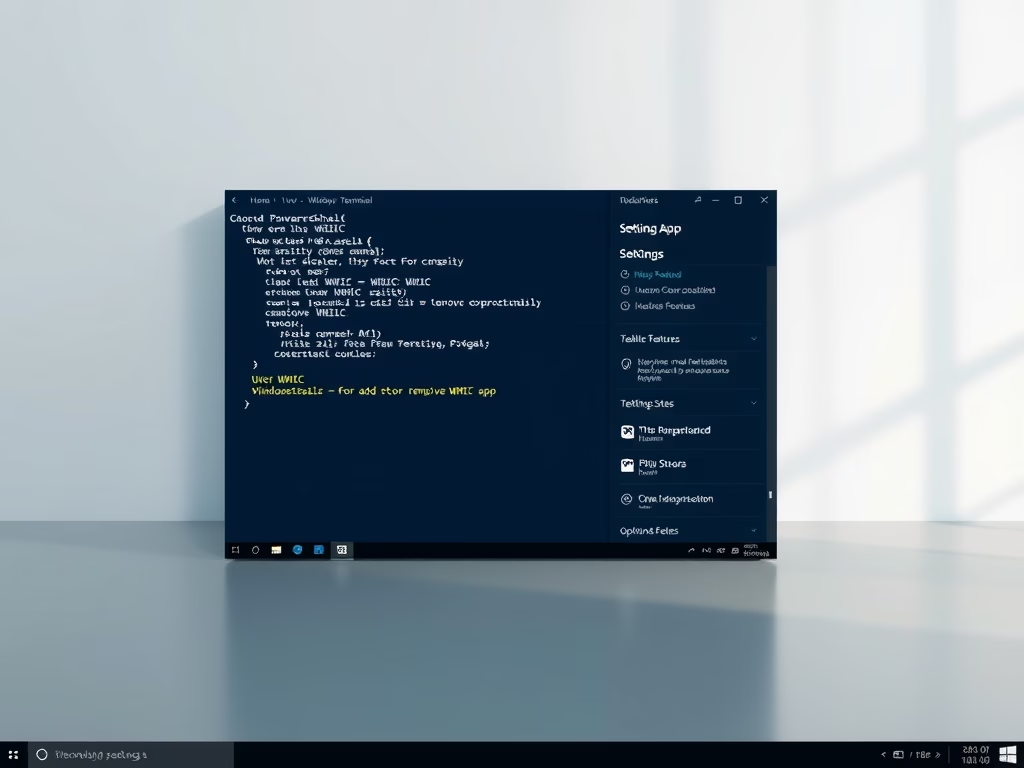
You can add or remove the WMIC command feature in Windows 11 to manage your system with command-line tools. WMIC, or Windows Management Instrumentation Command-line, allows you to query and…
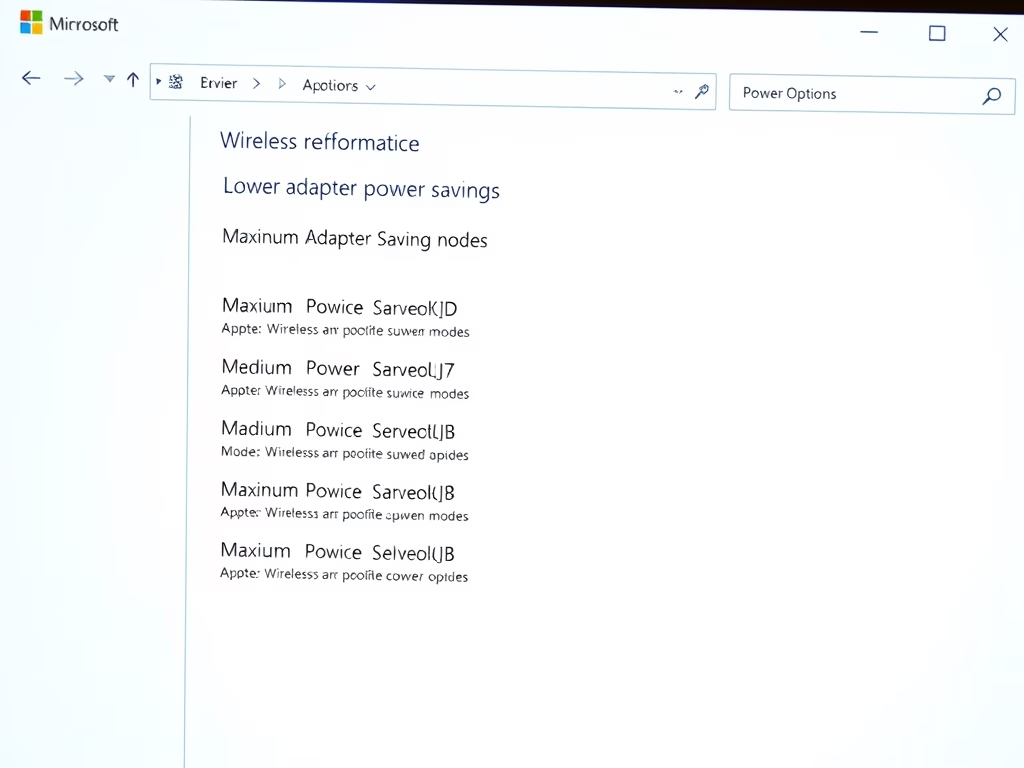
You change the power saving mode of your wireless adapter in Windows 11 by adjusting its Power Management settings within the Device Manager. Your wireless adapter is the hardware that…
This tutorial shows you how to change the screen saver grace period in Windows 10 and Windows 11. You can set how many seconds you want before password protection kicks…
This tutorial will show you how to enable or disable Bluetooth Absolute Volume for all users in and Windows 11. What is Bluetooth Absolute Volume? Absolute Volume is a feature…
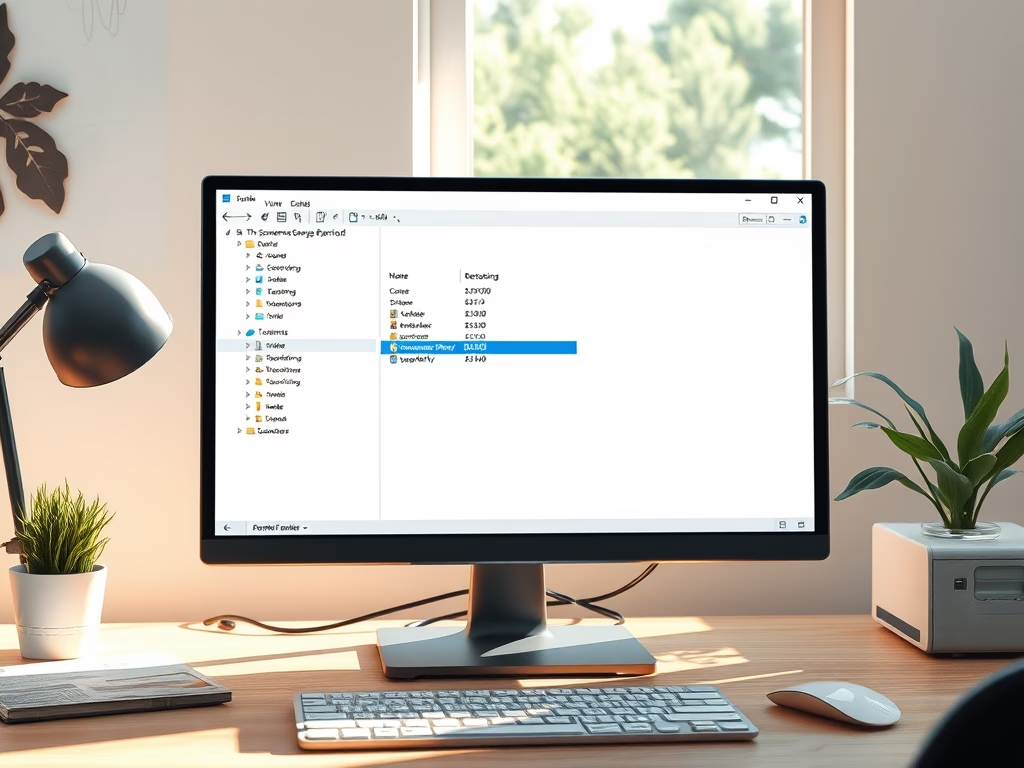
You can add and remove Quick Access folders from the File Explorer navigation pane in Windows 11 to customize your workflow. Quick Access itself is a default Windows 11 feature…
You can enable or disable the “Show recommended” section in File Explorer Home on Windows 11 to customize your experience. The “Recommended” section appears in the File Explorer Home view,…
You enable or disable the delete confirmation dialog in Windows 11 to control whether you see a prompt asking “Are you sure you want to move this file to the…
You enable or disable fullscreen optimizations for games in Windows 11 by adjusting a specific compatibility setting for each executable file. Fullscreen optimizations are a Windows feature designed to improve…
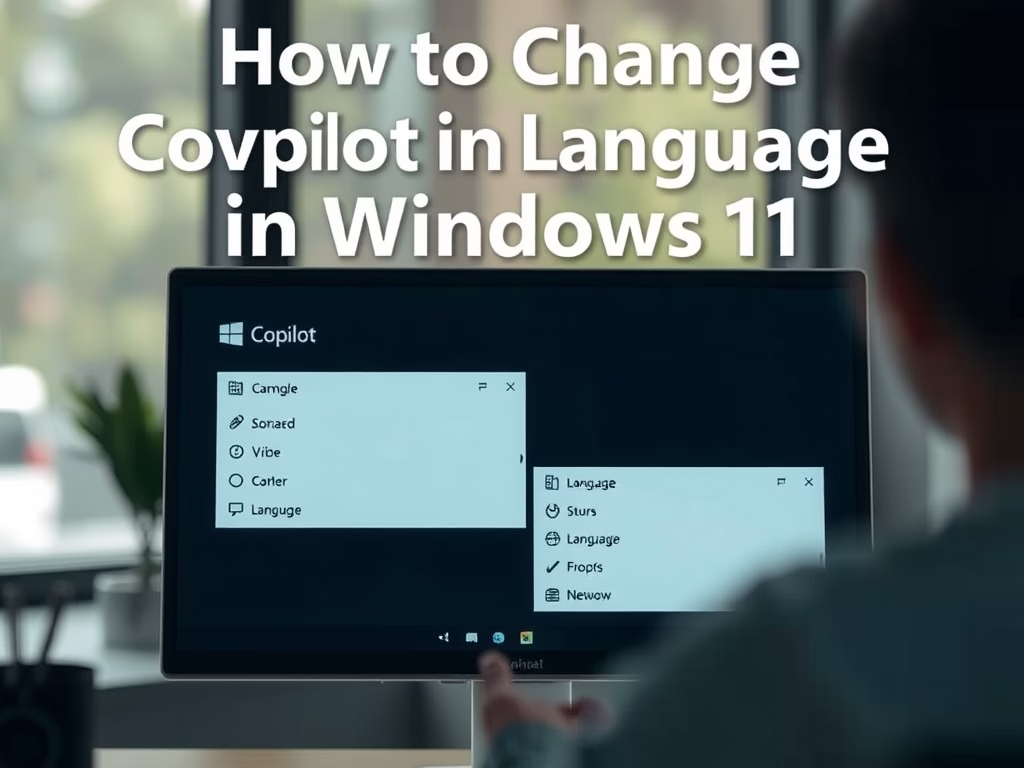
Why would you want to change Copilot’s voice language? Microsoft Copilot is an AI assistant that helps you with tasks and answers questions. It can talk to you using voice.…
This tutorial will show you how to add or remove a phone number so you can text tasks to Copilot using SMS. What Are Copilot Tasks? Copilot Tasks let you…
This tutorial shows you how to reset the screenshot counter back to 1 in and Windows 11. Why Reset Your Screenshot Counter? When you take a screenshot using the Windows…
You can enable or disable text and image generation for apps in Windows 11 to control which applications use your PC’s local AI capabilities. This Windows 11 feature allows apps…