Skip to content
🪟

Windows

2,996 tutorials · page 207 of 250

Windows 4 min read
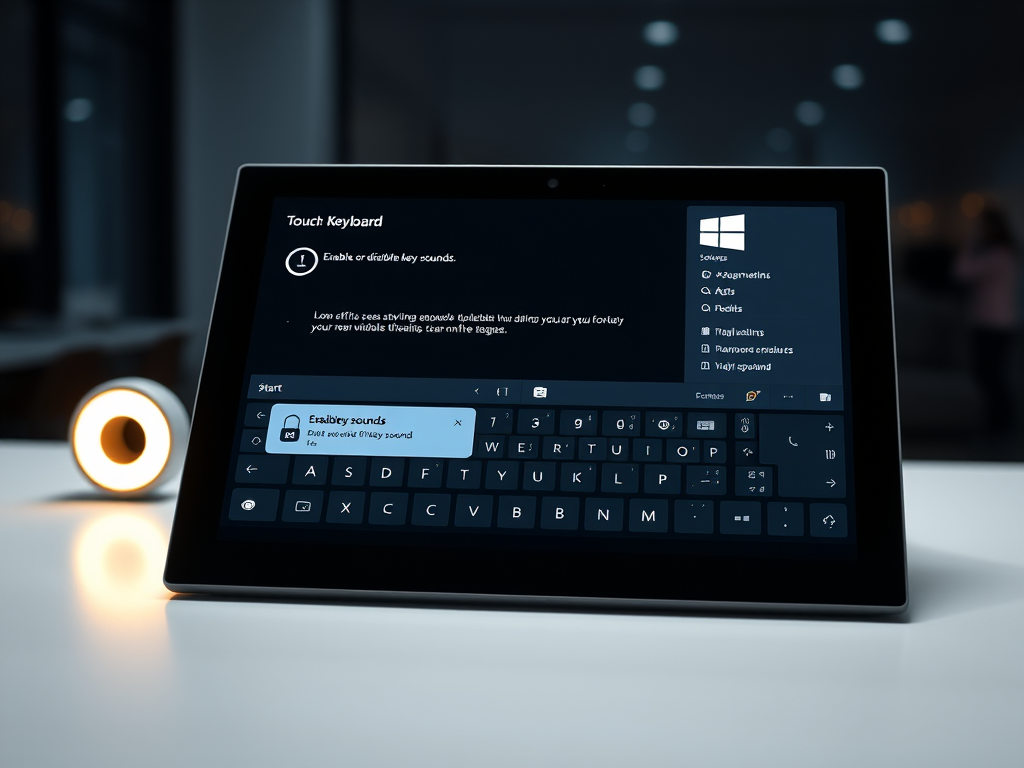
How to Enable or Disable Windows 11 Touch Keyboard Sounds

The article provides a guide to enable or disable the Touch keyboard's key sounds feature in Windows 11. Users can alter this feature via the Windows Settings app or the Windows Registry Editor. When enabled, the virtual keyboard produces a clicking sound as keys are pressed, akin to a physical keyboard.

Updated Oct 2026 Read more →

Windows 3 min read
How to Customize Edge Split Screen for Better Multitasking

Microsoft Edge, the default browser in Windows 11, is introducing a Split Screen feature, currently added to the development version. This feature, which allows viewing separate pages in a single split screen window, includes a customizable keyboard shortcut. To alter this, go to Accessibility settings, choose “Shortcut for split window” and input your preferred keys, which should include CTRL or ALT, then restart Edge to apply changes.

Updated Oct 2026 Read more →
Windows 4 min read
How to Open Resource Monitor in Windows 11

The article outlines various methods to open the Resource Manager app in Windows 11, which offers real-time information on a device's CPU, memory, disk, and network resources. These ways include using the Start menu, the Run app box, the Task Manager, the Command Prompt or Windows PowerShell, and the Windows Tools folder.

Updated Oct 2026 Read more →
Windows 5 min read
Guide to Managing Columns in Windows 11 Task Manager

This article details how to add or remove columns in the redesigned Task Manager app in Windows 11. The updated design, aligned with Windows 11 principles, features a dark theme, a navigation bar, settings page, and a command bar. Users can manage columns on various pages by right-clicking column titles and checking or unchecking items. For the 'Details' page, users must use the 'Select column' or 'Hide column' options.

Updated Oct 2026 Read more →
Advertisement
Windows 7 min read
How to Change File Explorer Layout in Windows 11

This article guides users on changing the File Explorer folder layout view in Windows 11. File Explorer provides different view options for browsing files. Users can alter these layouts using the mouse scroll wheel, keyboard shortcuts, or the Command bar. Individual folders remember the last set layout view even after closure.

Updated Oct 2026 Read more →
Ubuntu Linux 4 min read
How to Update WSL Kernel on Windows 11

The article provides a guide on updating the Windows Subsystem for Linux (WSL) kernel on Windows 11. It explains how to check your current kernel version with the "wsl --status" command and how to update it with the "wsl --update" command in an administrator terminal. It also covers restarting WSL with "wsl --shutdown" and troubleshooting tips should update issues arise.

Updated Nov 2026 Read more →
Windows 6 min read
How to Fix Windows 11 Startup Issues with Repair Tool

The article provides a guide on using the Startup Repair tool in Windows 11 to diagnose and resolve startup issues. The tool attempts to fix problems that prevent a computer from starting automatically. Users can interpret and analyze startup log files for further analysis and take appropriate steps to rectify issues.

Updated Oct 2026 Read more →
Windows 3 min read
How to Show or Hide the Details Pane in Windows 11 File Explorer

This summary explains how to toggle the File Explorer Details pane in Windows 11. The latest Windows 11 builds include a modernized details pane designed for quick access to data and collaboration. It can be enabled by choosing 'Details pane' in the View menu. The pane can also be manipulated via the Windows Registry Editor. The post includes a guide to activate or hide the Details pane.

Updated Oct 2026 Read more →
Advertisement
Windows 6 min read
Windows 11: Shell Folder Command Shortcuts

The article provides a comprehensive list of command shortcuts for opening specific Shell folders in Windows 11. Shell commands provide users shortcuts to access particular Windows file types directly through applications. They can be used within Run application box, File Explorer, Command Prompt, Windows PowerShell or to create desktop shortcuts.

Updated Oct 2026 Read more →
Windows 8 min read
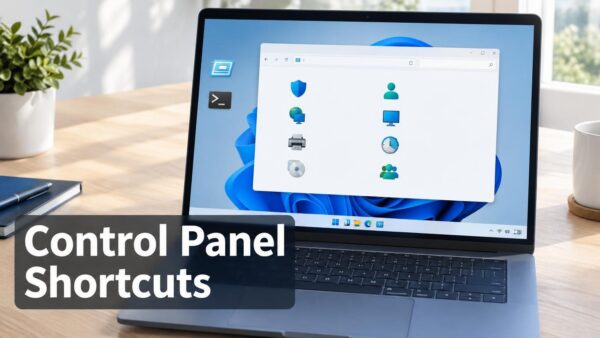
Windows 11 Control Panel Shortcuts Guide

This article details how users can make use of command shortcuts for accessing various Control Panel items in Windows 11, a feature that allows alteration of hardware and software settings. It includes instructions to open different items via commands, and a comprehensive list of specific commands for individual objects, making navigation and settings adjustment quicker and more efficient.

Updated Nov 2026 Read more →
Windows 6 min read
How to Reinstall Microsoft Store Apps in Windows 11

The article provides detailed instructions on how to reinstall built-in Microsoft Store apps in Windows 11 using specific commands. These built-in apps, pre-installed with the operating system, can be reinstalled either by opening the Microsoft Store app page and clicking 'Install' or through specific commands entered into Windows PowerShell.

Updated Nov 2026 Read more →
Windows 3 min read
How to Enable or Disable Hover Search in Windows 11

The article provides a guide to enable or disable a new search behavior in Windows 11 build 23440, which opens the search flyout when the search box is hovered over. Currently being tested as part of Microsoft's A/B testing, the feature is accessible via Windows Settings or the Windows Registry Editor.

Updated Oct 2026 Read more →
Advertisement