Tag: Windows 11
-

Date:
Easy Guide to Change HungAppTimeout in Windows 11
HungAppTimeout is a Windows setting that dictates the wait time before the system prompts to force-close unresponsive apps during shutdown or restart.…
-

Date:
How to Turn AutoPlay On or Off in Windows 11
AutoPlay in Windows 11 allows users to manage actions when connecting devices like USB drives or cameras. Users can easily enable or…
-

Date:
How to Turn On or Off Automatically Adjust Active Hours in Windows 11
Windows 11 offers a feature called Automatically Adjust Active Hours, helping to prevent interruptions during your usage by scheduling updates. Users can…
-

Date:
View Windows Update Bandwidth in Activity Monitor
Windows 11 utilizes Delivery Optimization to share and receive updates from other PCs, conserving internet data. Users can monitor their update data…
-

Date:
How to Adjust Text Cursor Thickness in Windows 11
Windows 11 allows users to adjust the text cursor thickness for better visibility when typing. This can be done easily through the…
-

Date:
How to Disable Caps Lock in Windows 11
The Caps Lock key can unintentionally make all letters uppercase, complicating tasks like entering passwords. To disable it in Windows 11, use…
-

Date:
How to Enable Auto Color Management for apps in Windows 11
This guide explains how to enable or disable the Auto color management feature in Windows 11, which enhances color accuracy in apps.…
-

Date:
How to Change PowerShell Execution Policies in Windows 11
PowerShell Execution Policies manage how scripts run on Windows 11 PCs, helping to prevent the execution of harmful scripts accidentally. Policies range…
-

Date:
How to Turn On or Off UAC for the Windows 11 Built-in Administrator
Windows 11 features a hidden administrator account that enables full control of the computer but comes with potential risks if User Account…
-

Date:
Hide Recently Opened Files in Windows 11 Start Menu
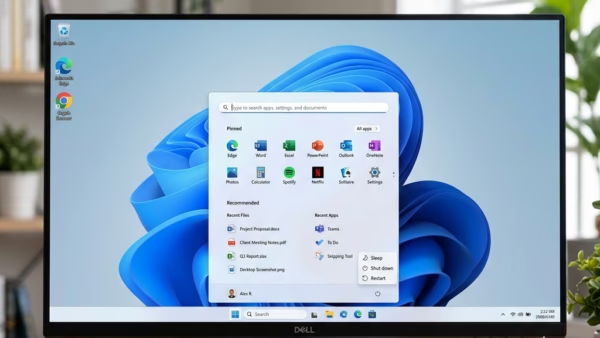
Windows 11 features a Start menu section called Recommended that displays recent files and apps. To maintain privacy, users can hide these…