



How to Create Your Own High Contrast Theme in Windows 11
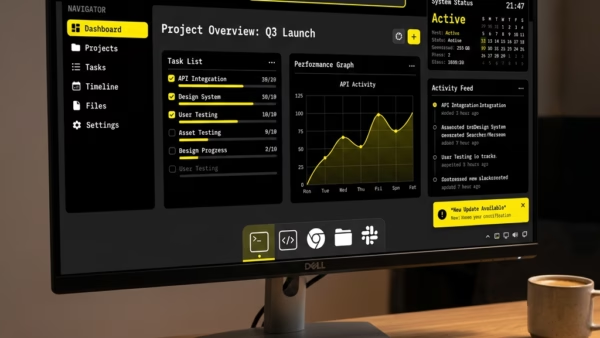
You create a custom high contrast theme in Windows 11 to make your screen easier to view by adjusting specific color combinations. High contrast…
Step-by-step guides for Windows, Linux, networking and everything tech — written by experts, verified for accuracy.
Most recently published
You create a custom high contrast theme in Windows 11 to make your screen easier to view by adjusting specific color combinations. High contrast…
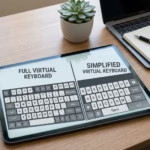
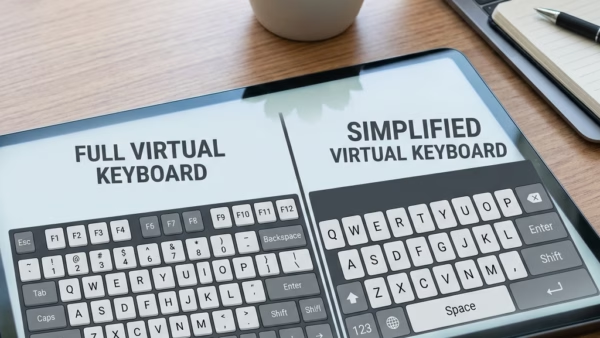
You can change the layout of the On-Screen Keyboard (OSK) in Windows 11 to suit your typing needs or device. The OSK is a…

You open the On-Screen Keyboard in Windows 11 by using a keyboard shortcut or by accessing it through the Ease of Access settings. The…

You can control where Windows 11 searches for files by customizing its indexing options. Windows Search Indexing creates a database of your files, making…
This guide walks you through turning on or off a Windows 11 feature called Ready Print. This feature changes how your computer installs printers.…
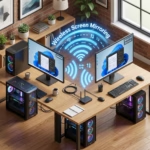
You can share your Windows 11 screen wirelessly to another PC using the built-in Connect app. This feature allows you to cast your desktop…
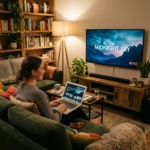
You can cast your Windows 11 screen to an external display wirelessly using Miracast technology. Miracast is a standard that allows devices to connect…
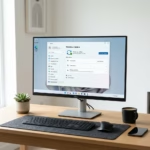
You can remove the Copilot app from Windows 11 to reclaim screen space and reduce AI interference. Copilot is Microsoft's AI assistant that integrates…