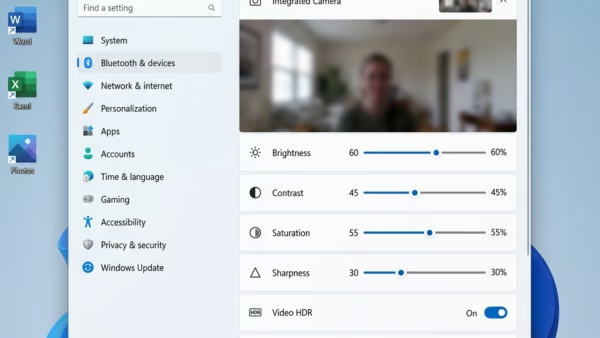
Want to tweak your camera settings in Windows 11? You can do it all through the main Settings app. Windows 11 puts all your camera controls in one place. You…
You can control which apps access your personal data and device features in Windows 11 through the built-in Privacy & security settings. Windows 11 lets you control app permissions in…
You can decide if websites in Microsoft Edge get to see your location. This helps you control your privacy. It also controls what information websites can collect about where you…
Windows 11 lets you allow websites to access your preferred language settings directly, making your browsing experience more seamless. This feature leverages the language preferences you’ve set on your PC…
You find and manage your Advertising ID in Windows 11 by navigating to the Privacy & security settings. Think of your Advertising ID as a unique number apps use to…
You can make Windows 11’s Start menu and search work better by configuring its privacy settings, specifically by controlling what information Windows 11 learns about your app usage. This means…
You create a custom high contrast theme in Windows 11 to make your screen easier to view by adjusting specific color combinations. High contrast themes use a limited palette (a…
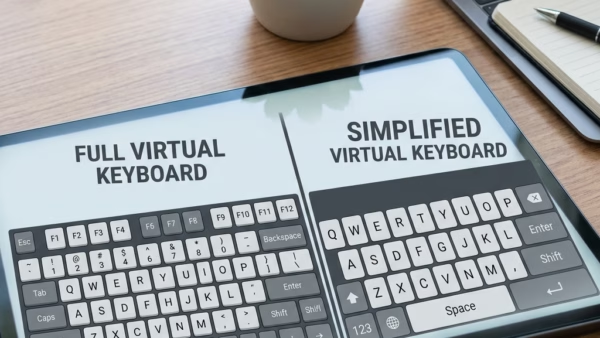
You can change the layout of the On-Screen Keyboard (OSK) in Windows 11 to suit your typing needs or device. The OSK is a virtual keyboard that appears on your…
You open the On-Screen Keyboard in Windows 11 by using a keyboard shortcut or by accessing it through the Ease of Access settings. The On-Screen Keyboard is a virtual keyboard…
You can control where Windows 11 searches for files by customizing its indexing options. Windows Search Indexing creates a database of your files. This makes search results appear almost instantly.…
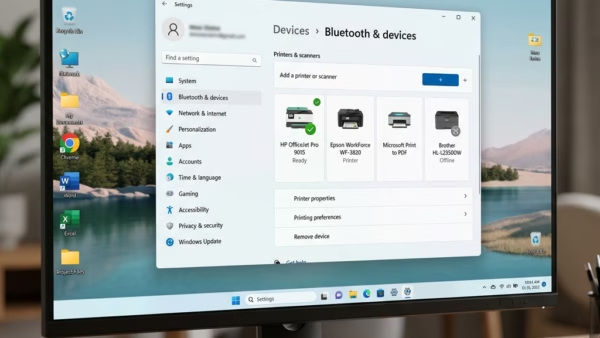
This guide walks you through turning on or off a Windows 11 feature called Ready Print. This feature changes how your computer installs printers. Why do we need this? Microsoft…
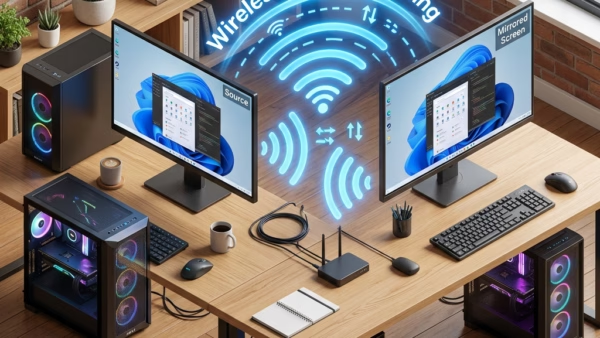
You can share your Windows 11 screen wirelessly to another PC using the built-in Connect app. This feature lets you cast your desktop display. It’s a great way to present…
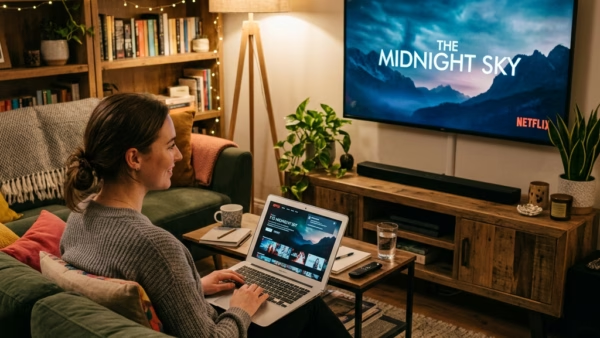
You can cast your Windows 11 screen to an external display wirelessly using Miracast technology. Miracast lets devices connect directly over Wi-Fi for screen mirroring, no cables needed. You can…
You can remove the Copilot app from Windows 11 to reclaim screen space and reduce AI interference. Copilot is Microsoft’s AI assistant, which is built right into Windows 11 to…
Want to tidy up your Windows 11 desktop or make your favorite shortcuts more accessible? You can add or remove default icons by adjusting your desktop icon settings, allowing you…