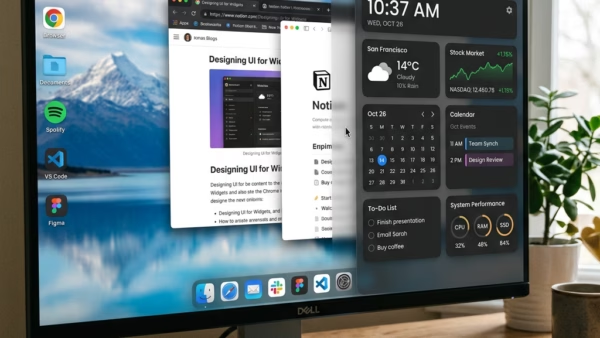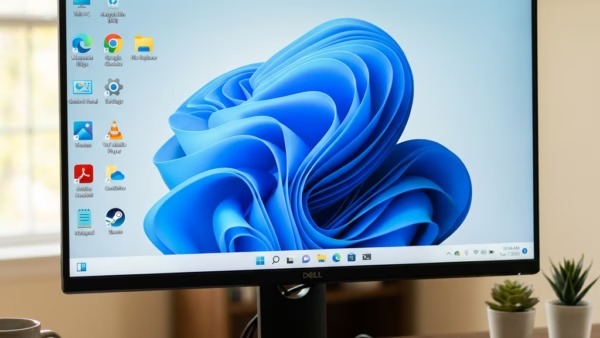
Want to tidy up your Windows 11 desktop or make your favorite shortcuts more accessible? You can add or remove default icons by adjusting your desktop icon settings, allowing you…
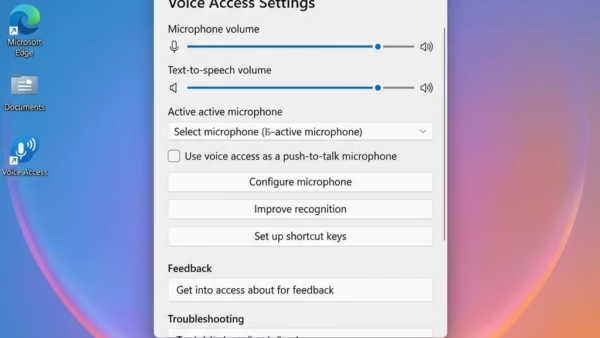
You change Voice Access filtering options in Windows 11 by adjusting settings for background noise and voice isolation to improve speech recognition. Voice Access lets you control your PC and…
Voice Isolation on Windows 11 makes Voice Access much better at hearing your commands. It does this by filtering out background noise and other voices. Voice Access lets you control…
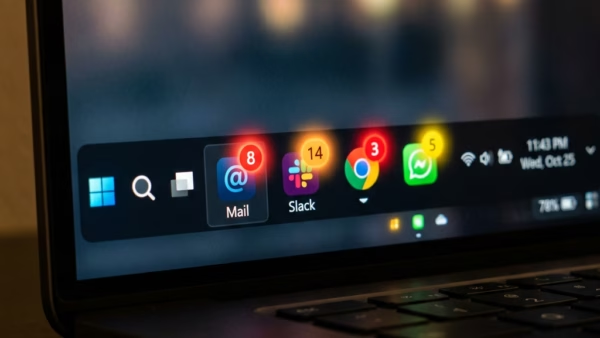
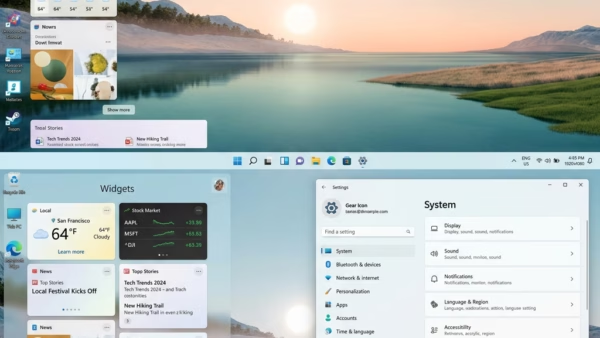
You can configure Windows 11 taskbar widget notifications by adjusting specific settings within the Widgets panel and Windows Notification settings. Widgets in Windows 11 provide glanceable information, but you might…
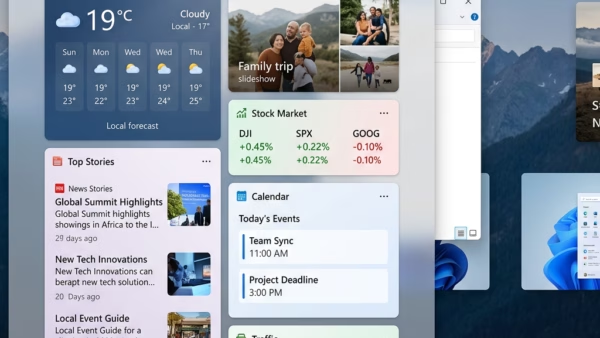
You can enable or disable the Open Widgets Board on hover feature in Windows 11 to control how the Widgets panel appears. This setting controls whether the Widgets board pops…
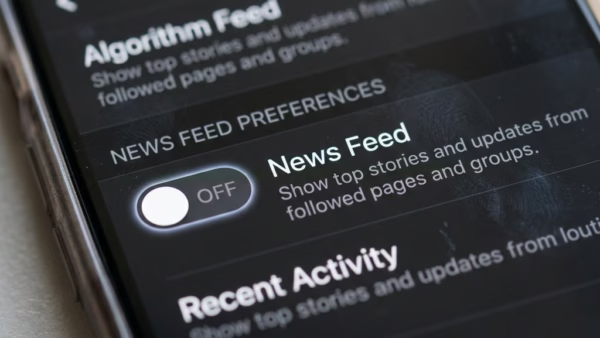
You can show or hide your news feed in Windows 11 Widgets. Windows 11 Widgets give you quick access to personalized information, but sometimes that news feed can feel distracting…
You adjust your Windows 11 Widgets language and region settings by changing your system’s regional format and language preferences. These settings control what information and language appear on your Windows…
Signing in and out of Windows 11 Widgets helps you manage your personalized info feed (a stream of updates tailored to you) and connect to your Microsoft account. Widgets on…
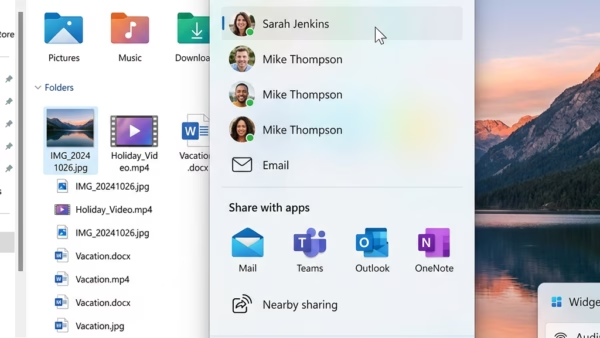
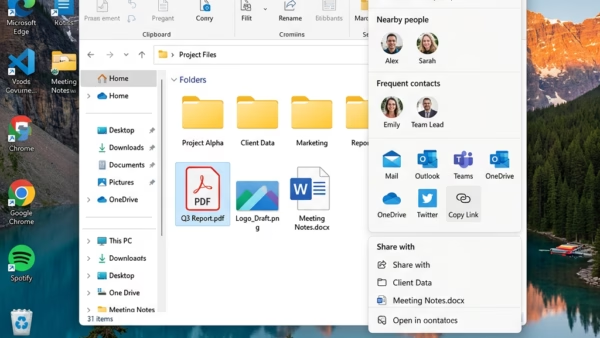
You can share files with an app in Windows 11 using the built-in Share feature. This Windows 11 feature lets you send documents, photos, links, and more directly to compatible…
You can send files directly through email in Windows 11 by attaching them to a new email message. Attaching files to an email is a common way to share documents,…
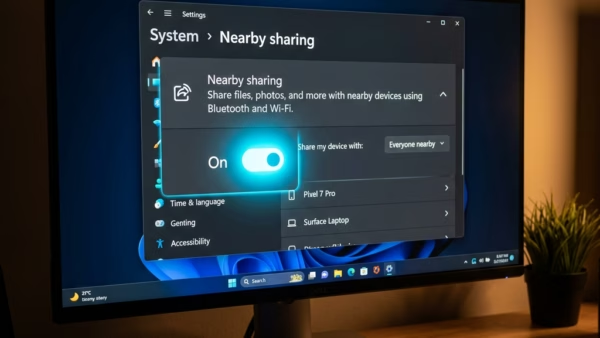
Want to share files with devices close by in Windows 11? You can use the built-in Nearby sharing feature. Nearby sharing is a Windows capability that lets you wirelessly send…
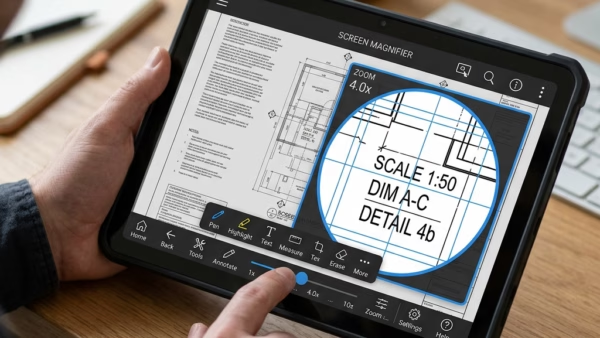
You enable or disable Magnifier bars on touchscreens in Windows 11 through the Magnifier settings. Magnifier is a Windows tool that enlarges parts of your screen, which is really helpful…
You can share files from Windows 11 using OneDrive by generating a shareable link directly from File Explorer. OneDrive is Microsoft’s cloud storage service that allows you to store, sync,…
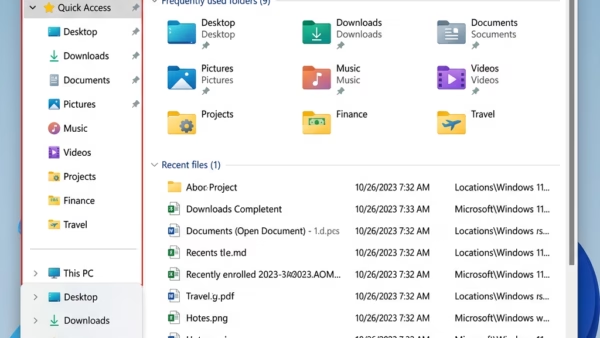
You can restore known Quick Access folders in Windows 11 by resetting the File Explorer’s folder view settings. Quick Access in Windows 11 acts like a personalized hub for shortcuts,…
You can add your Gmail address as a sign-in alias – essentially another email or phone number linked to your account – to your Microsoft account, letting you use your…