How to Enable or Disable Enhanced Security and Performance for batch and CMD files in Windows 11

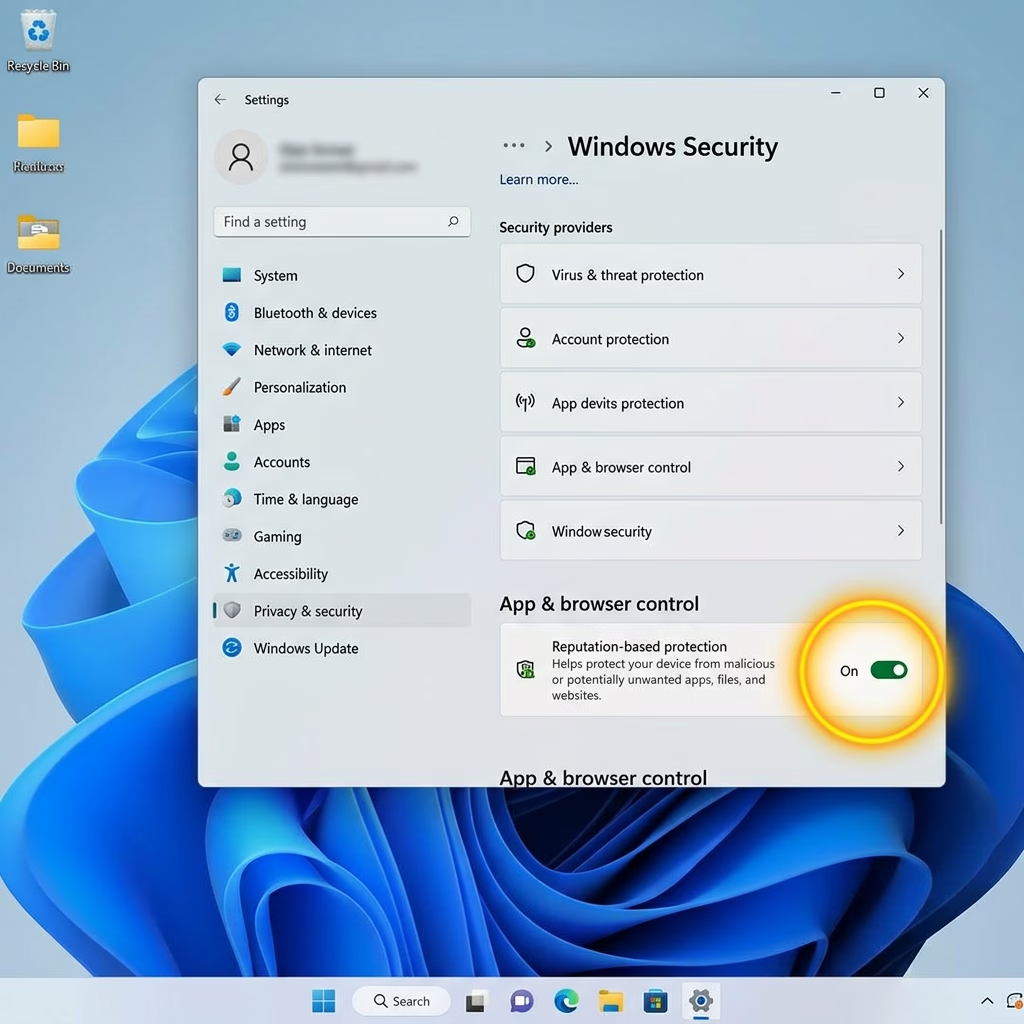
This tutorial shows you how to turn on or off enhanced security and performance for batch and CMD files in Windows 11.
To enable enhanced security and performance for batch files, add the LockBatchFilesWhenInUse DWORD value to 🗝️HKEY_LOCAL_MACHINE\Software\Microsoft\Command Processor and set it to 1. Set the value to 0 to disable this feature.
Why Would You Want to Do This?
You might want to lock batch files when they’re in use to add an extra layer of security to your Windows 11 computer, preventing any accidental or malicious changes to scripts while they’re actively running.
This feature makes batch files more secure. It stops batch files from changing while they’re running. This protects your computer from harmful code that tries to modify scripts during execution.
When you enable this mode, Windows only needs to check the file signature one time. Without this feature, Windows checks the signature for every single command in the batch file. This makes batch file processing faster and safer.
Policy authors can enable this mode by using the LockBatchFilesWhenInUse application manifest control, as documented in the Application Control for Business manifest schema.
What You Need
You must be signed in as an administrator to turn on or off this setting.
How to Enable or Disable This Feature
- [ADMIN PRIVILEGES REQUIRED] Add the following value to the Windows registry:
- Registry Key:
HKEY_LOCAL_MACHINE\Software\Microsoft\Command Processor - Value name:
LockBatchFilesWhenInUse - Type:
DWORD - Data: Set to
0(disabled) or1(enabled)
- Registry Key:
Turning the LockBatchFilesWhenInUse feature on or off in Windows 11 is straightforward and can be done using either the Windows registry editor or by running simple commands in the Command Prompt.
Enable:
reg add "HKEY_LOCAL_MACHINE\SOFTWARE\Microsoft\Command Processor" /v LockBatchFilesWhenInUse /t REG_DWORD /d 1 /f
Disable:
reg add "HKEY_LOCAL_MACHINE\SOFTWARE\Microsoft\Command Processor" /v LockBatchFilesWhenInUse /t REG_DWORD /d 0 /f
Summary
Windows 11 lets you add better security and speed to batch and CMD files by stopping them from changing while they run, which also makes them load faster.
Are .bat files still relevant today?
Yes, .bat files are still very useful for Windows users today, especially for automating everyday computer tasks and managing system settings.
What is %~ 1?
In a batch file, %~1 is a special syntax used to expand a command-line argument by removing any surrounding quotation marks. If the first argument passed to the script is enclosed in quotes, the tilde character strips them, ensuring the resulting path or string is processed correctly by subsequent commands.
How to enable command extensions in batch files?
Command extensions are usually on by default in Windows, but you can make sure they’re active by adding ‘setlocal enableextensions’ to your script or by starting a new command prompt with ‘cmd /e:on’.
What is the latest build of 25H2?
Windows 11 version 25H2 is currently in development and testing phases. As of the latest updates, the specific build numbers associated with this release include 26220.7934 for the Beta channel and 26300.7939 for the Dev channel. These builds introduce new security features, such as the LockBatchFilesWhenInUse setting for enhanced script protection.
Was this guide helpful?

About the Author
Richard
Tech Writer, IT Professional
Richard, a writer for Geek Rewind, is a tech enthusiast who loves breaking down complex IT topics into simple, easy-to-understand ideas. With years of hands-on experience in system administration and enterprise IT operations, he’s developed a knack for offering practical tips and solutions. Richard aims to make technology more accessible and actionable. He's deeply committed to the Geek Rewind community, always ready to answer questions and engage in discussions.



No comments yet — be the first to share your thoughts!