






How to import your favorites and passwords in Microsoft Edge from other browsers
You can import your favorites and passwords into Microsoft Edge from other browsers like Chrome, Firefox, or Internet Explorer to easily transfer your saved…
Step-by-step guides for Windows, Linux, networking and everything tech — written by experts, verified for accuracy.
Most recently published
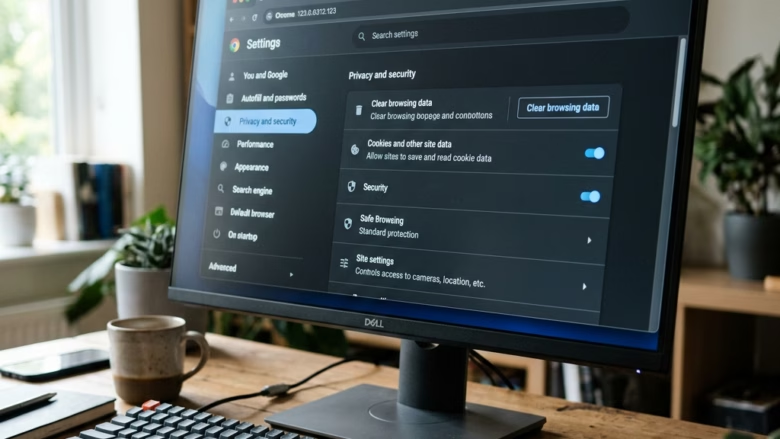
You can import your favorites and passwords into Microsoft Edge from other browsers like Chrome, Firefox, or Internet Explorer to easily transfer your saved…

You enable or disable the Favorites bar in Microsoft Edge by adjusting a setting within the browser's Appearance menu. The Favorites bar, also known…

You perform a hard page refresh in Microsoft Edge on Windows 11 to force the browser to download the latest version of a webpage…

You can turn on Internet Explorer Mode in Microsoft Edge to access older websites and applications that require it. Internet Explorer Mode is a…

You get the latest Microsoft Edge update in Windows 11 by checking for updates directly within the browser itself. Microsoft Edge is a web…

You create a new profile in Microsoft Edge to keep your browsing data separate for different users or purposes. Microsoft Edge profiles allow you…
You can hide or show recent files on your Windows 11 Start menu by adjusting a single setting. The Start menu's "Recommended" section, sometimes…
You can add or remove the Pinned section on your Windows 11 Start menu to customize your experience. The Start menu in Windows 11…