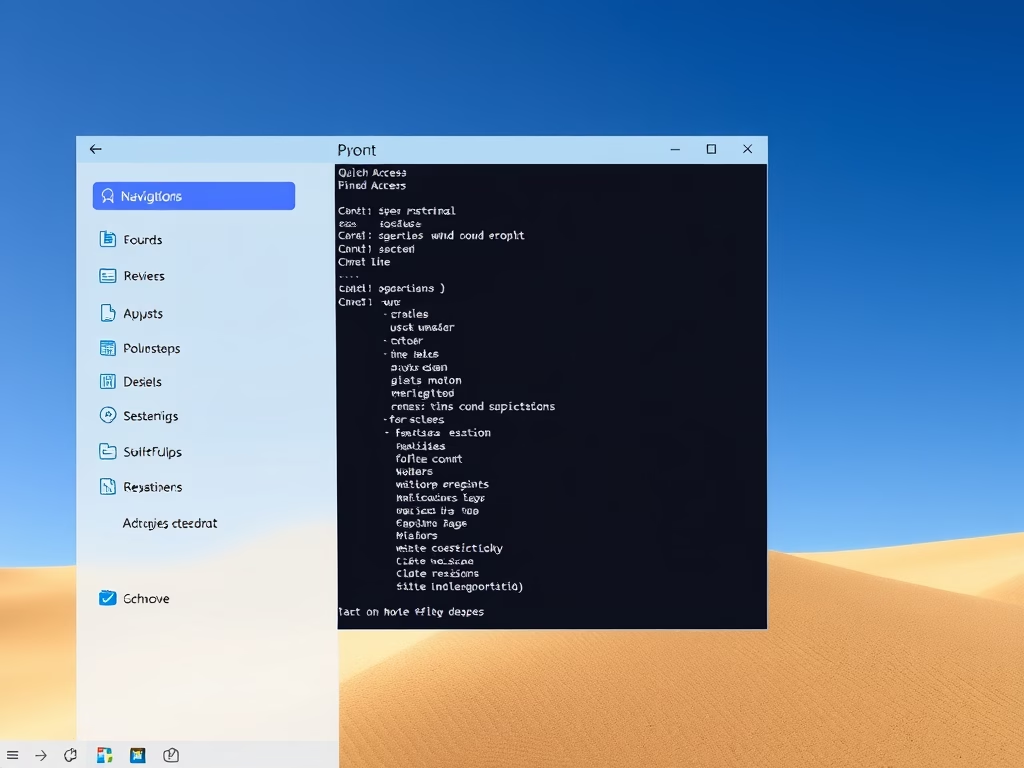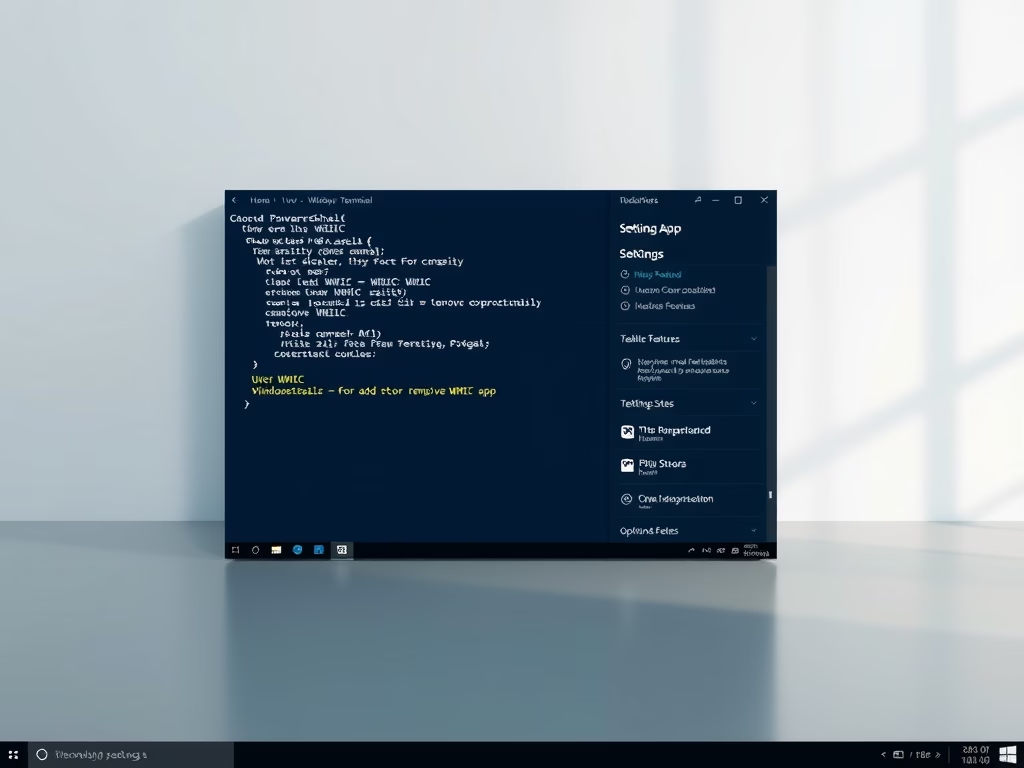
You can add or remove the WMIC command feature in Windows 11 to manage your system with command-line tools. WMIC, which stands for Windows Management Instrumentation Command-line, lets you query…
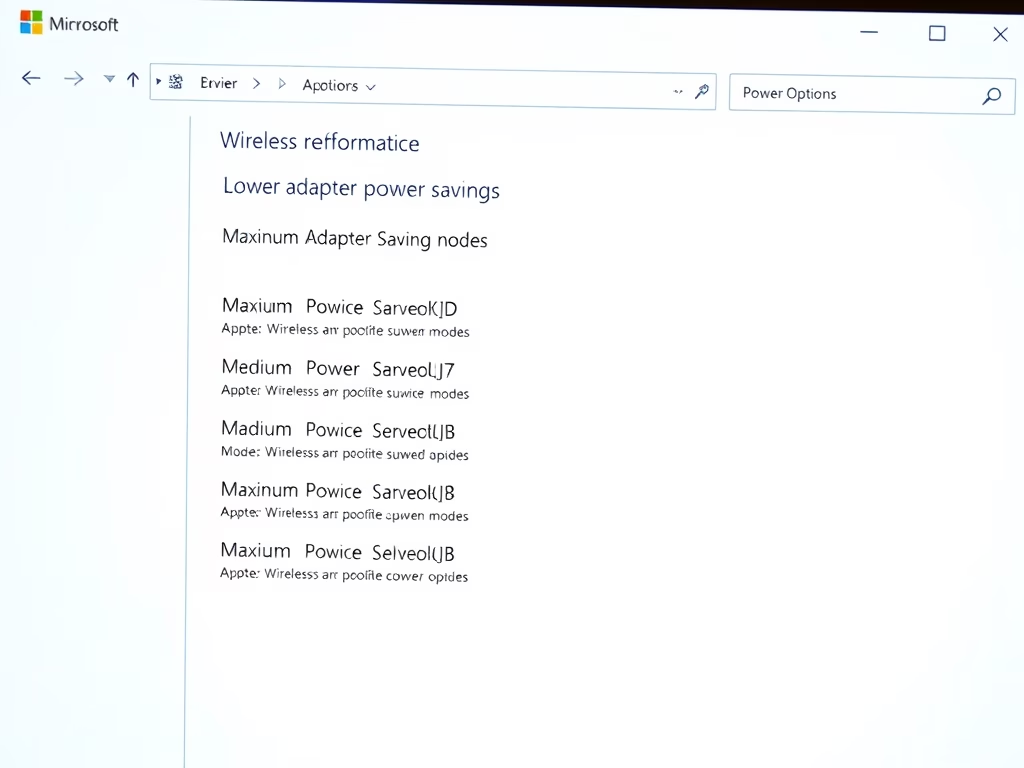
You change the power saving mode of your wireless adapter in Windows 11 by adjusting its Power Management settings within the Device Manager. Your wireless adapter is the hardware that…
This tutorial shows you how to change the screen saver grace period in Windows 10 and Windows 11. You can set how many seconds you want before password protection kicks…
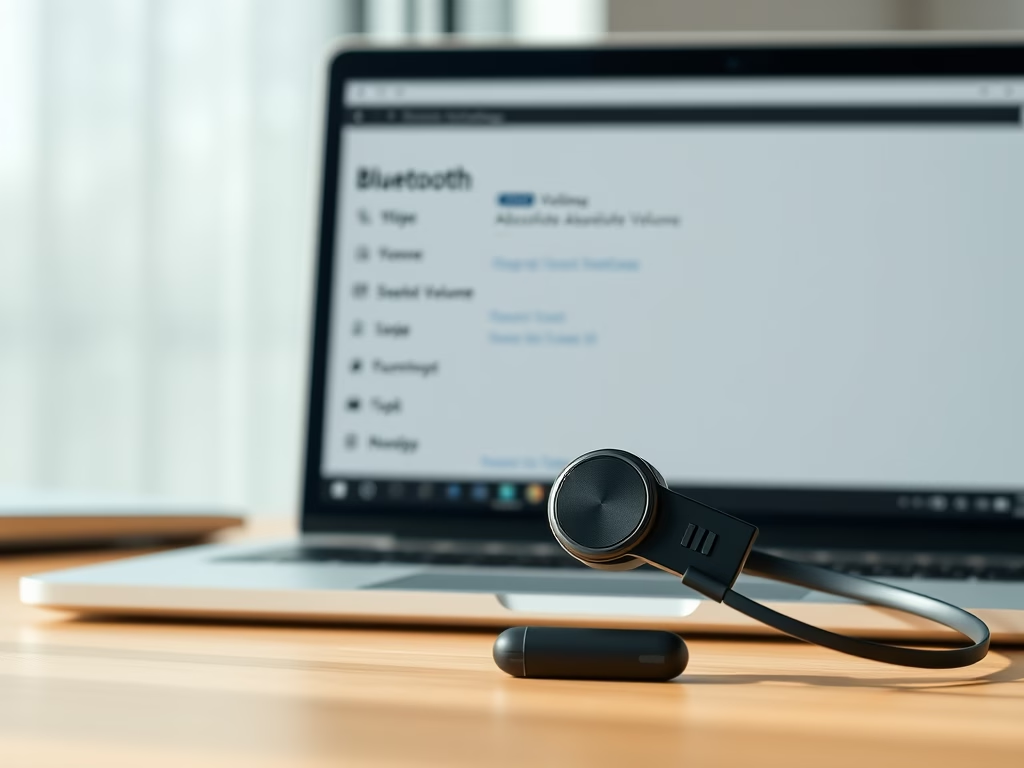
Want to fine-tune how your Bluetooth volume works in Windows 11? This guide will show you how to enable or disable the Absolute Volume setting for all users. What is…
You can add and remove Quick Access folders from the File Explorer navigation pane in Windows 11 to customize your workflow. Quick Access is a built-in Windows 11 feature that…
Want to make File Explorer on Windows 11 work better for you? You can choose whether or not to show the ‘Recommended’ section. The ‘Recommended’ section lives in File Explorer’s…
You can enable or disable the delete confirmation dialog in Windows 11 to control whether you see a prompt asking, “Are you sure you want to move this file to…
You enable or disable fullscreen optimizations for games in Windows 11 by adjusting a specific compatibility setting for each executable file. Fullscreen optimizations are a Windows feature that aims to…
Ever wondered why you’d want to change Copilot’s voice language? Microsoft Copilot is your AI assistant, ready to help with tasks and answer questions. It can even chat with you…
This tutorial shows you how to manage your phone number so you can text tasks to Copilot. We’ll cover adding and removing your number for SMS communication. What Are Copilot…
This tutorial shows you how to reset the screenshot counter back to 1 in and Windows 11. Why Reset Your Screenshot Counter? Resetting your screenshot counter in Windows 11 lets…
Want to control how apps use Windows 11’s AI features for generating text and images? Here’s how to enable or disable that capability, giving you more say over which applications…
This tutorial shows you how to change the display language for Copilot on the web and the Copilot app in Windows 11. What Is Microsoft Copilot? Microsoft Copilot is your…
This tutorial will show you how to change the name of a local account or Microsoft account in Windows 10 and Windows 11. Why Change Your Account Name? Changing your…
You block files downloaded from the internet in Windows 11 by configuring the Internet Properties security zones. This feature prevents potentially unsafe files from executing automatically, helping you avoid malware…