How to Check Active Power Plans in Windows 11
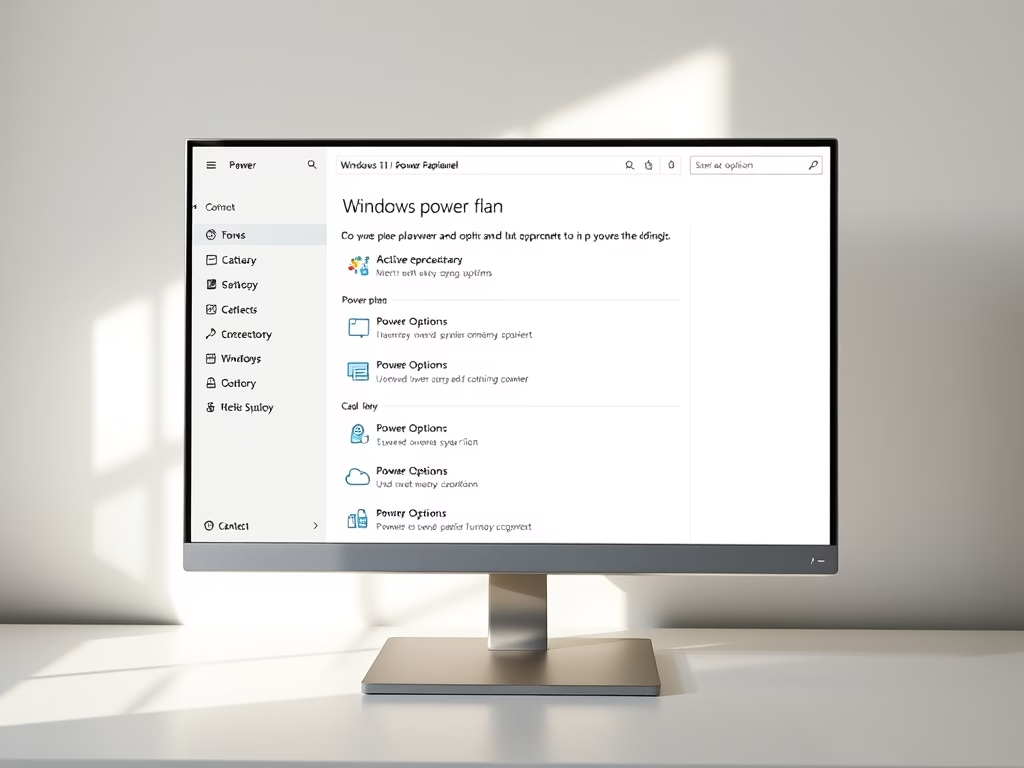
The post instructs students and new users on how to view their active power plan, also known as a power scheme, in Windows 11. Power plans, a collection of hardware and system settings, manage computer power use and conservation, improving battery life and reducing power consumption. The post also guides users through the steps of viewing their device's active power plan in the classic Control Panel of Windows 11.
June 8, 2022
Read more →