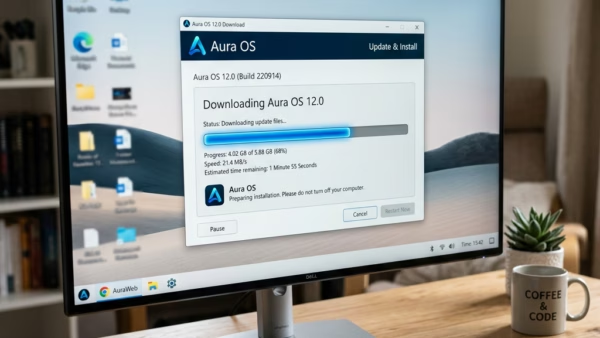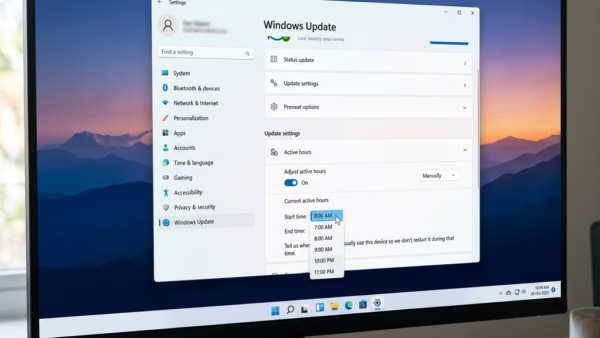
Windows 11 keeps your computer safe by downloading updates in the background. Sometimes, these updates need a restart to finish. If your computer restarts while you are working, it can…
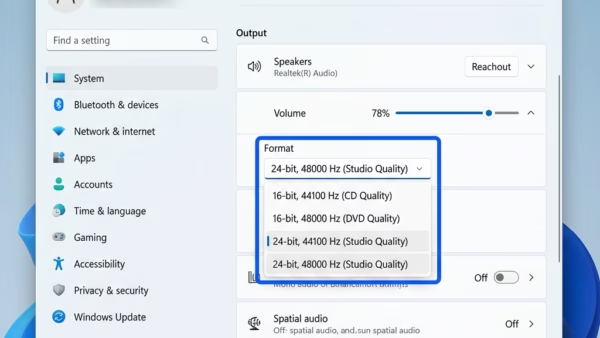
This guide explains how to change the audio quality settings for your speakers, headphones, or microphone in Windows 11. Adjusting these settings changes the sample rate and bit depth of…
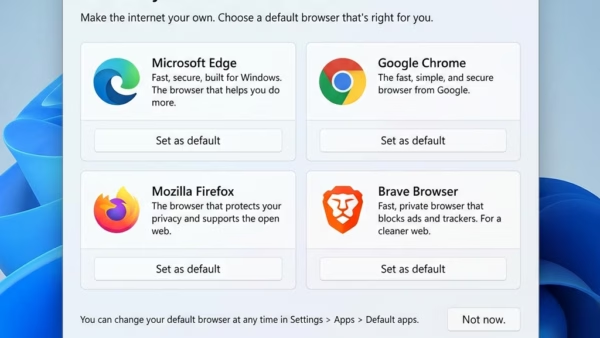
Microsoft Edge is generally considered the best browser for Windows 11 users due to its deep integration with the operating system and strong performance. Both Microsoft Edge and Google Chrome…
This guide shows you how to download an official Windows 11 or Windows Server ISO file directly from Microsoft. You can use these files to clean install or in-place upgrade…
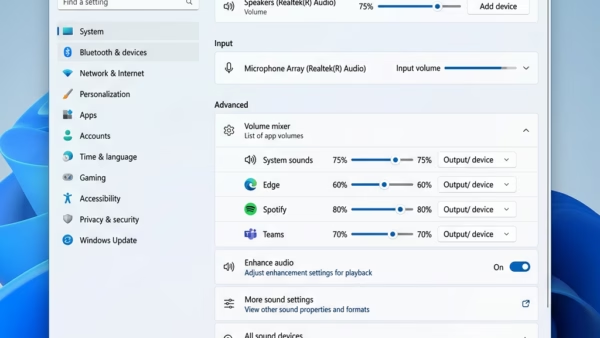
You can enable or disable Exclusive Mode for audio devices in Windows 11 to give applications direct control over your sound hardware. Exclusive Mode bypasses Windows’ default audio processing, allowing…
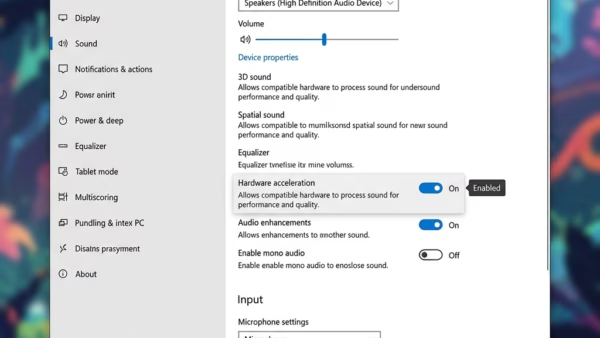
You enable audio hardware acceleration in Windows 11 to let your sound card handle audio processing, reducing CPU load. Hardware acceleration offloads audio tasks from your main processor to dedicated…
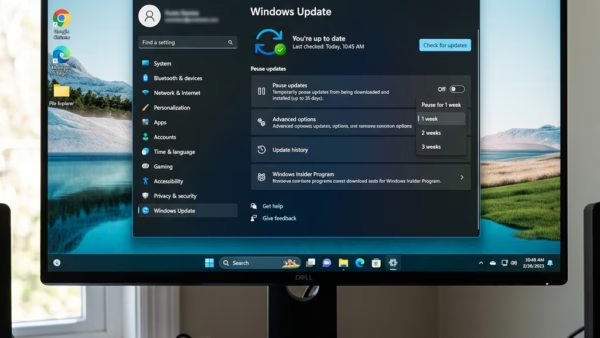
Windows 11 automatically downloads and installs updates to keep your computer secure. Sometimes, these updates can happen at inconvenient times. This guide explains how to pause these updates and start…
You delete your Bing search history in the cloud by visiting the Microsoft privacy dashboard and removing specific search queries or clearing all activity. Bing search history, stored within your…
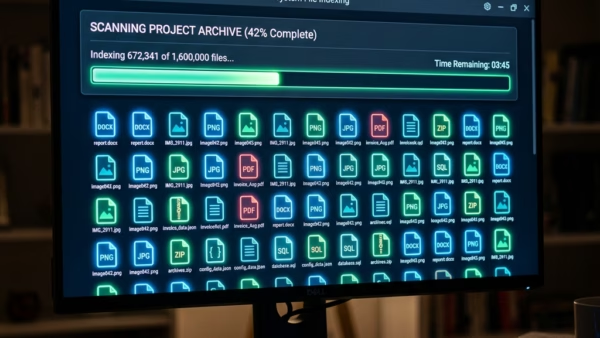
You check your search indexing status in Windows 11 to confirm if the background process that maps your files is complete and functioning correctly. Windows Search Indexing is like a…
You can enable or disable deleting diagnostic data in Windows 11 through the Settings app’s Privacy & security section. Diagnostic data is information your PC sends to Microsoft to help…
This guide shows you how to delete your search history in Windows 11. Windows saves your recent searches on your computer to help you find apps and files faster next…
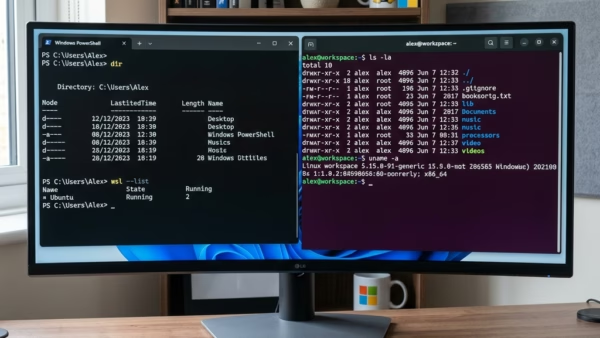
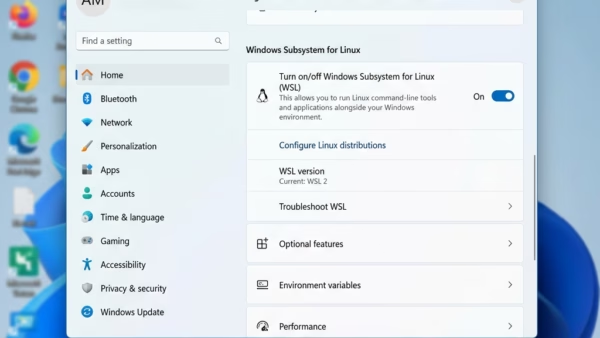
You can install the Windows Subsystem for Linux (WSL) on Windows 11 to run Linux environments directly on your PC without a separate virtual machine. WSL allows you to use…
You uninstall Windows Subsystem for Linux (WSL) from Windows 11 by using PowerShell commands to unregister and remove its distributions and features. WSL allows you to run Linux environments directly…
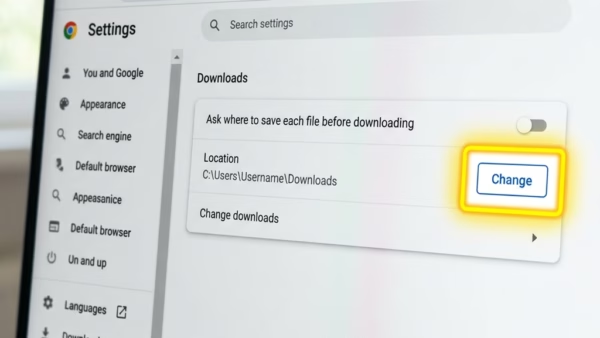
You can change the Microsoft Edge download location in Windows 11 to save files directly to a folder you prefer, instead of the default “Downloads” folder. This allows you to…
You translate videos in Microsoft Edge using its built-in AI-powered translation tool, which can provide real-time audio dubbing and subtitles. This feature helps you understand foreign language content right in your browser.…