Author: Richard
-

Date:
How to Change Your Password in Windows 11
This guide outlines how to change or reset your Windows 11 password. To change, access Settings and follow prompts under Sign-in options.…
-

Date:
Boost Windows 11 Performance: Delete Trash Automatically
To improve your computer’s performance, automatically delete trash and temporary files using Windows 11’s Storage Sense feature. By enabling Storage Sense, your…
-

Date:
How to Disable Unnecessary Startup Apps in Windows 11
Windows 11 automatically launches various apps at startup, which can slow down your computer. To improve startup speed, users can disable unnecessary…
-

Date:
How to Use Windows 11 Disk Cleanup and Storage Sense
Running low on disk space can negatively impact your computer’s performance and hinder updates. Utilize the Disk Cleanup tool to remove unnecessary…
-

Date:
Hide Recent Files on the Start Menu in Windows 11
This guide explains how to prevent Windows 11 from displaying recently opened files and folders on the Start menu, enhancing privacy for…
-

Date:
How to Factory Reset Windows 11
This guide explains how to factory reset a Windows 11 computer, ideal for improving performance, erasing personal data, or resolving significant issues.…
-

Date:
How to Disable Windows 11 Notifications
Windows 11 notifications inform users about activities but can be distracting. Users may want to disable them to enhance focus or protect…
-

Date:
How to Move Windows 11 Taskbar to the Left
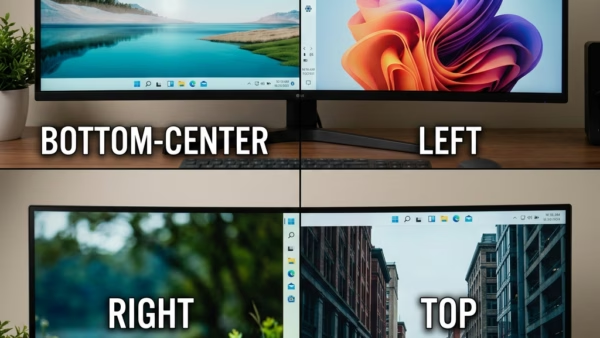
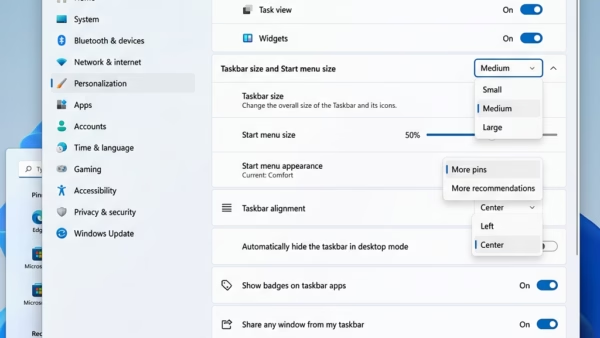
The Windows 11 Taskbar, typically centered, can be moved to the left for a more familiar user experience and better screen space…
-

Date:
How to Enable Remote Desktop in Windows 11
This guide explains how to enable Remote Desktop in Windows 11, a feature that allows you to access your computer from another…
-

Date:
Enable Two Finger Press and Hold Touch Gesture in Windows 11
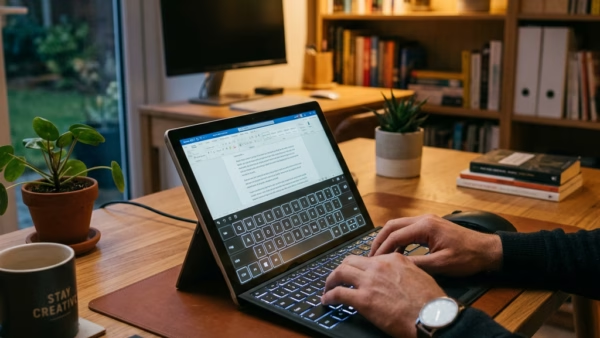
This article outlines the steps to enable or disable the two-finger press-and-hold touch gesture in Windows 11. It emphasizes the benefits of…
Olivia
Carter
is a writer covering health, tech, lifestyle, and economic trends. She loves crafting engaging stories that inform and inspire readers.