How to Enable/Disable Screenshots in Microsoft Edge
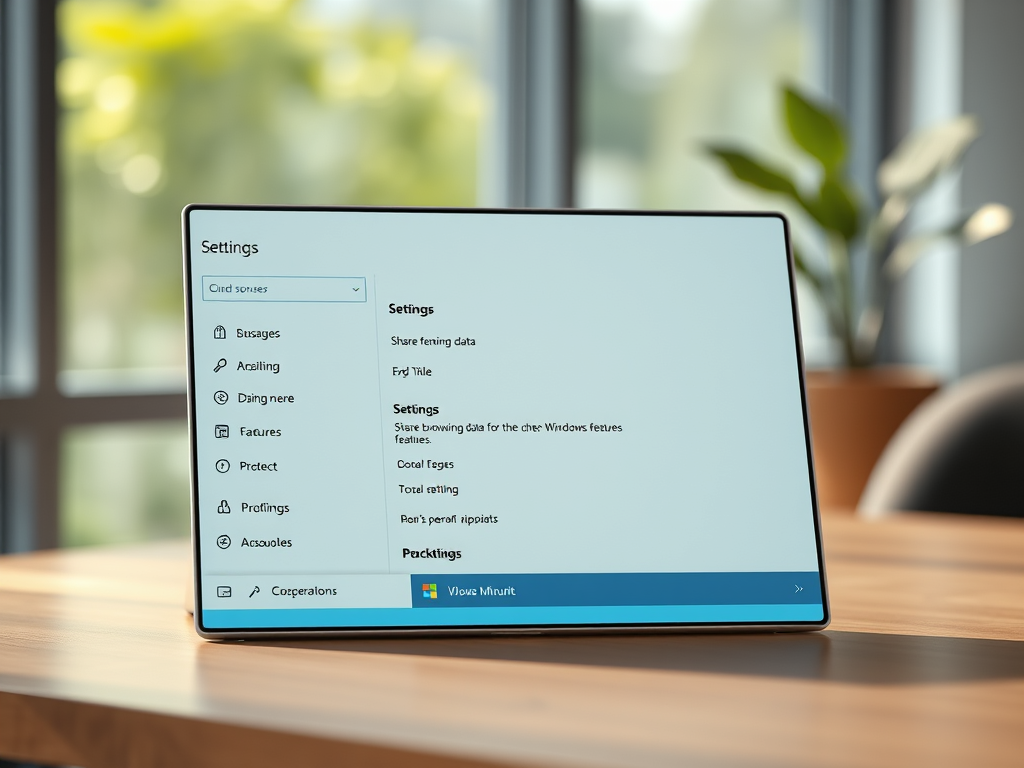
The article outlines methods for enabling or disabling the 'Save screenshots for site for History' feature in the Microsoft Edge browser. The latest version of Edge allows screenshots of visited sites to be saved as thumbnails. Users can adjust this setting in the browser's settings or via the Windows Registry editor. The article provides step-by-step instructions for both methods.
August 9, 2023
Read more →