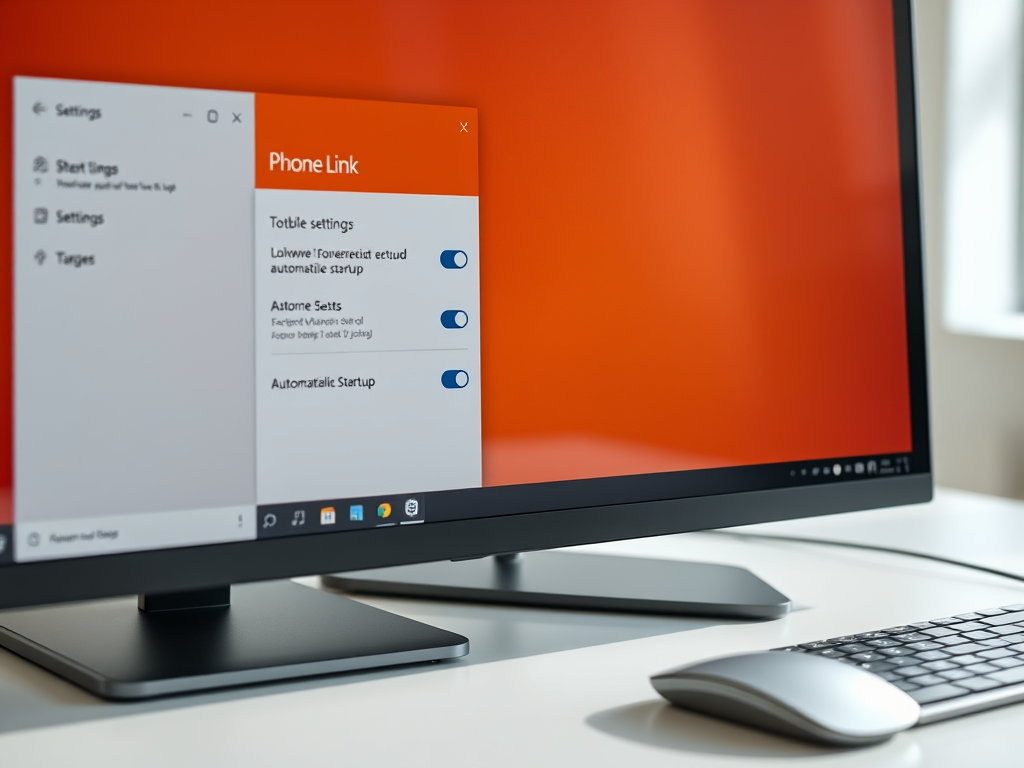
How to Enable or Disable Phone Link App Startup in Windows 11
The article provides a guide on how to toggle the automatic startup of the Phone Link app on Windows. Phone Link allows users to access their Android or iPhone apps via PC using Wi-Fi. It runs automatically by default upon signing in to Windows. The article outlines three methods to enable or disable this feature: through the app itself, the Settings app, or the Task Manager.
March 31, 2023
Read more →









