Tag: Windows 11
-
Date:
How to Disable Windows 11 Notifications
This article explains how to disable notifications in Windows 11 to reduce distractions and enhance privacy. Users can manage notifications through the…
-

Date:
How to Factory Reset Windows 11: A Step-by-Step Guide
The post explains how to factory reset Windows 11 either through the System Settings App for regular operations or via the command…
-

Date:
Enable DNS over HTTPS on Windows 11
The post provides a guide for students and new users to enable DNS over HTTPS (DoH) in Windows 11. DoH enhances user…
-
Date:
Hide Recent Files on the Start Menu in Windows 11
The article outlines steps to hide recently accessed files and folders in Windows 11’s Start menu, enhancing user privacy. By disabling the…
-
Date:
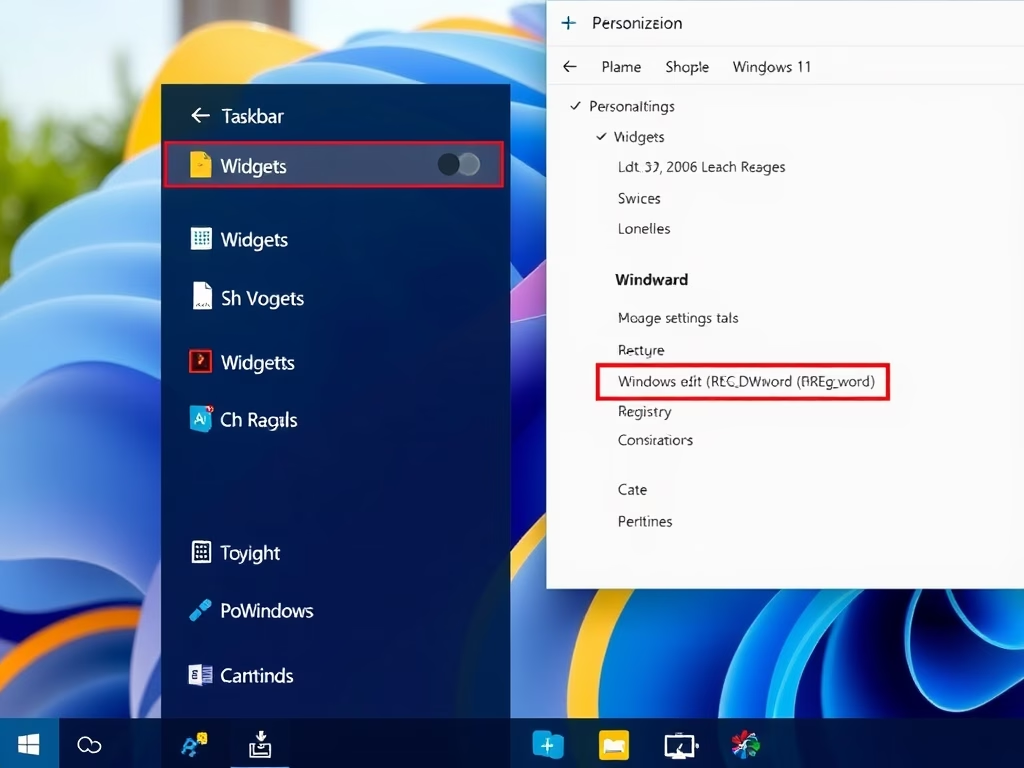
How to Add or Remove Widgets on Windows 11 Taskbar
This article describes how to manage widgets on the Windows 11 taskbar, which offer live updates on various topics. Users can activate…
-
Date:
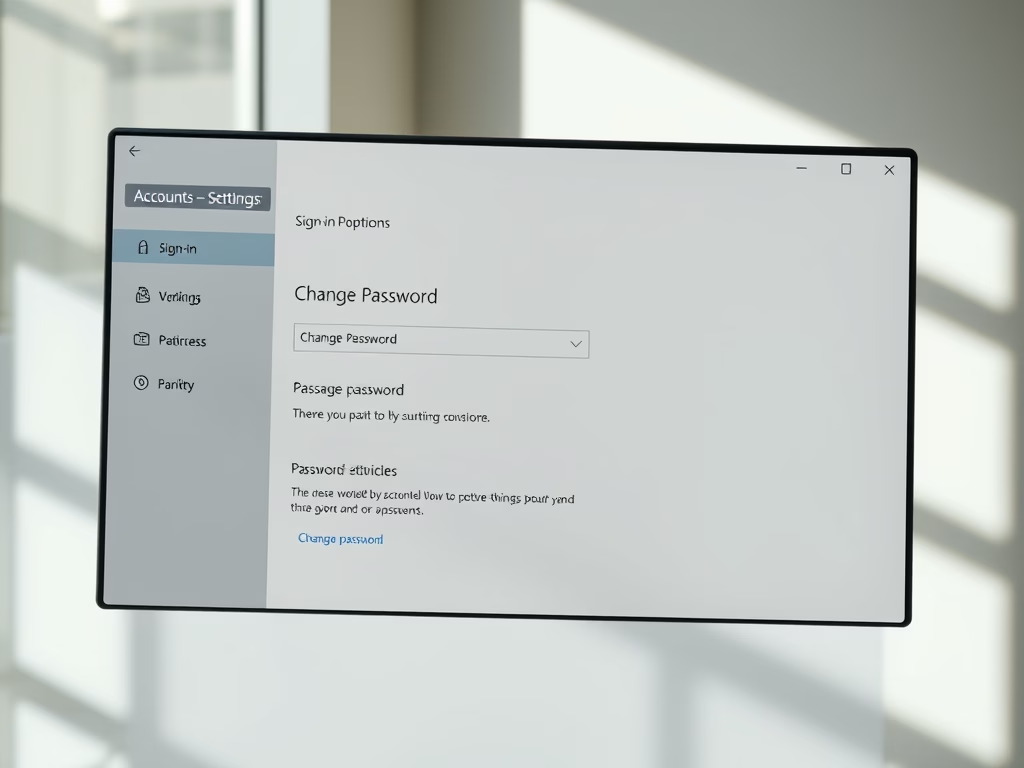
How to Change or Reset Your Windows 11 Password
The article outlines procedures to change or reset passwords in Windows 11. Users can change their password through the Settings app if…
-
Date:
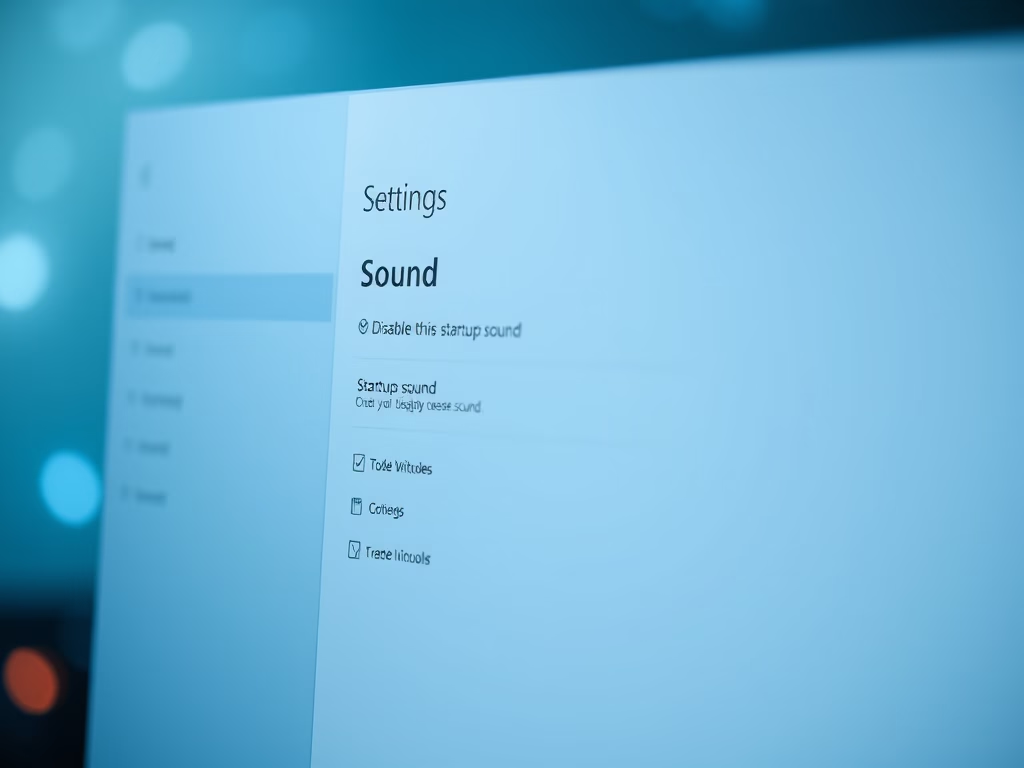
How to Disable Windows 11 Startup Sound
This article outlines how to disable the default startup sound in Windows 11, which some users find annoying. Two main methods are…
-
Date:
How to Add and Remove Folders in Windows 11 Start Menu
This summary provides instructions on customizing the Start menu on Windows 11. Windows 11 allows users to add or remove desired folder…
-
Set Google Chrome as Default in Windows 11
This article details how to set Google Chrome as the default web browser in Windows 11, emphasizing its popularity and user-friendly interface…
-

Date:
How to use the Alarms in Windows 11
This content provides a guide for students and new users on how to use and set alarms and timers in Windows 11…