Customize Microsoft Edge: Show or Hide the Sidebar Button

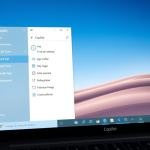
The Microsoft Edge sidebar button lets you quickly show or hide access to useful tools like Copilot and Collections directly from your browser toolbar.
This sidebar acts as a handy shortcut panel, keeping your browsing experience uninterrupted while offering features like AI assistance and saved groups of tabs.
If you’re using Microsoft Edge version 117 or later, you’ll find this dedicated button usually on the right side of your toolbar.
Keeping the sidebar button visible is great if you use these tools often, making your work faster. However, hiding it gives you a cleaner look if you prefer using keyboard commands for navigation.
To show or hide the sidebar button in Microsoft Edge, go to Settings, then Sidebar. Toggle the “Show sidebar button” option on or off under the “Customize sidebar” section. This setting is available when the Copilot button is turned off.
Show or hide the sidebar button on the toolbar in Edge
You have the option to show or hide the Microsoft Edge sidebar button on your toolbar. This helps maintain a tidy toolbar or provides convenient access to sidebar features like shopping tools or games. Follow these steps within Edge’s settings to manage the sidebar button.
Here’s how.
Open Microsoft Edge and click the ellipses icon (…) in the top-right corner.
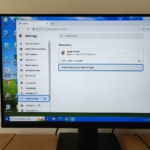
Choose “Settings.”

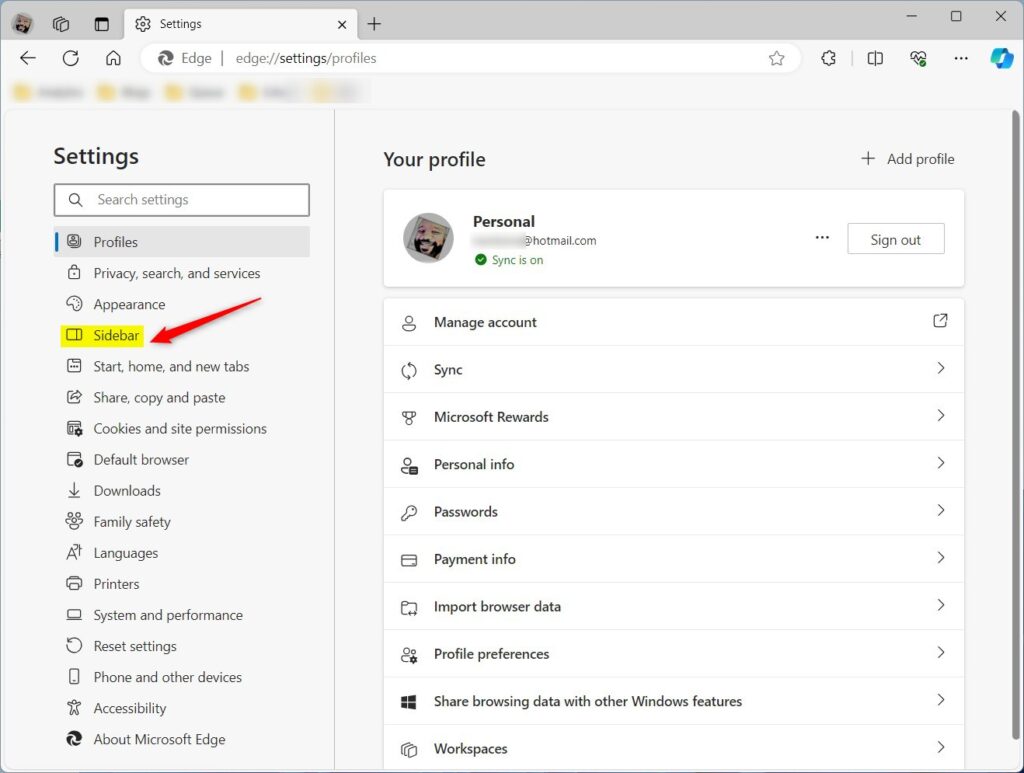
Next, click on the Sidebar in the left panel.
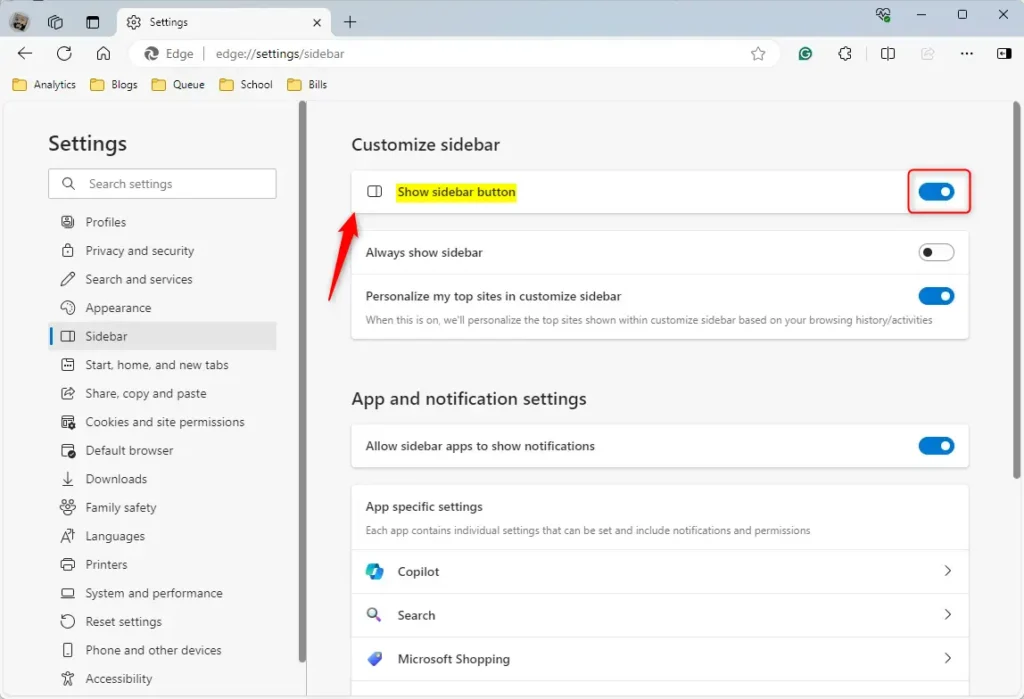
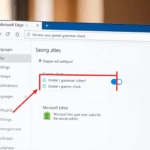
Locate the “Show sidebar button” option under the ‘Customize Sidebar‘ section on the Sidebar settings page, then flip the switch to ‘On‘ to enable it.
To turn it off, flip the switch to the ‘Off‘ position.
A heads-up: the ‘Show sidebar button’ option only appears if you’ve turned off the Copilot button in Edge.
Your changes should apply immediately.

Exit and restart Microsoft Edge.
That completes the process!
Conclusion:
- The tutorial provides clear, step-by-step instructions for showing or hiding the sidebar toolbar button in Microsoft Edge.
- Users can customize their browsing experience based on personal preferences and usage patterns.
- Comments and feedback are welcome to improve the content and address potential errors.
Is Edge removing the sidebar?
Is Edge removing the sidebar? Technically, the Sidebar itself will remain, but its functionality is changing. Microsoft is discontinuing the ability to add apps to the Sidebar, and a future update to Edge will remove any apps users have already added. However, the core experience provided by the Sidebar is being retired.
Was this guide helpful?

About the Author
Richard
Tech Writer, IT Professional
Richard, a writer for Geek Rewind, is a tech enthusiast who loves breaking down complex IT topics into simple, easy-to-understand ideas. With years of hands-on experience in system administration and enterprise IT operations, he’s developed a knack for offering practical tips and solutions. Richard aims to make technology more accessible and actionable. He's deeply committed to the Geek Rewind community, always ready to answer questions and engage in discussions.
No comments yet — be the first to share your thoughts!