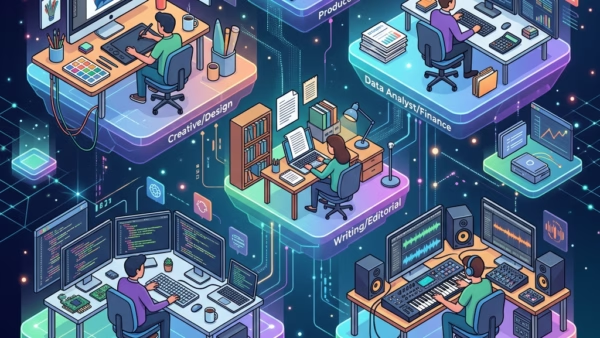
This guide dives into Windows 11’s hidden features and settings, built specifically for developers and power users. Developers often find standard Windows 11 settings too restrictive for tasks like running…
You can fix Microsoft Edge not opening on Windows 11 by clearing its cache and cookies, resetting its settings, or repairing/resetting the application through Windows Settings. Microsoft Edge is a…
Want to quickly jump between your open programs in Windows 11? That’s called task switching. It’s the process of shifting your focus from one app or document to another on…
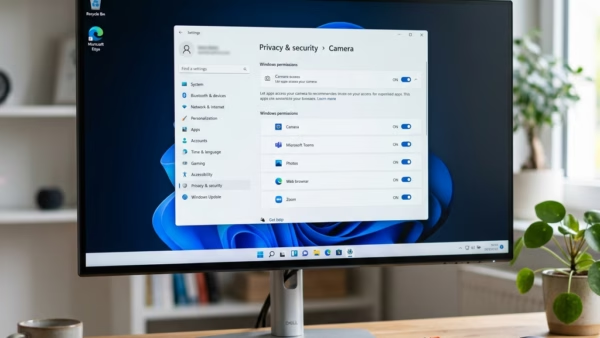
You can enable or disable the ‘Screen capture’ permission for apps in Windows 11 to control which applications can take screenshots or record your screen. This privacy setting lets you…
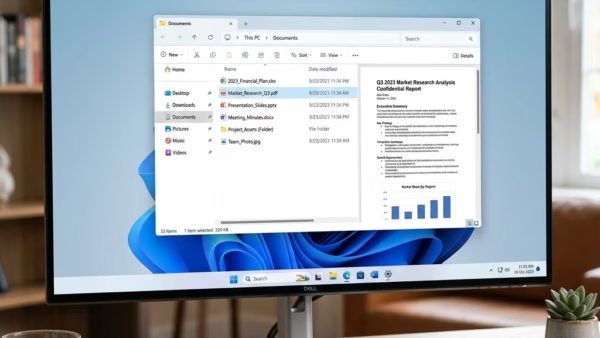
Want to see what’s inside a file without opening it first? You can show or hide the preview pane in Windows 11 File Explorer for a quick look. This feature…
You can repair corrupted Windows image component stores in Windows 11 to fix system instability and update issues. The Windows image component store (sometimes called the Component-Based Servicing or CBS…
Want to reduce eye strain on your Windows 11 PC? You can change the screen tint color and strength. The screen tint feature applies a customizable color overlay to your…
You enable or disable Screen Tint in Windows 11 to adjust your display’s color overlay for better eye comfort. Screen Tint is a visual accessibility feature. It applies a subtle…
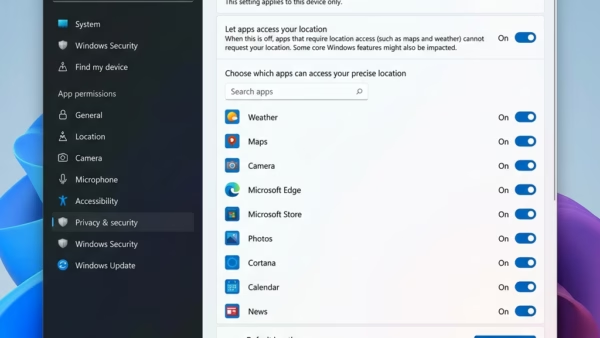
You can enable or disable location services in Windows 11 to control which apps access your device’s location. Location services allow apps and services to use your device’s location data,…
You can clear your Windows Update history in Windows 11 to clean up your settings or as a troubleshooting step. Your Windows Update history shows every update your PC has…
You can check when Windows Update last looked for updates in Windows 11 by finding the “Last checked for updates” timestamp within the Windows Update settings. This timestamp shows you…
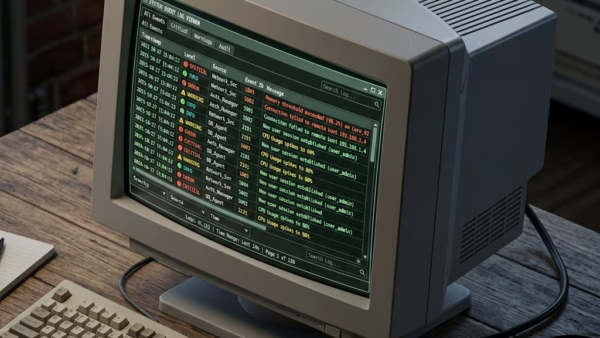
Do you ever wonder why your computer is acting up after an update? Sometimes you need to check the Windows Update logs to see exactly what happened behind the scenes.…
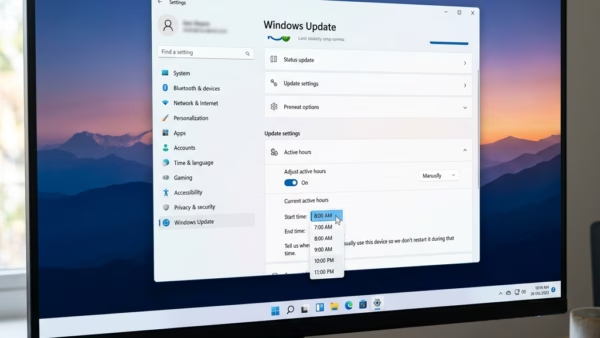
Windows 11 helps keep your computer secure by downloading updates behind the scenes. Sometimes, these updates need a restart to finish. When your computer restarts while you’re working, it’s a…
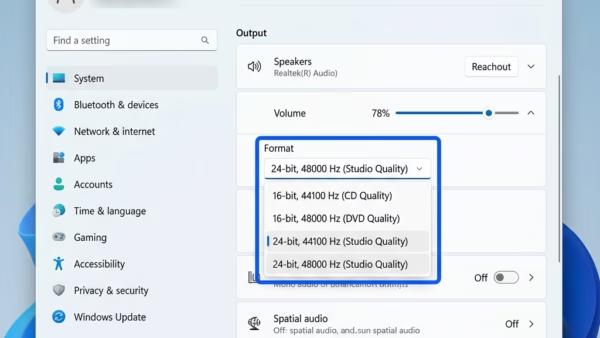
This guide explains how to change the audio quality settings for your speakers, headphones, or microphone in Windows 11. Adjusting these settings changes the sample rate (how many times per…
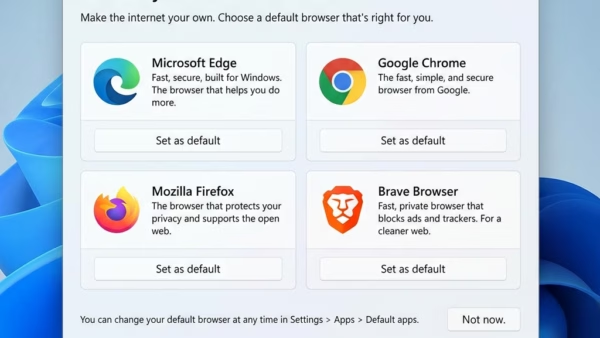
Microsoft Edge is often seen as the top browser for Windows 11 users because it works so well with the operating system and performs strongly. Both Microsoft Edge and Google…