Category: Windows
-

Date:
Repair Windows 11: In-Place Upgrade Without Data Loss
The article provides detailed steps to repair Windows 11 issues without losing data using an In-place upgrade. It requires a Windows installation…
-

Date:
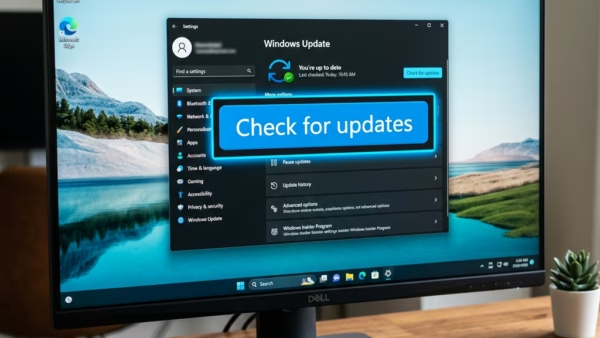
Installing Optional Updates in Windows 11: A Step-by-Step Guide
This article explains how to find and install Optional Updates in Windows 11. These updates include some Windows features, drivers, and apps…
-

Date:
Show or Hide Seconds in Windows 11 System Tray Clock
The article provides steps to enable or disable the option to show seconds in the system tray clock in Windows 11, a…
-

Date:
How to Enable or Disable Paging File Encryption in Windows 11
The article explains how to enable or disable Virtual Memory Paging File Encryption in Windows 11. This feature, which allows Windows to…
-

Date:
Toggle App & Browser Control in Windows 11 Security
The article provides a guide for managing the App & browser control section of the Windows Security app in Windows 11. Users…
-

Date:
Automatically Change Desktop Wallpaper in Windows 11
The article outlines two methods for automatically switching desktop background wallpaper in Windows 11. The first method utilizes the slideshow feature, which…
-

Date:
How to Hide or Show Account Protection in Windows 11
The article provides a guide on how to hide or show the Account Protection section in the Windows Security app on Windows…
-

Date:
How to Find Printer Details on Windows 11
This article provides a detailed guide on identifying printer details such as manufacturer, model number, and supported drivers in Windows 11. This…
-

Date:
Guide to Hiding Firewall & Network Protection in Windows 11
The article provides a guide on how to hide or show the Firewall & Network Protection section in the Windows Security app…
-

Date:
Hide/Show Virus & Threat Protection in Windows 11
The article provides steps to hide or display the Virus & Threat Protection section in the Windows Security app of Windows 11.…