🪟

Windows

Windows 3 min read
How to Backup and Restore Device Drivers on Windows 11

The content provides detailed instructions for exporting and importing device drivers on Windows 11. This process aids in the migration or replacement of old PCs with legacy devices. In situations where critical device support from manufactures is absent, users can export the working drivers and use them on a new PC. The post also emphasizes the practice of regularly backing up device drivers. Windows 11 allows this process through specific commands. The tutorial also offers advice on how to selectively import exported drivers.

October 3, 2021 Read more →

Windows 3 min read
How to Enable Checkboxes in Windows 11 File Explorer

The post provides a guide on how to turn on or off checkboxes in File Explorer on Windows 11. This feature helps users select multiple files more easily, making it especially useful for touchscreen or tablet devices. The tutorial provides instructions on enabling the feature and also on how to disable it if no longer desired.

October 1, 2021 Read more →
Windows 2 min read
How to Connect to Wi-Fi on Windows 11

This text explains how to connect to a Wi-Fi network on Windows 11. Instead of a Taskbar icon as in previous versions, Windows 11 uses the Quick Settings feature on the Taskbar to access Wi-Fi. Users can also use the Windows Settings app. For both methods, users need to turn on Wi-Fi, select a network within range, input the password, and connect.

September 30, 2021 Read more →
Windows 3 min read
How to Mount and Unmount ISO Files in Windows 11

The post provides a comprehensive guide on how to mount or unmount ISO and IMG images on Windows 11. It explains that these images, popular for transferring large files, are mounted as CD/DVD drives in File Explorer and can be accessed for their contents. The process, depending on the system's speed and file size, involves using the 'Mount' or 'Eject' commands in the toolbar or context menu.

September 29, 2021 Read more →
Windows 3 min read
How to Install Telnet on Windows 11

The post provides a guide on how to install and use the Telnet network protocol on Windows 11. Despite its insecurity and old age, Telnet is still useful in test situations. It offers different installation methods, including via the Control Panel, Command Prompt, or PowerShell. The post concludes by encouraging users to report any errors or offer feedback.

September 27, 2021 Read more →
Windows 3 min read
How to Change Power Modes in Windows 11

The post explains how to select power modes on Windows 11. By default, Windows 11 uses a balanced power mode for optimized performance and reduced power consumption. This can be changed to suit individual needs, ensuring the best battery life, performance, or balance. Users can select different power modes for AC and battery (DC) power, with the device automatically choosing the mode when switching power sources. The process is explained step-by-step, starting from accessing the System Settings pane.

September 22, 2021 Read more →
Windows 3 min read
How to Enable or Disable Device Encryption in Windows 11

The post instructs users how to enable or disable device encryption on Windows 11 for enhanced data protection. Device encryption converts stored data into an unintelligible code, accessible only via password or recovery key. Windows 11's System Settings panel provides options for encryption controls. Encryption is on by default on compatible systems, or users can opt for BitLocker encryption on unsupported devices.

Windows 2 min read
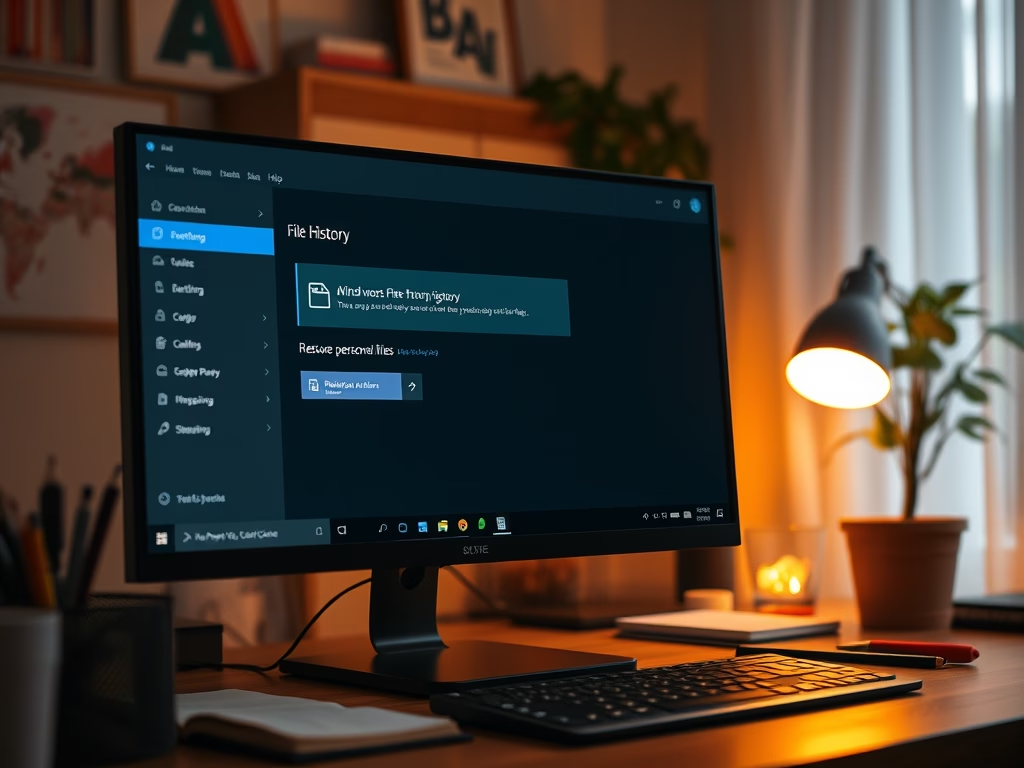
How to Restore Files with Windows 11 File History

The post describes how to restore files and folders from File History in case the originals are lost or damaged. Although apps and system settings aren't backed up, File History focuses on preserving important personal documents. Detailed instructions on retrieving a previous version of a file or folder, comparing files, and selecting restoration options are provided.

Windows 2 min read
How to Find Your Computer Name in Windows 11

This post provides instructions for Windows 11 users on identifying their computer name. Users can name their computer any character excluding certain special ones. Although there are several methods to find the computer name, two methods are detailed here. They include using the system settings and about screen, or using the command prompt terminal.

September 20, 2021 Read more →
Windows 3 min read
How to View Your Print Queue on Windows 11

This post provides a guide for students and new users on how to view the print queue in Windows 11. It explains that print jobs go to the print queue first before being released for printing. This process is usually swift but may take some time for large, bulk documents. Instructions on navigating to specific printer settings are provided to access the print queue and check the status of pending print jobs.

September 17, 2021 Read more →
Windows 3 min read
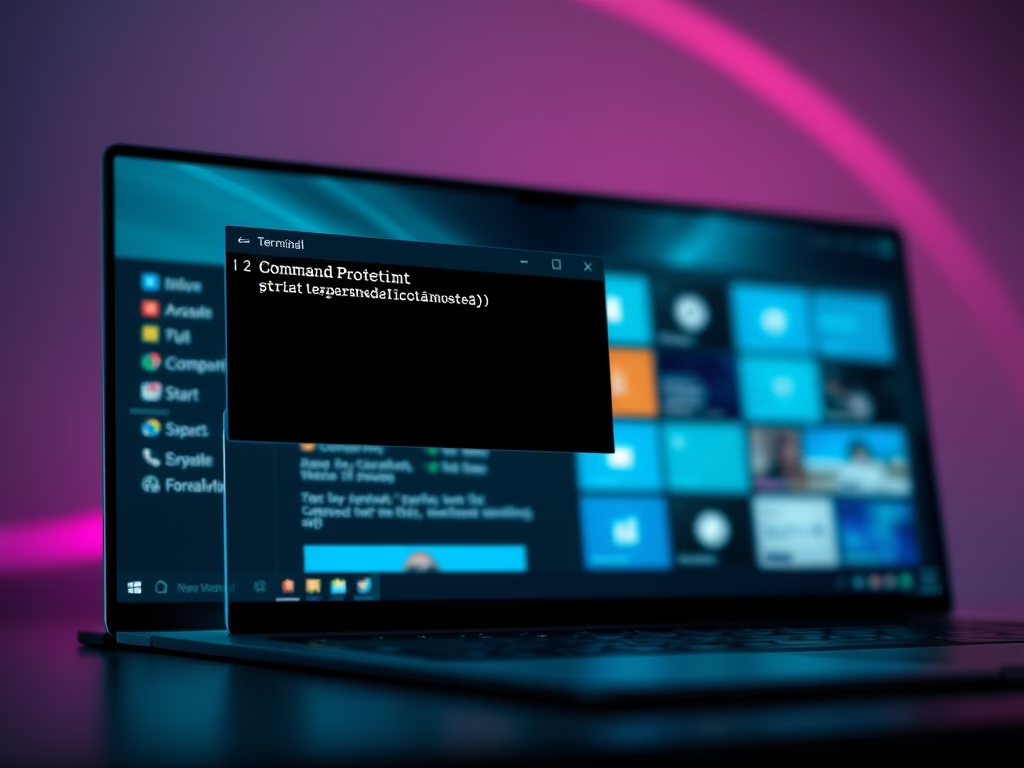
How to Set Windows Terminal to Open with Command Prompt on Windows 11

The post instructs how to set up Windows Terminal on Windows 11 to open with the Command Prompt tab by default. Normally, Windows Terminal opens with Windows PowerShell, but by following some simple steps, users can change default settings to Command Prompt. This provides an additional convenience for command-line based users.

September 14, 2021 Read more →
Windows 3 min read
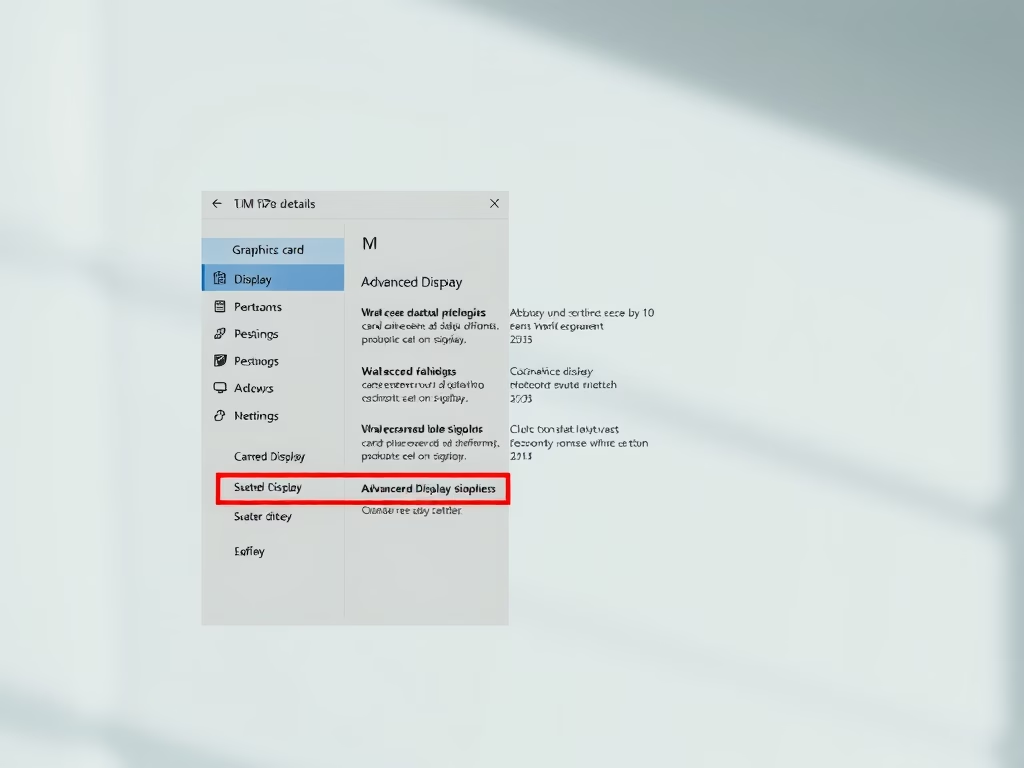
How to Check Graphics Card Details on Windows 11

The post provides a guide for Windows 11 users to check and display the details of their computer's graphics card. This is crucial for those experiencing difficulties with high-intensity games or advanced applications. The post demonstrates how to utilize the Settings app to access graphics hardware information, through System Settings to Display settings, and then to advanced display settings.

September 13, 2021 Read more →
Windows 3 min read
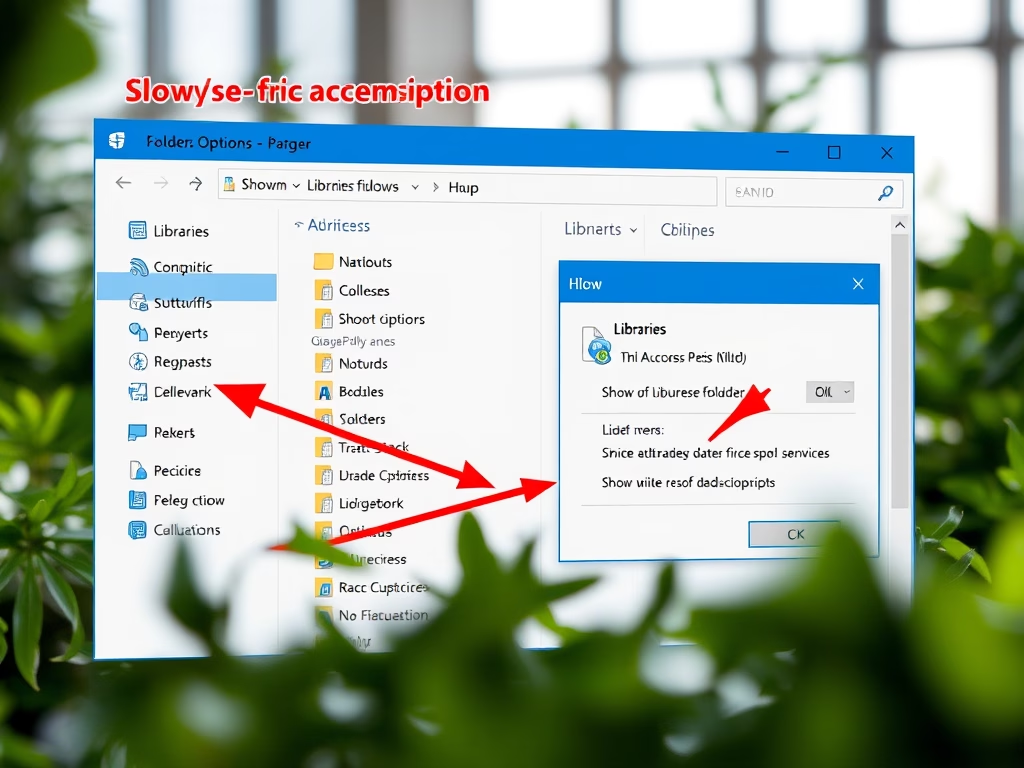
How to Show or Hide Libraries Folder in Windows 11

This text provides instructions for showing, hiding, and adding files to the Libraries folder in Windows 11, which consolidates content from different storage locations into one place for easy access. The Libraries folder, although hidden by default, integrates common folders like Documents and Pictures. Users can display it via File Explorer settings for convenient file browsing on the new Windows 11 platform.

September 12, 2021 Read more →
Windows 2 min read
How to Install HEVC Codec on Windows 11

This post instructs how to install the HEVC (H.265) codec on Windows 11 for playing media files encoded in the HEVC format, primarily used in iPhones and some 4K Blu-ray discs. Users can purchase the codec from the Microsoft Store for $0.99 or opt for a free alternative by installing the VLC video player that comes with built-in codecs. The post also mentions how to install support for the increasingly popular High-Efficiency Image Format (HEIF) on Windows 11.

September 11, 2021 Read more →
Windows 3 min read
How to Disable Audio Output on Windows 11

This article outlines the process of turning sound devices on and off in the Windows 11 operating system. Using the System Settings feature, users can disable or enable specific audio output devices. When a device is disabled, it remains connected but does not output sound. The article provides step-by-step directions to easily navigate this function.

September 10, 2021 Read more →
Exit mobile version