How to Choose Backup Folders in Dropbox on Windows 11
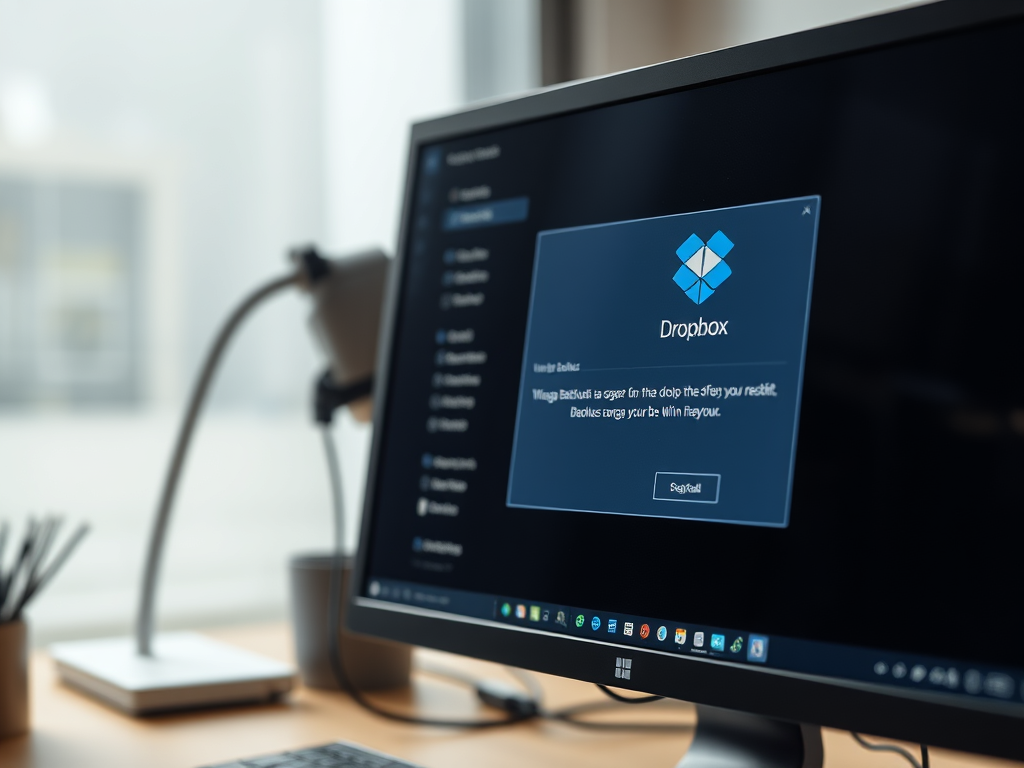
The article guides users on how to choose or change folders to backup using Dropbox on Windows 11, aiming to save storage space, time, and data usage. Relevant settings can be altered via the Dropbox settings app, providing the flexibility to back up relevant folders and disregard unnecessary ones. The process concludes with saving changes on the Dropbox Backup page.
September 18, 2023
Read more →