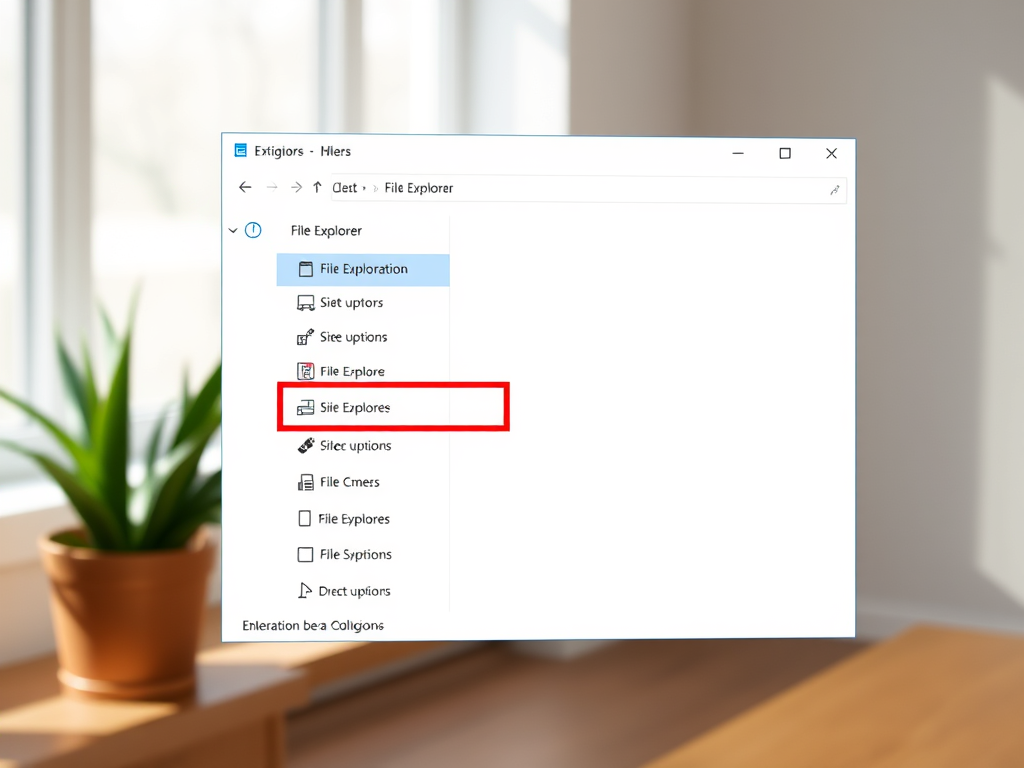
How to Enable or Disable PIN for Projecting in Windows 11
The article provides a guide on how to enable or disable the "Require PIN for pairing" setting when projecting to a PC in Windows 11. This setting allows users to control access to wireless projection for security reasons. Settings include 'Never', 'First Time', or 'Always' require a PIN for pairing when projecting on Windows 11.
October 9, 2022
Read more →