

Tag: Windows 11
-
Date:
Change Notepad Theme in Windows 11: Dark Mode Guide
The article provides a guide on how to change themes, including enabling dark mode, in the Notepad app on Windows 11. It…
-

Date:
How to Change Font in Notepad on Windows 11
The article provides a guide on changing the font in the Notepad app of Windows 11. It suggests using WordPad for files…
-

Date:
How to Check USB4 Support in Windows 11
The article guides users on checking USB4 support and capabilities on Windows 11 devices. It explains USB connections, types and their functionalities.…
-
Date:
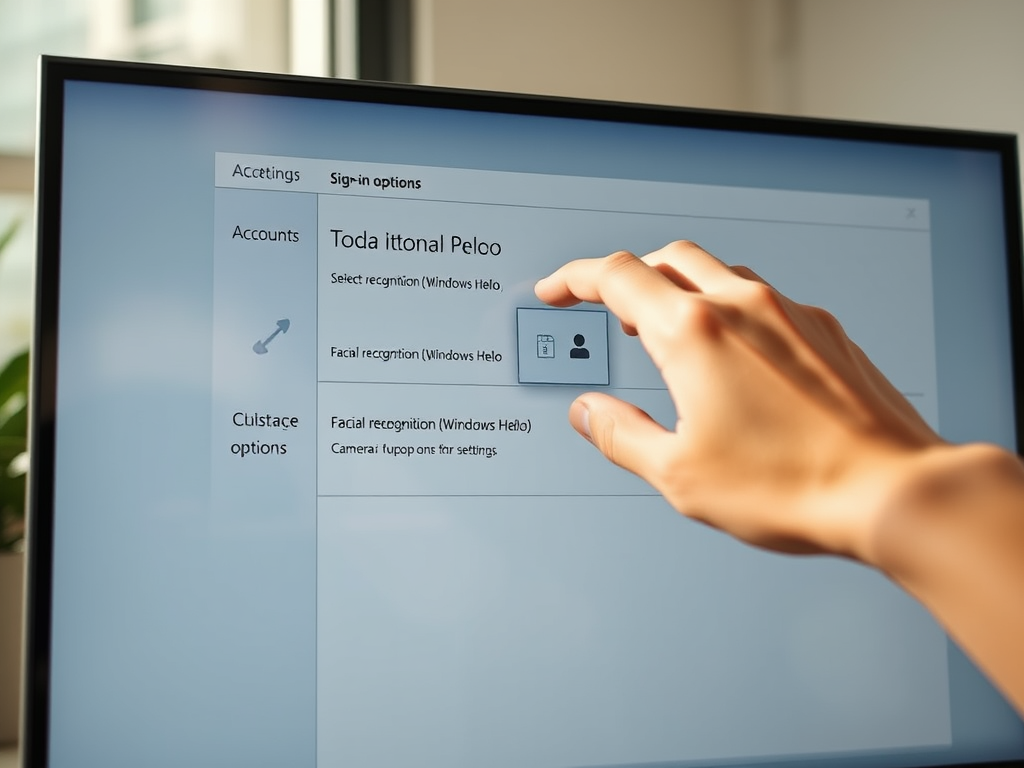
How to Choose Your Default Windows Hello Camera in Windows 11
This article provides a guide on how to select your default Windows Hello Camera in Windows 11 for facial recognition login. Starting…
-

Date:
Adjust Windows Terminal Launch Size Easily
This article explains how to customize the Windows Terminal’s launch size in Windows 11, a feature supported by its many advanced functions…
-
Date:
Customize UAC Prompt Behavior in Windows 11
This article outlines how to modify the behavior of the elevated prompt for Standard users in Windows 11 using the User Account…
-

Date:
How to Change Font Size in Windows 11 Handwriting Panel
This post provides instructions on how to modify the font size in the handwriting panel in Windows 11, a feature available on…
-

Date:
How to Change Font in Windows 11 Handwriting Panel
This is a guide on how to change the font in the Handwriting Panel on Windows 11, available on touch-enabled devices. You…
-
Date:
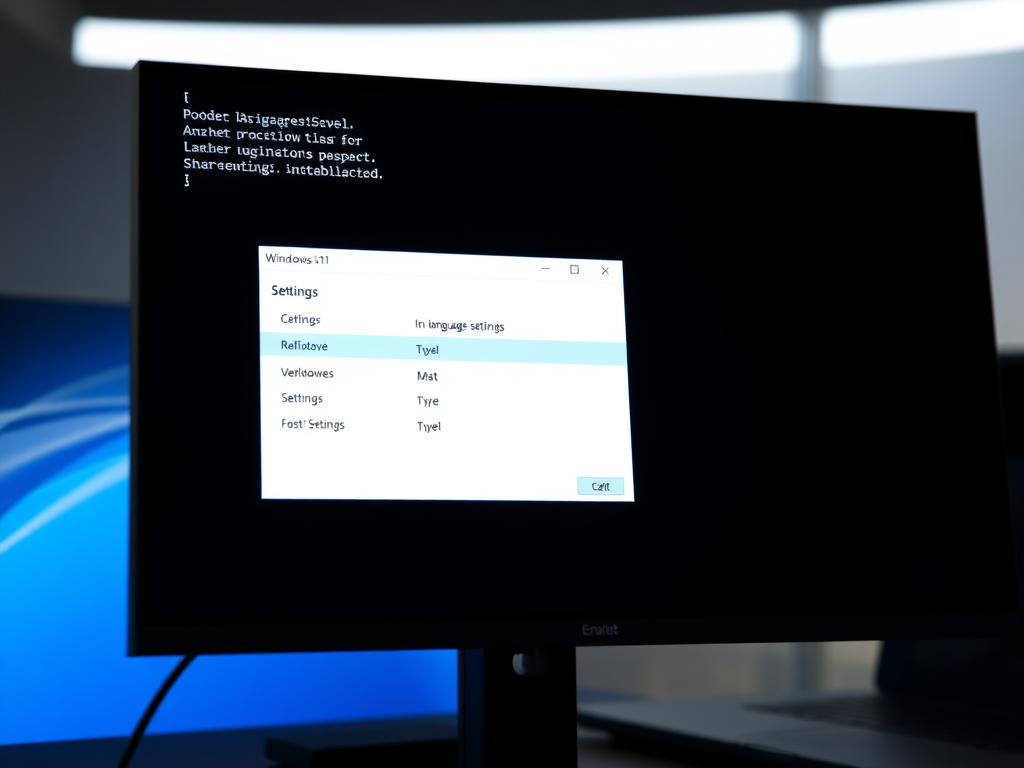
How to Change Windows Terminal Language in Windows 11
This concise guide explains how to change the language in the Windows Terminal app in Windows 11. First, open the Terminal app,…
-
Date:
Manage Windows Security Notifications in Windows 11
The article provides a procedure to enable or disable all Windows Security notifications in Windows 11. It guides through two methods of…