
Category: Windows
-
Date:
How to Enable Dark Mode in Windows 11
Dark mode in Windows 11 enhances visual comfort, especially in low light, and conserves battery life. To activate it, open Settings, navigate…
-
Date:
How to Enable or Disable Let Apps Access Camera in Windows 11
This guide explains how to manage camera access for apps on Windows 11, ensuring privacy by allowing users to decide which apps…
-
Date:
How to Lock Your Windows 11 Computer
Locking your Windows 11 computer is crucial for safeguarding your information when away. You can lock it quickly using keyboard shortcuts, the…
-
Date:
How to Enable the Hidden Administrator Account in Windows 11
Windows 11 features a hidden Administrator account that provides full control over the system, typically disabled for security. Users can activate it…
-
Date:
How to Change Display Language in Windows 11
This guide explains how to change the display language on a Windows 11 computer, making menus and messages appear in the chosen…
-
Date:
How to Install a Scanner on Windows 11
Installing a scanner on Windows 11, whether USB or wireless, is straightforward. Connect the scanner, and typically Windows will install it automatically.…
-
Date:
How to Install a Printer in Windows 11
This guide explains how to add a printer to Windows 11, whether connected via USB or wirelessly. For USB printers, connect the…
-
Date:
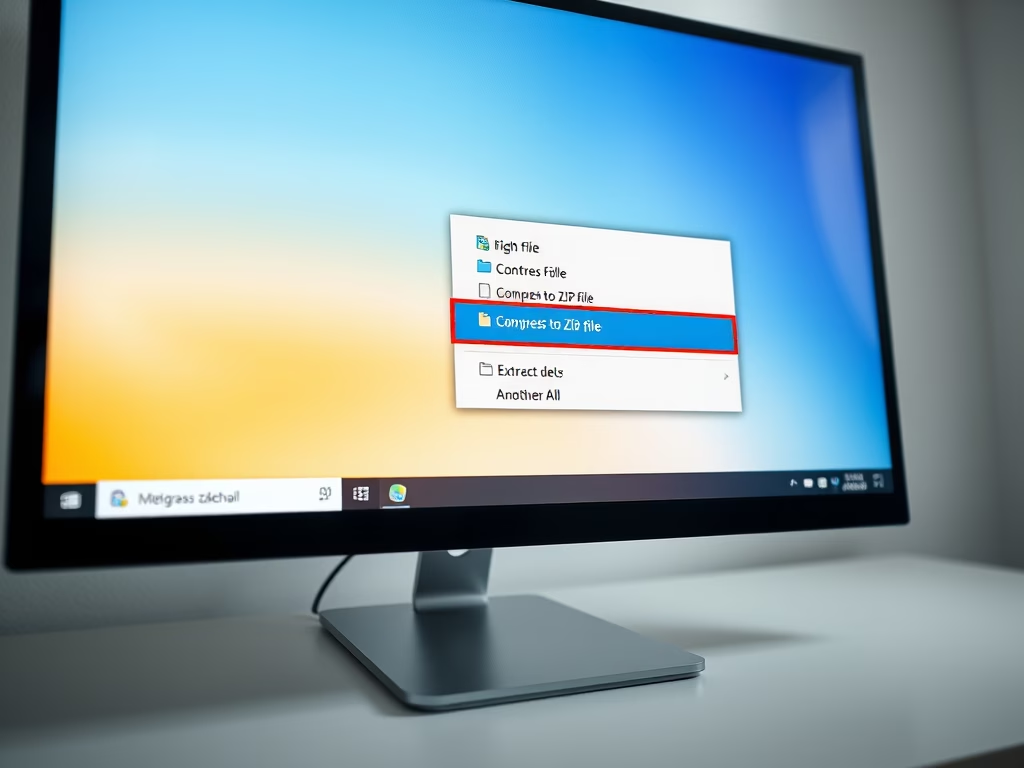
How to Zip and Unzip Files in Windows 11
This guide provides instructions for zipping and unzipping files in Windows 11. Zipping compresses files into a smaller ZIP file for easier…
-
Date:
How to Make a User Administrator in Windows 11
This guide explains how to grant someone full access to your Windows 11 PC by converting their account to an Administrator. Administrators…
-
Date:
How to Hide Windows 11 Taskbar Automatically
The Taskbar in Windows 11 can be automatically hidden for a cleaner screen, especially useful on smaller displays. To enable this feature,…