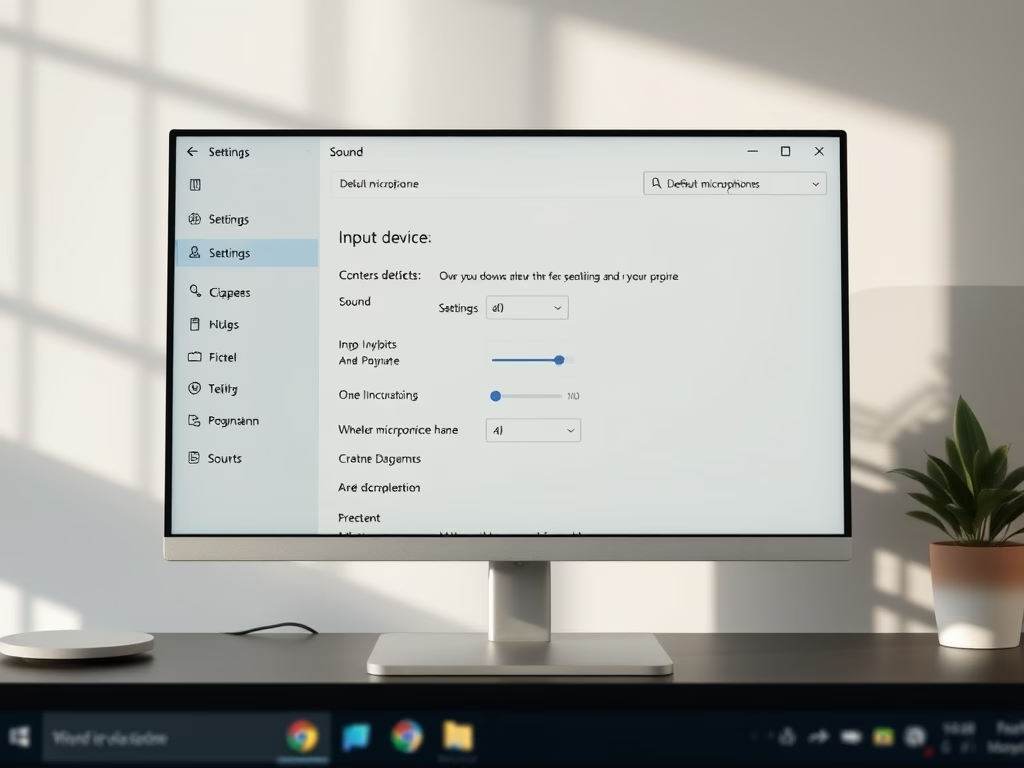
How to Set Your Default Microphone in Windows 11
To set a default microphone on Windows 11, access Settings and select your preferred input device under System and Sound. This can also be done quickly via the taskbar volume mixer. Ensure privacy settings allow microphone access for desired apps, and troubleshoot if the microphone isn’t recognized.
January 29, 2026
Read more →