Enable Hey, Copilot: Hands-Free Voice Commands on Windows 11
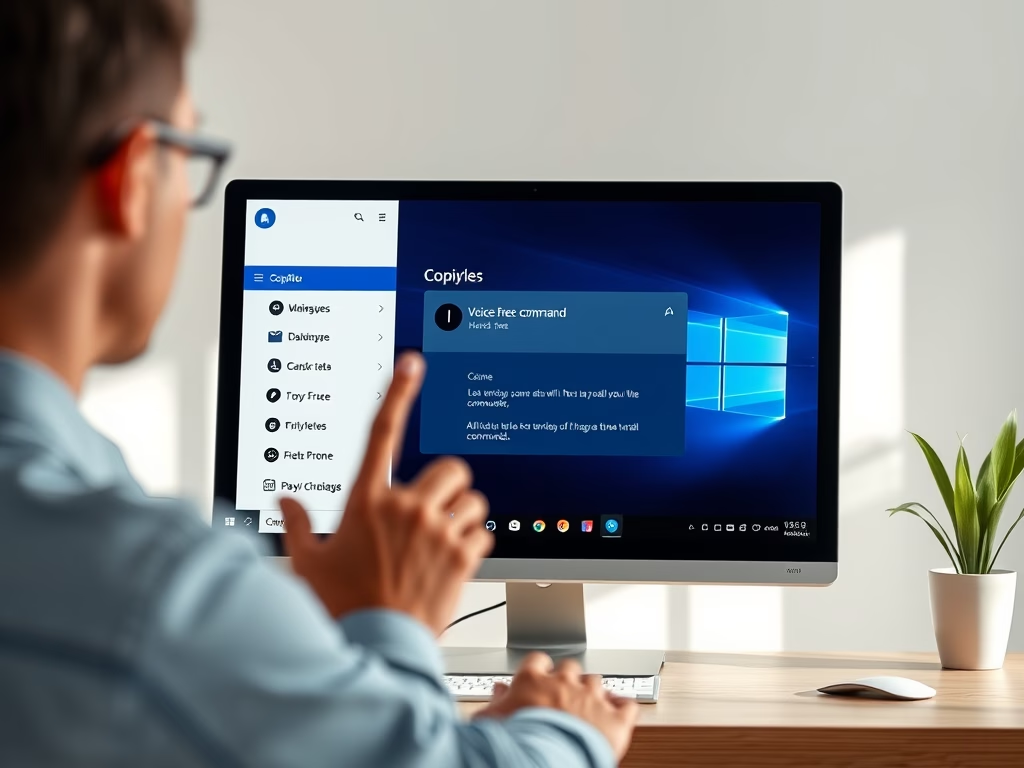
"Hey, Copilot" is a voice command feature for Windows 11 that allows users to interact with the Copilot assistant hands-free. To enable it, open the Copilot app, sign in, and toggle the voice command settings. This feature enhances multitasking by allowing users to ask questions without typing, creating a smarter PC experience.
January 30, 2026
Read more →