
Category: Windows
-
Date:
How to Open Windows Terminal Automatically When You Start Windows 11
This guide explains how to configure Windows Terminal to open automatically upon startup, saving time for frequent users. It highlights the app’s…
-
Date:
How to Enable Clipboard Copying in Windows Terminal
Windows Terminal offers an “Automatically copy selection to clipboard” feature that streamlines the process of copying text. When enabled, selected text is…
-
Date:
How to Automatically Hide the Windows Terminal Window
This guide explains how to enable or disable the “Automatically hide window” feature in Windows Terminal, which hides the Terminal when switching…
-
Date:
How to Hide Windows Terminal in Notification Area
This guide explains how to hide the Windows Terminal icon in the notification area when minimized on Windows 11, helping to maintain…
-

Date:
How to Show or Hide the Terminal Icon in Windows 11
Windows Terminal allows users to run command-line tools and customize its settings, including the visibility of its icon in the Taskbar’s notification…
-
Date:
How to Launch Windows Terminal in the Center of Your Screen (Windows 11)
Windows Terminal allows users to run various command-line tools and can be customized to open in the center of the screen. By…
-

Date:
How to Turn On Notifications for Sticky, Filter, or Toggle Keys in Windows 11
Windows offers features like Sticky, Filter, and Toggle Keys to enhance typing for users. Sticky Keys allow single key press shortcuts, Filter…
-
Date:
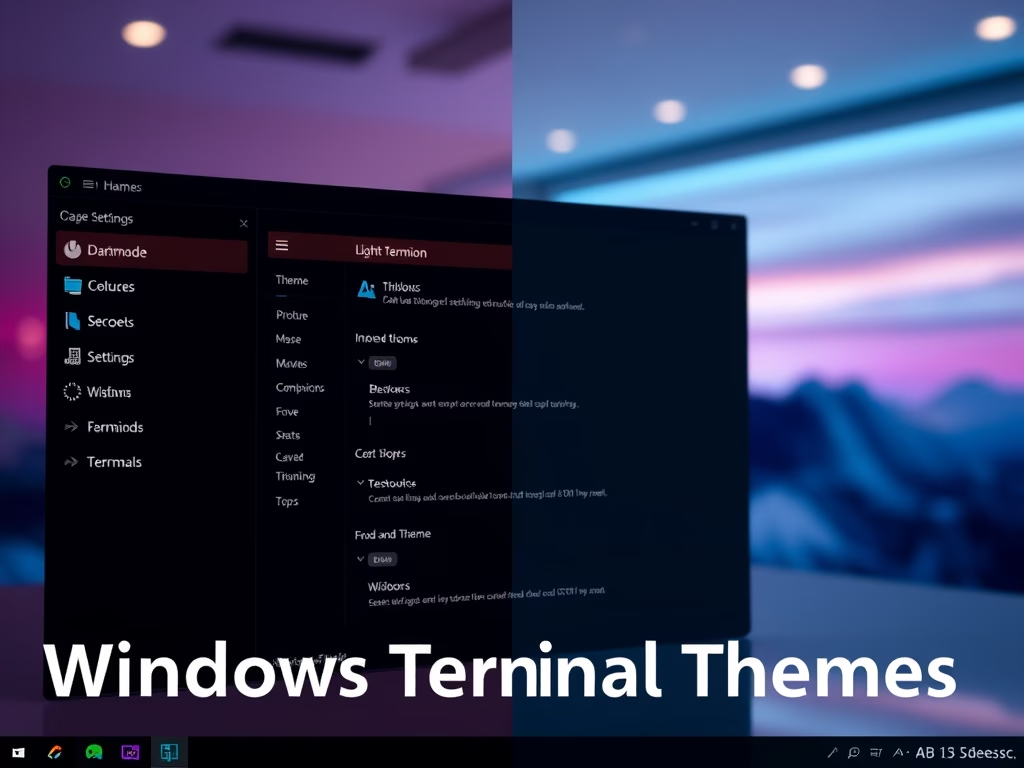
How to Change Windows Terminal Themes
This guide explains how to customize the appearance of Windows Terminal by switching between dark mode, light mode, or matching it to…
-
Date:
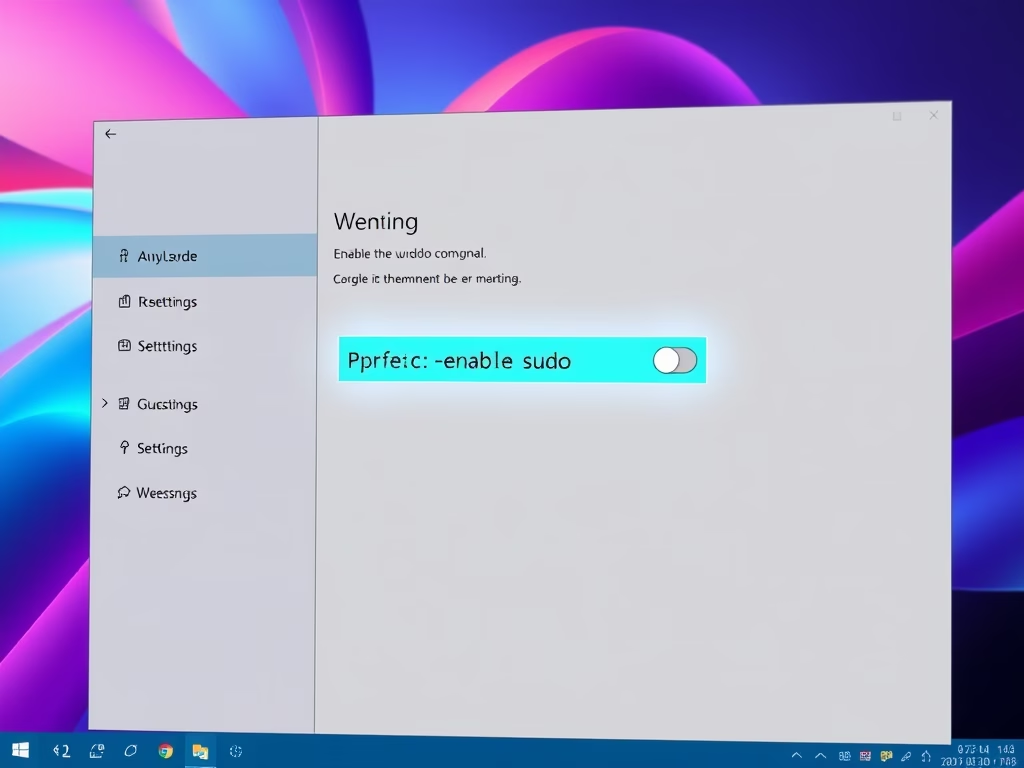
How to Enable or Disable the sudo Command in Windows 11
This guide explains how to enable or disable the sudo command in Windows 11, introduced in the Insider Build 26052. Users can…
-
Date:
How to Enable or Disable Hibernate in Windows 11
Hibernate is a power-saving feature in Windows 11 that saves open files to the hard drive and fully powers off the computer.…