
Category: Windows
-
Date:
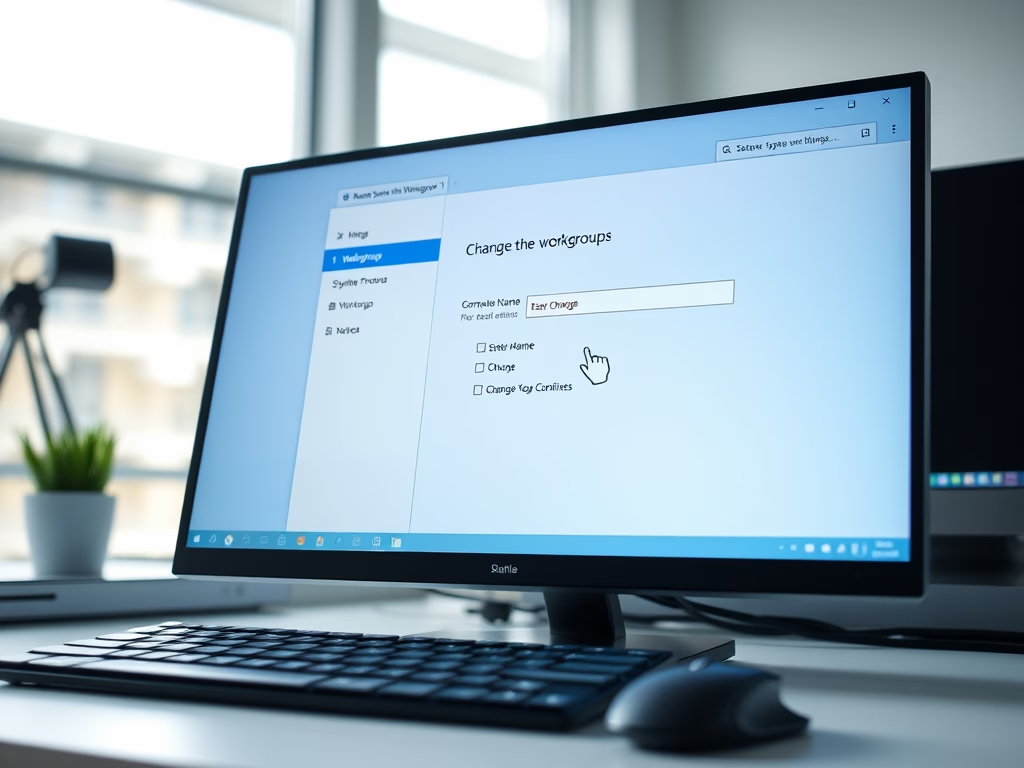
How to Change Workgroup on Windows 11
To enhance file and printer sharing among devices on a Windows 11 network, you may need to change your computer’s workgroup. This…
-
Date:
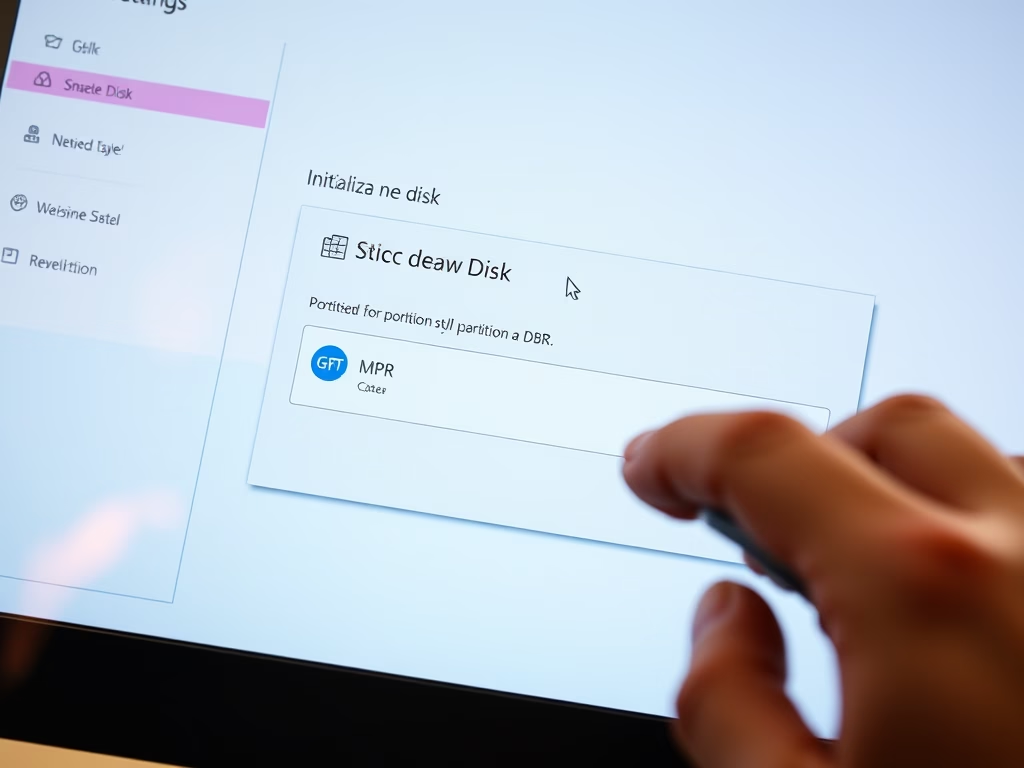
How to Initialize New Disks in Windows 11
To use a new hard drive or SSD on a Windows 11 PC, initialize it through the Settings or Disk Management tool.…
-
Date:
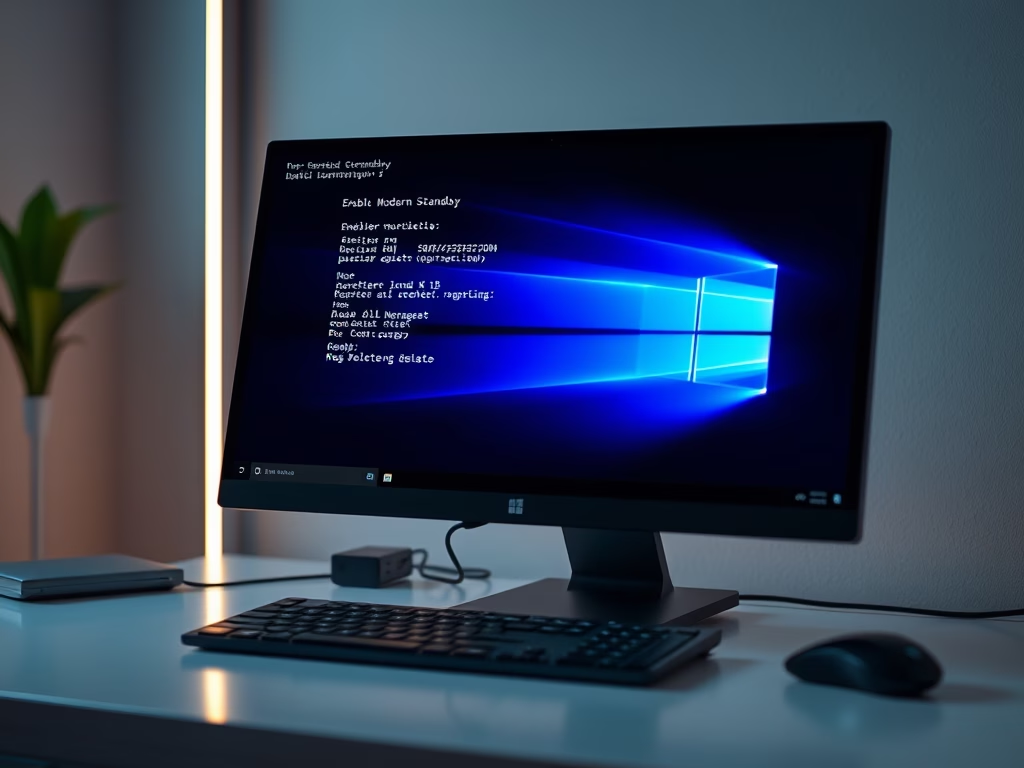
How to Enable or Disable Modern Standby in Windows 11
This guide explains how to disable Modern Standby on Windows 10 or 11, reverting to the S3 sleep mode for better compatibility…
-
Date:
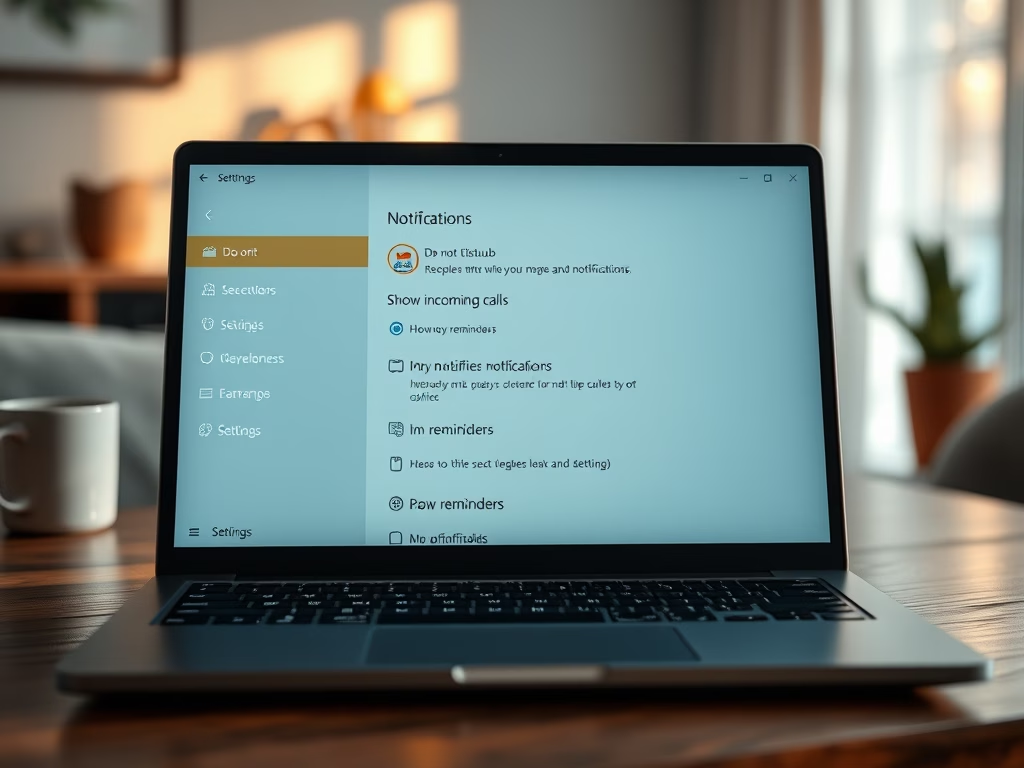
How to Set Priority Notifications for Do Not Disturb in Windows 11
Windows 11 features a Do Not Disturb mode that allows users to mute most notifications while still receiving priority alerts. Users can…
-
Date:
How to Set Up a New Hard Drive in Windows 11
When adding a new hard drive or SSD, it requires initialization and formatting to be usable. This can be done via the…
-
Date:
How to Move a Hard Drive in Windows 11
This guide explains how to safely move a secondary hard drive between Windows 11 computers. It advises ensuring the disk’s health, using…
-
Date:
How to Customize Quick Settings in Windows 11
The Quick Settings panel in Windows 11 allows users to quickly adjust volume, screen brightness, and Wi-Fi without accessing the full Settings…
-
Date:
How to Enable or Disable Variable Refresh Rate for Games in Windows 11
This guide explains how to enable or disable Variable Refresh Rate (VRR) in Windows 11, a feature that synchronizes monitor refresh rates…
-
Date:
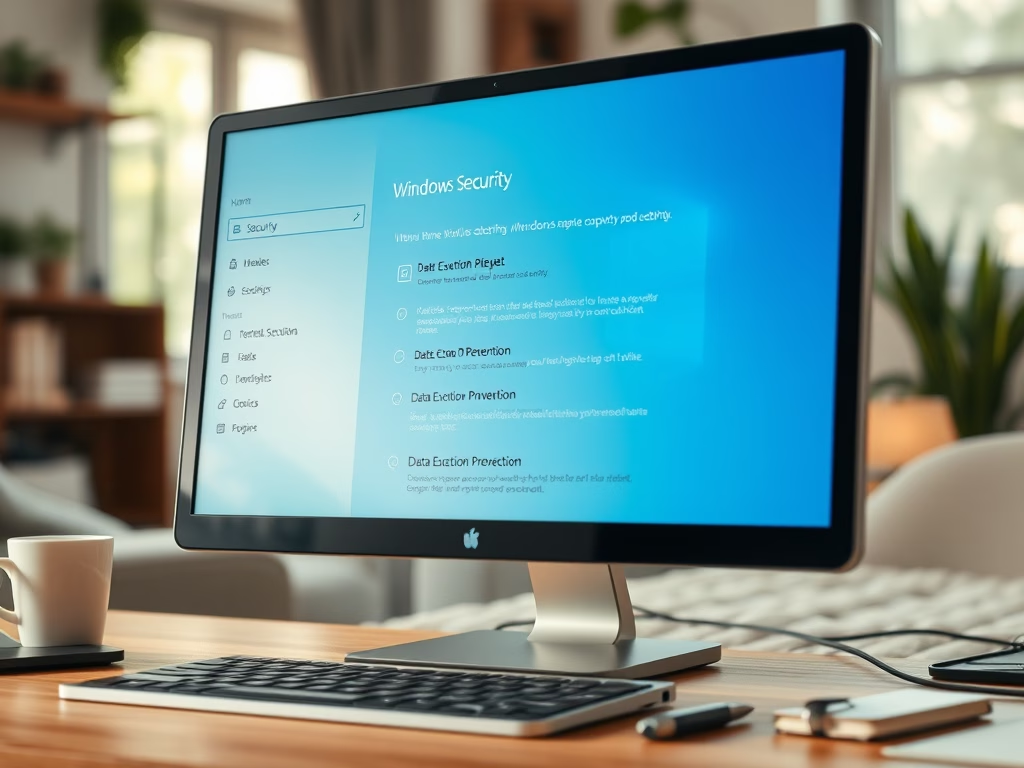
How to Enable or Disable DEP in Windows 11
Data Execution Prevention (DEP) in Windows 11 is a security feature that prevents harmful software from running in critical memory areas. Typically…
-
Date:
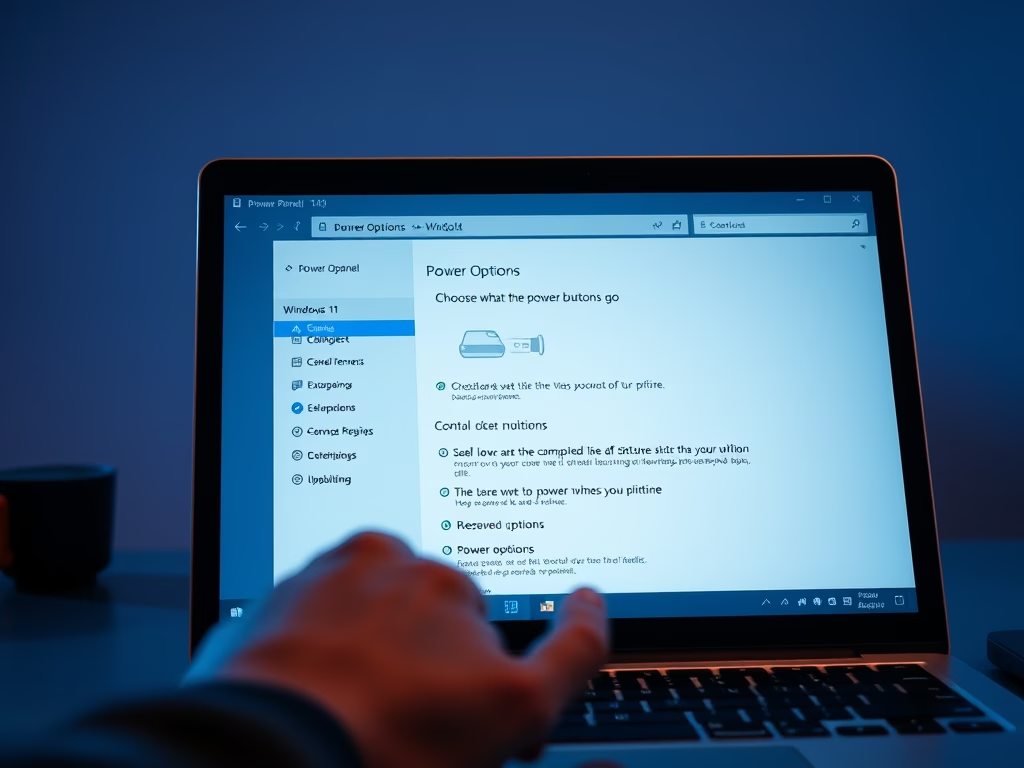
How to Add or Remove the Sleep Button in Windows 11
This guide explains how to add or remove the Sleep button from the power menu in Windows 11. Users can easily manage…