Category: Windows
-

Date:
How to Scan for Hardware Changes in Windows 11
This guide provides steps to help Windows detect new hardware that isn’t automatically recognized. Users can either use Device Manager’s “Scan for…
-

Date:
How to Turn On or Off Auto-Hide for the Taskbar in Windows 11
The Windows 11 taskbar can automatically hide to optimize screen space. Users can enable or disable this feature through the Settings app…
-

Date:
How to Delete Copilot Memory
Microsoft Copilot enhances your computing experience by remembering details about your preferences and interactions. Users can easily manage Copilot’s memory through the…
-

Date:
How to Turn On or Off Personalized Ads in the Copilot App on Windows 11
This guide explains how to manage personalized ads in the Microsoft Copilot app on Windows 11. Users can toggle ad personalization settings…
-

Date:
How to Encrypt Files in Windows 11: A Simple Guide
This guide explains how to easily encrypt and decrypt files and folders in Windows 11, ensuring privacy protection. It details methods using…
-

Date:
Show Encrypted NTFS Files in Color: A Windows 11 Guide
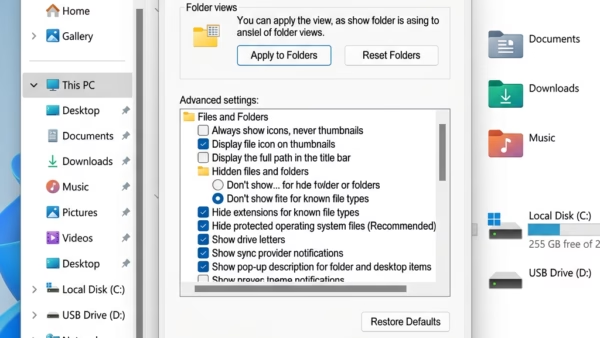
Windows 11 allows users to easily identify encrypted and compressed files by displaying them in different colors within File Explorer. This feature…
-

Date:
How to Turn On or Off Startup App Notifications in Windows 11
Windows 11 has a feature called Startup App Notification that alerts users when new apps set themselves to start automatically with the…
-

Date:
How to Change Startup App Notification Priority in Windows 11
This guide explains how to manage Startup App Notifications in Windows 11. Users can enable notifications that alert them when new apps…
-

Date:
How to Adjust Font Size in Windows 11
Windows 11 allows users to adjust font size for better readability, which is beneficial for those with vision difficulties or varying screen…
-

Date:
How to Install CAB Files in Windows 11: Step-by-Step Guide
This guide explains how to install CAB files on Windows 11, which are compressed packages containing updates or drivers. It outlines simple…