Richard

Richard✓ Verified Author

Richard

Tech Writer, IT Professional

Richard, a writer for Geek Rewind, is a tech enthusiast who loves breaking down complex IT topics into simple, easy-to-understand ideas. With years of hands-on experience in system administration and enterprise IT operations, he’s developed a knack for offering practical tips and solutions. Richard aims to make technology more accessible and actionable. He's deeply committed to the Geek Rewind community, always ready to answer questions and engage in discussions.

2539 Articles4 Topics
Windows 11Ubuntu LinuxCMSApps and Browsers
Windows 3 min read
Enable Download Location Prompt in Microsoft Teams

This article outlines how to enable or disable the "Always ask where to save downloaded files" feature in Microsoft Teams. It explains that by default, files download to the Downloads folder but can be redirected. The process is simple and helps improve organization, enhancing productivity and workflow management.

June 3, 2025 Read more →
Browsers 1 min read
How to Enable Copilot Mode in Microsoft Edge on Windows 11

This article outlines how to enable or disable Copilot mode in Microsoft Edge on Windows 11. Introduced in version 136.0.3240.92 and later, Copilot mode offers productivity prompts next to the search box. Users can manage this feature in settings or via the edge://flags/#edge-copilot-mode link if not visible.

June 1, 2025 Read more →
Windows 3 min read
How to Change Microsoft Teams Download Location

The article provides a guide on changing the default download location in Microsoft Teams. Users can access settings through their profile and select a new folder for downloads instead of the default Downloads folder. This feature enhances customization within the Microsoft Teams collaboration platform, streamlining file management for users.

May 30, 2025 Read more →
Windows 3 min read
Hide Message Previews in Chat list on Microsoft Teams

This article outlines how to manage message previews in the Microsoft Teams chat list. Users can enable or disable this feature through the app's settings. Adjusting message previews enhances privacy or visibility based on preference. Microsoft Teams offers various settings for personalization, improving overall user experience and functionality.

May 29, 2025 Read more →
Ubuntu Linux 3 min read
How to Install KDE Desktop on Ubuntu 24.04

This article outlines the installation of KDE Desktop on Ubuntu 24.04. KDE Plasma offers customizable widgets and activities for efficient task management. Users can install it using a simple command and reboot to access the new GUI. The process transforms an Ubuntu system without a GUI into a fully functional desktop environment.

May 28, 2025 Read more →
Ubuntu Linux 2 min read
How to Install GNOME Desktop on Ubuntu 24.04

This article outlines the installation process for GNOME Desktop on Ubuntu 24.04, highlighting its user-friendly interface, essential applications, and customizability through themes and extensions. The straightforward installation involves a few terminal commands followed by a reboot, after which users can enjoy a modern desktop environment that enhances their Ubuntu experience.

May 25, 2025 Read more →
Windows 2 min read
How to Enable Hey, Copilot: Hands-Free Voice Commands on Windows 11

The article details the process of enabling the "Hey, Copilot" voice command for hands-free interaction with Microsoft's Copilot on Windows 11. Users can enable or disable the feature via the app's settings. This functionality enhances multitasking by allowing users to converse with the AI assistant while maintaining focus on other tasks.

May 17, 2025 Read more →
Browsers 3 min read
How to Change Copy-Paste Settings in Microsoft Edge

This article outlines how to adjust the URL copy-paste format in Microsoft Edge, enhancing user control. Users can switch between copying URLs as hyperlinked titles or plain text via the browser’s settings. This feature improves functionality and workflow efficiency in both traditional and updated versions of Edge.

May 12, 2025 Read more →
Browsers 3 min read
How to Set Google Chrome to Use System Default Printer

This article outlines how to configure Google Chrome to use the system's default printer by adjusting the PrintPreviewUseSystemDefaultPrinter setting in the Windows Registry. It emphasizes the importance of backing up the registry and provides guidance on creating and modifying registry keys. Rebooting may be necessary for changes to take effect.

May 6, 2025 Read more →
Browsers 2 min read
How to Enable or Disable Grammar Check in Microsoft Edge

This article details how to enable or disable grammar and spell check assistance in Microsoft Edge, the default browser in Windows 11. Users can adjust settings via Edge's interface or Windows Registry. Microsoft Editor provides advanced writing support, with reminders to back up the registry before changes to avoid potential issues.

May 5, 2025 Read more →
Browsers 3 min read
How to Block External Extensions in Google Chrome

This article outlines how to enhance device security by blocking external extensions in Google Chrome. By using the BlockExternalExtensions policy in the Windows Registry, users can prevent the installation of third-party extensions, which may pose security risks. Backing up the registry and rebooting is recommended after making changes.

May 2, 2025 Read more →
Windows 4 min read
Getting Started with Copilot Vision on Windows 11

The article explains the new Copilot Vision feature in Microsoft Copilot for Windows 11, enabling voice interactions to ask questions about on-screen content. Users can integrate Copilot into their workflow, allowing hands-free assistance. Regular updates aim to enhance productivity and user experience, making it a significant advancement in digital engagement.

April 24, 2025 Read more →
Windows 2 min read
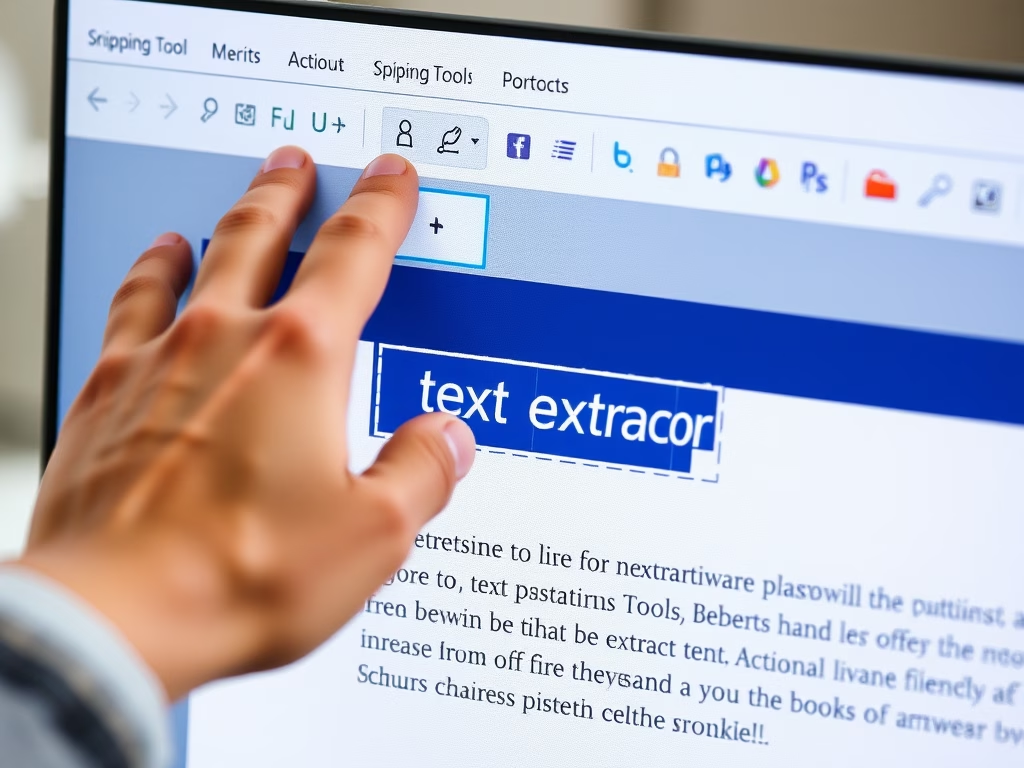
How to Use Snipping Tool’s New Text Extractor Feature

The article discusses the new text extractor feature in the Snipping Tool for Windows, allowing users to easily copy text to their clipboard without taking screenshots. Accessible via a toolbar button or the Win + Shift + S shortcut, it provides options to manually select text, copy all, and remove line breaks for increased productivity.

April 17, 2025 Read more →
Exit mobile version