Author: Richard
-
Date:
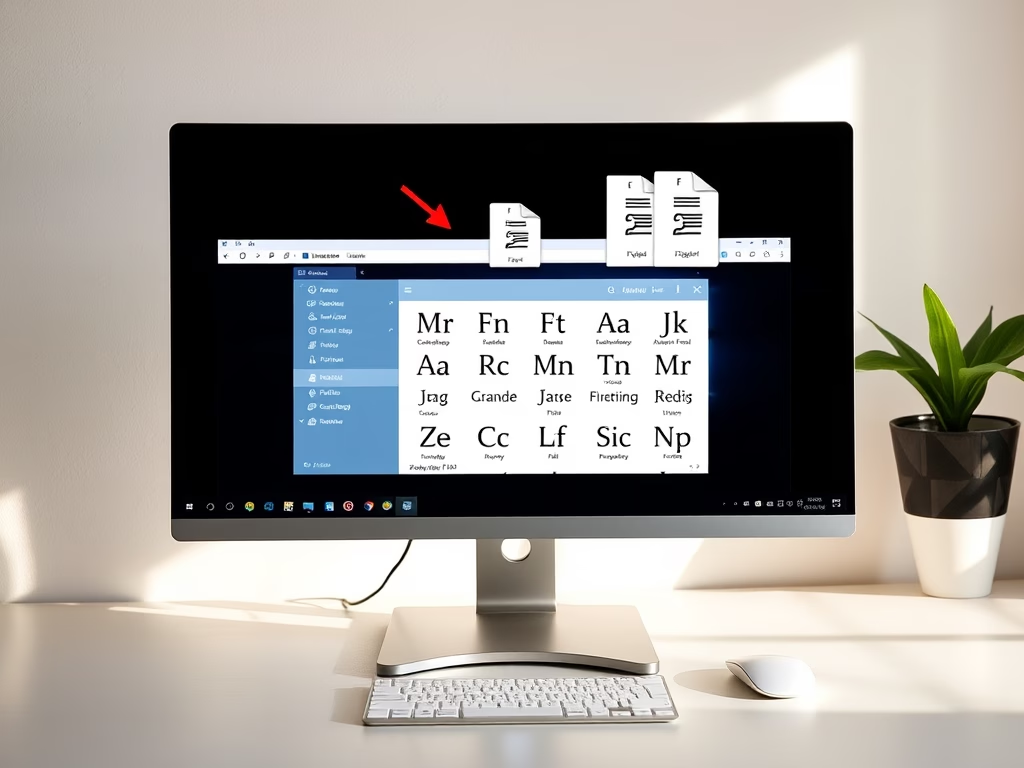
How to Install Custom Fonts on Windows 11
This post teaches how to install or remove custom fonts in Windows 11. Users can download free fonts online, extract the files,…
-
Date:
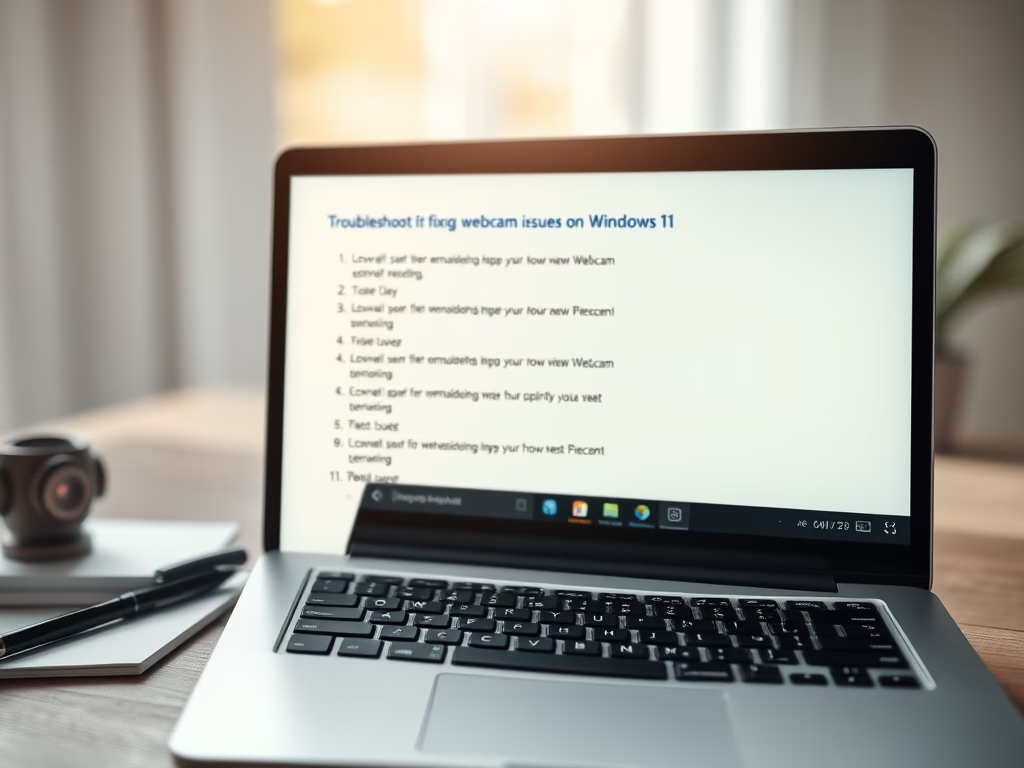
Fix Webcam Issues on Windows 11
This post provides steps to troubleshoot non-functioning cameras on Windows 11. These steps include checking for off/on switches on the device, restarting…
-

Date:
Transfer Files from Memory Card to Windows 11
This post provides a step-by-step guide for students and new users on how to transfer files from memory cards to a Windows…
-

Date:
Find Mouse Pointer Location in Windows 11
This post guides users on locating their mouse pointer on a Windows 11 screen, useful for those struggling to find the small,…
-
Date:
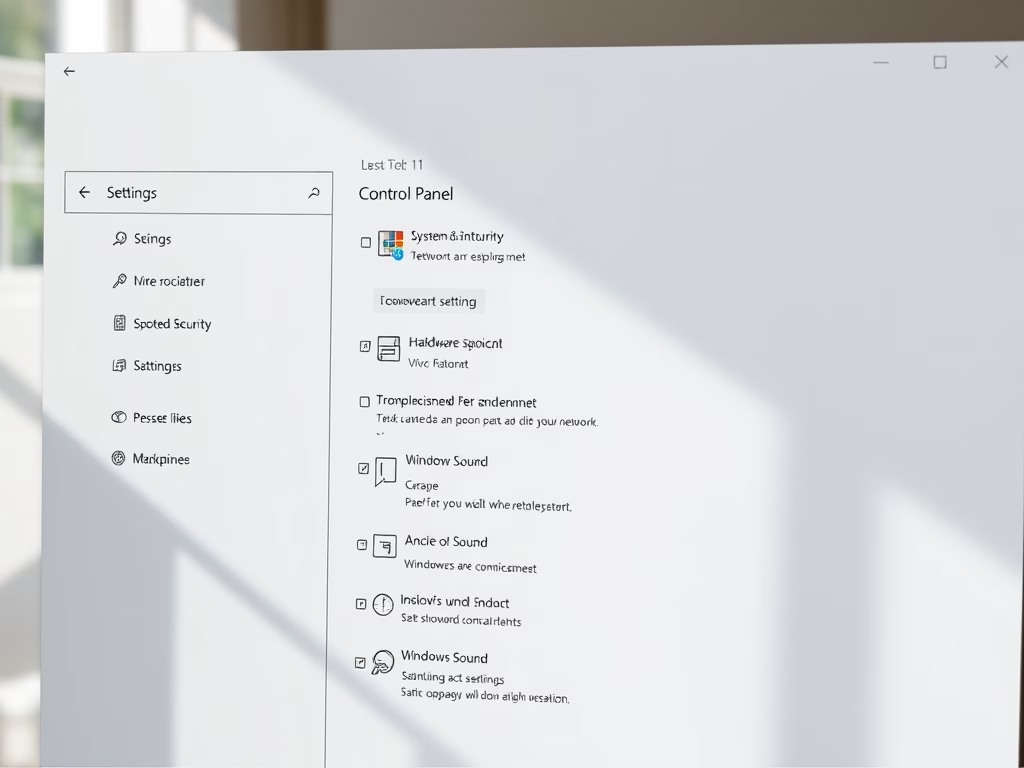
How to Access Control Panel in Windows 11
The post guides on opening and using the Control Panel app in Windows 11. It notes that, while the Control Panel has…
-
Date:
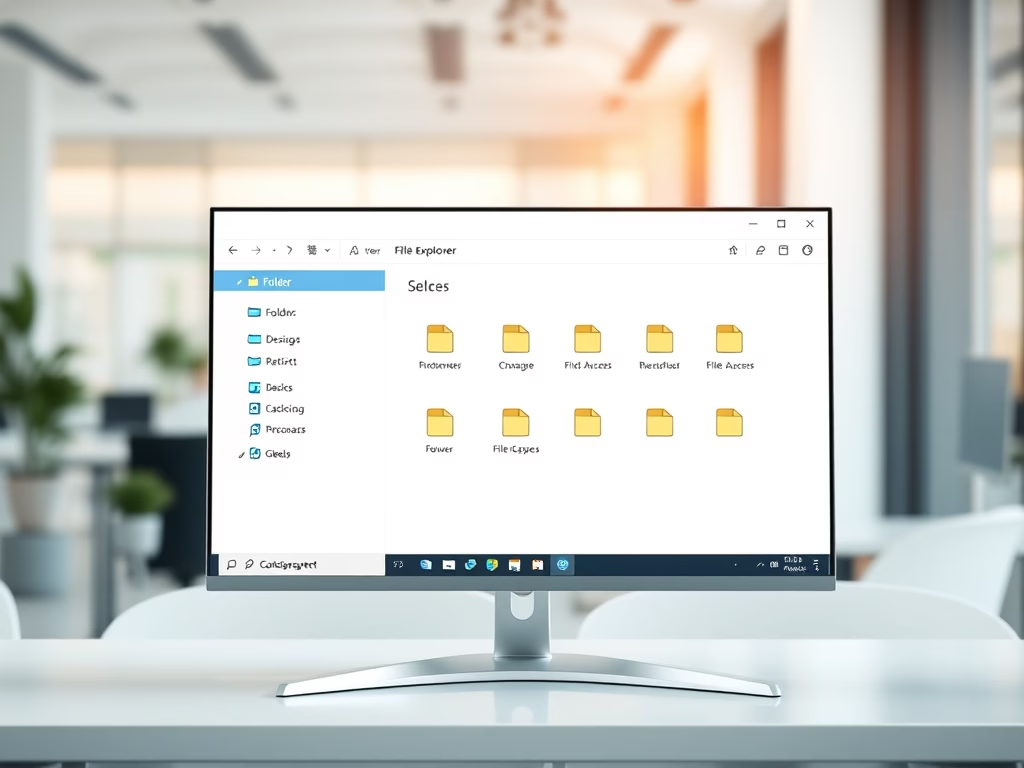
How to Use File Explorer in Windows 11
The post provides a guide to open and use File Explorer on Windows 11 for students and new users. It differentiates File…
-
Date:
How to Reset OneDrive Sync on Windows 11
This is a guide for students and new Windows 11 users on how to reset OneDrive sync connection when syncing issues occur.…
-
Date:
How to Shutdown Your Windows 11 PC
The post provides various methods to shut down a Windows 11 PC including via the Start menu, using keyboard shortcuts, command line,…
-
Date:
How to Unpair Bluetooth Devices on Windows 11
This content provides a guide on how to unpair or disconnect Bluetooth devices on Windows 11. Windows 11 allows users to stop…
-
Date:
How to Change Refresh Rate on Windows 11
The post describes how to adjust the monitor refresh rate on Windows 11. Windows typically selects the optimal refresh rate, however users…