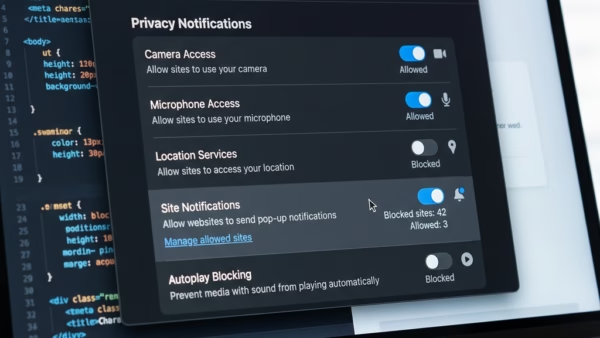
You can manage website notifications in Microsoft Edge by accessing the browser’s settings to control which sites can send you alerts and how those alerts appear. Website notifications are pop-up…
You can view and delete your browsing history in Microsoft Edge by accessing the “History” menu within the browser’s settings. Browser history, also known as browsing data, is a record…
You can temporarily allow cookies in Microsoft Edge by adjusting your site permissions for specific websites. Cookies are small files websites store on your computer to remember your preferences and…
Microsoft Edge’s InPrivate mode lets you browse the web privately, preventing your browsing history, cookies, and site data from being saved on your device after you close all InPrivate windows.…
Many people using Windows 11 find that Microsoft Edge runs slowly. This makes browsing the web annoying. Websites take a long time to load. Videos might freeze or skip. Some…
You can allow or block specific websites for Copilot to interact with in Microsoft Edge on Windows 11. Browse with Copilot is a feature in Edge that lets the AI…
You can enable or disable the Browse with Copilot feature in Microsoft Edge on Windows 11 to control its AI-powered web assistance. Browse with Copilot is an artificial intelligence tool…
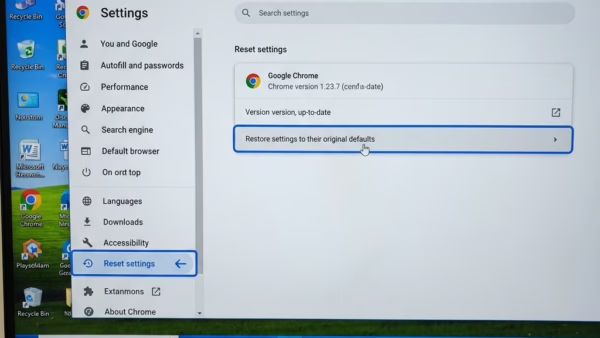
You can reset Microsoft Edge to its default settings on Windows 11 by navigating through the browser’s settings menu. Resetting Microsoft Edge reverts its settings to their original state, effectively…
You can fix Microsoft Edge not opening on Windows 11 by clearing its cache and cookies, resetting its settings, or repairing/resetting the application through Windows Settings. Microsoft Edge is a…
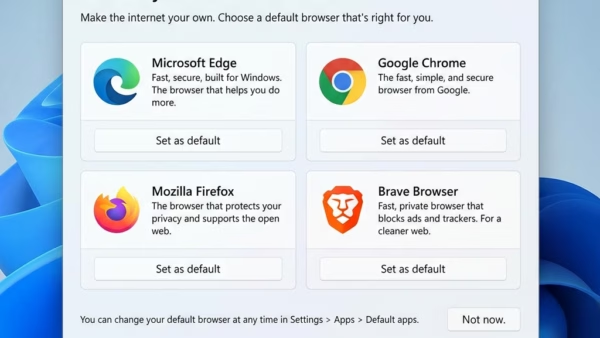
Microsoft Edge is generally considered the best browser for Windows 11 users due to its deep integration with the operating system and strong performance. Both Microsoft Edge and Google Chrome…
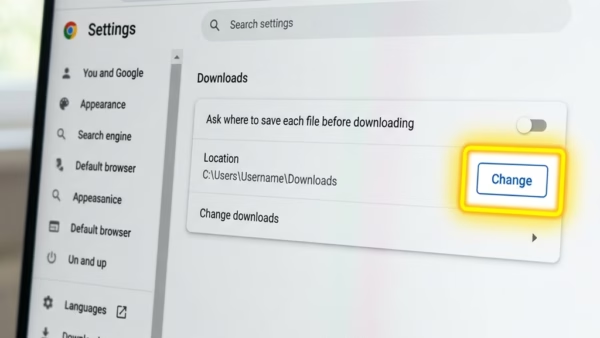
You can change the Microsoft Edge download location in Windows 11 to save files directly to a folder you prefer, instead of the default “Downloads” folder. This allows you to…
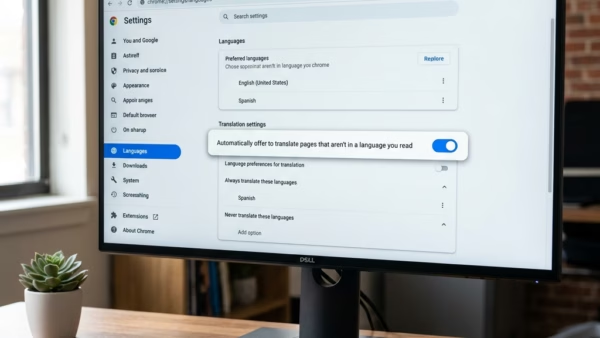
You translate videos in Microsoft Edge using its built-in AI-powered translation tool, which can provide real-time audio dubbing and subtitles. This feature helps you understand foreign language content right in your browser.…
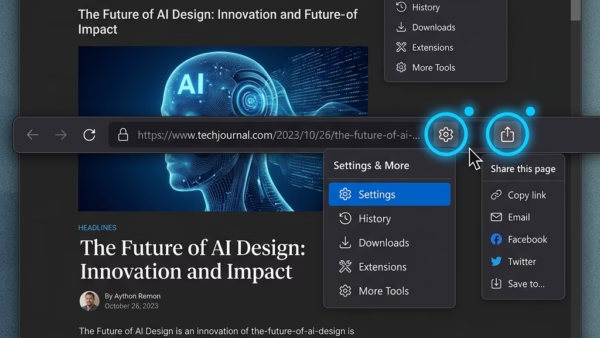
The Share menu in Microsoft Edge lets you quickly send links to other apps, nearby devices, or email. You can also use it to generate QR codes. Why enable or…
This guide explains how to turn the Developer Mode setting on or off in Microsoft Edge for Windows 11. Extensions Extensions are small tools that add new features to your…
This guide explains how to control where your cursor starts when you open a new Copilot tab in Microsoft Edge. You can choose to have it focus on the page…