How to Change Braille Text Cursor in Windows 11
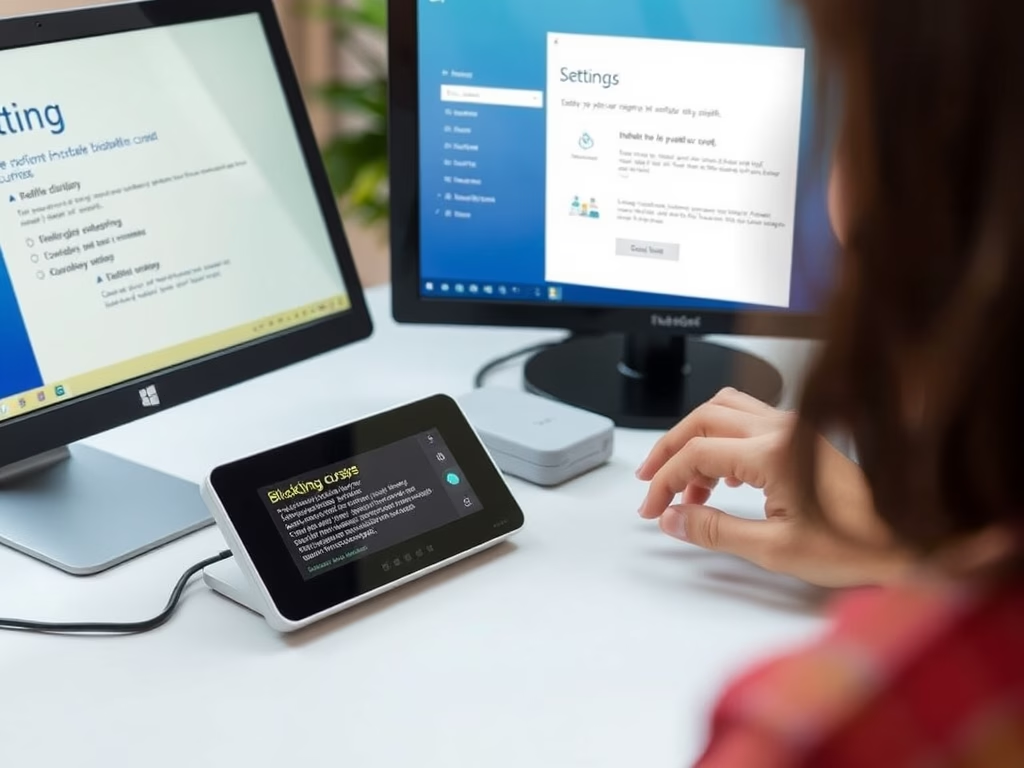
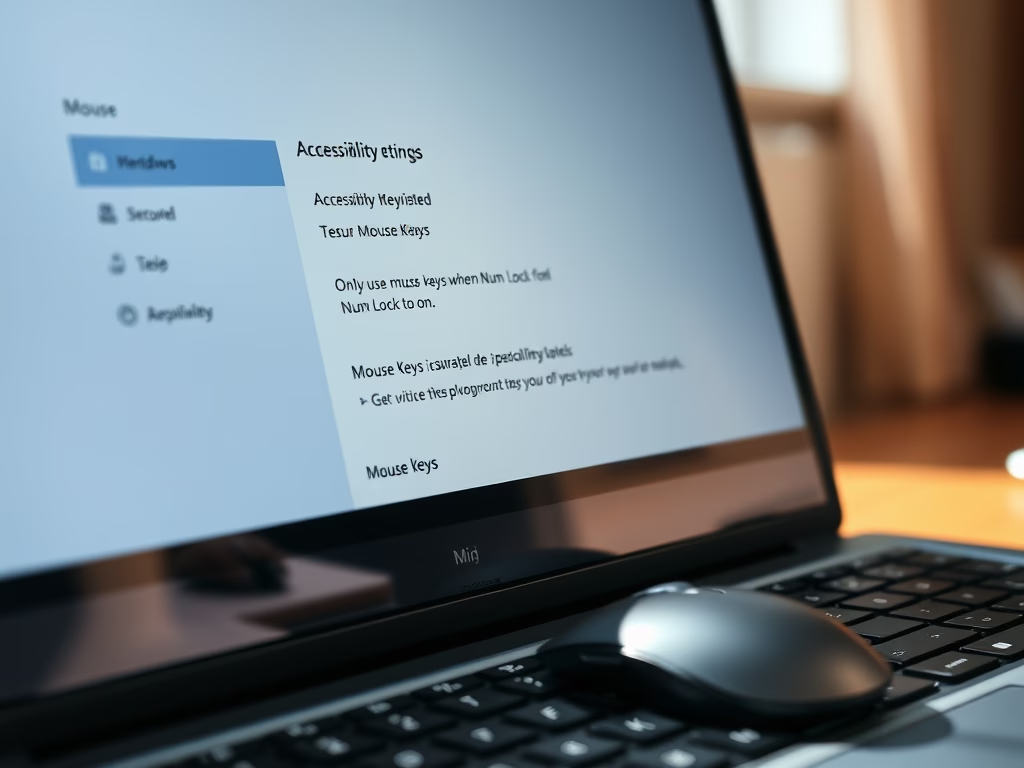
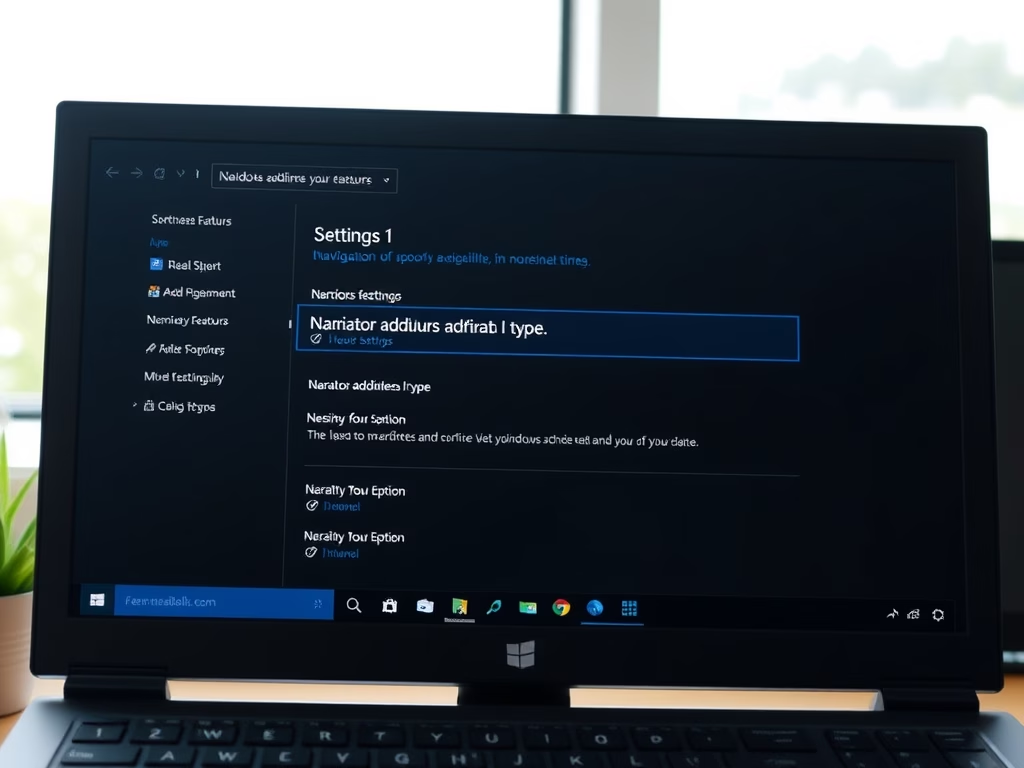
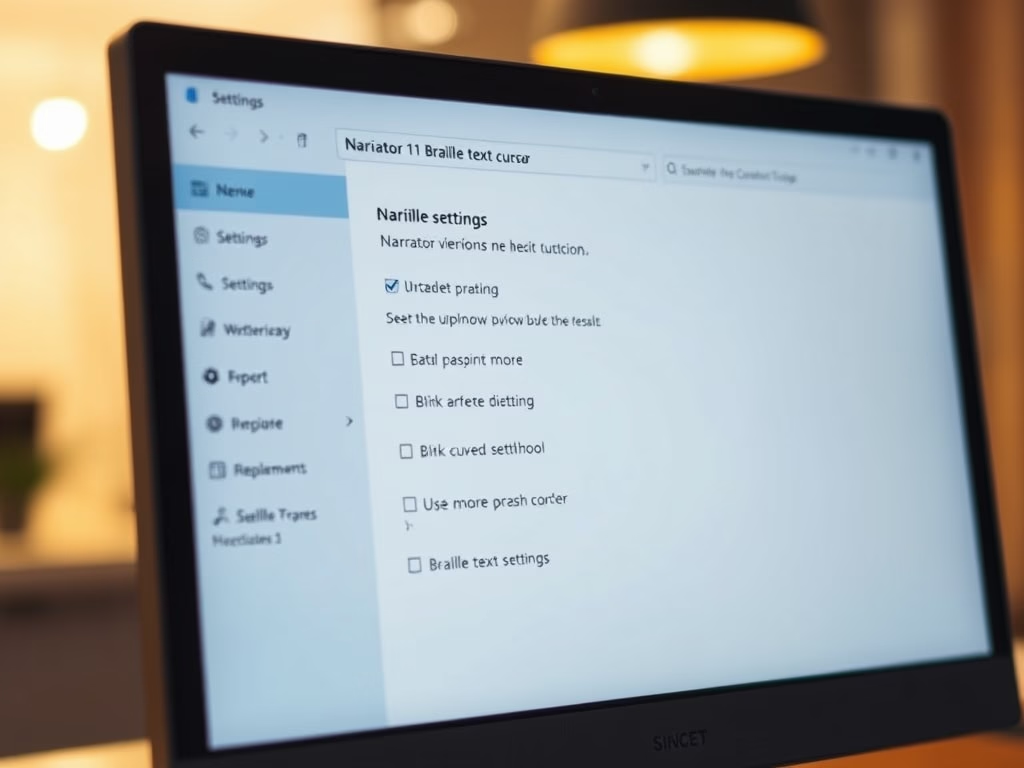
This guide explains how to customize the braille text cursor appearance when using Narrator on Windows 11. Narrator assists users with vision impairments by reading screen content aloud. Users can change cursor styles, hide it, and access various settings through the Accessibility menu to enhance their experience.
February 2, 2026
Read more →