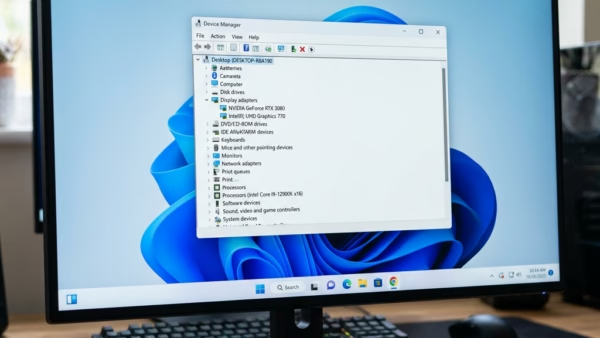
Notice your PC struggling with games or videos? You might be using the Microsoft Basic Display Adapter. Windows includes a generic driver called the Microsoft Basic Display Adapter. It offers…
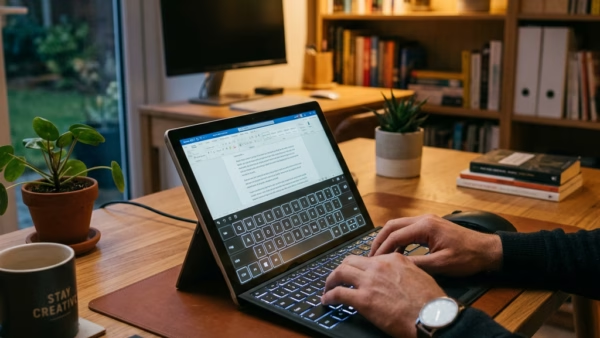
You can turn the touch keyboard on or off in Windows 11 using the Settings app, specifically within the Personalization or Accessibility menus. The touch keyboard is a digital keyboard…
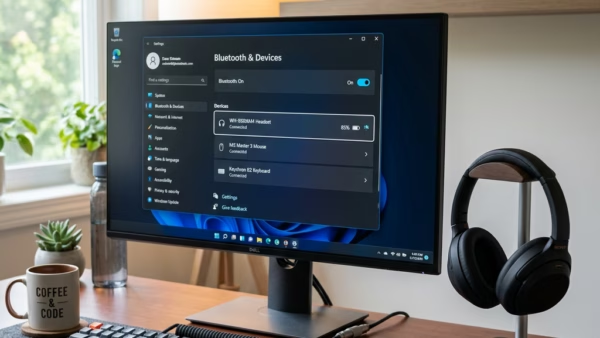
Your Windows 11 device is LE Audio ready if it supports Bluetooth 5.2 or later and has the right drivers installed. LE Audio is the next generation of Bluetooth audio…
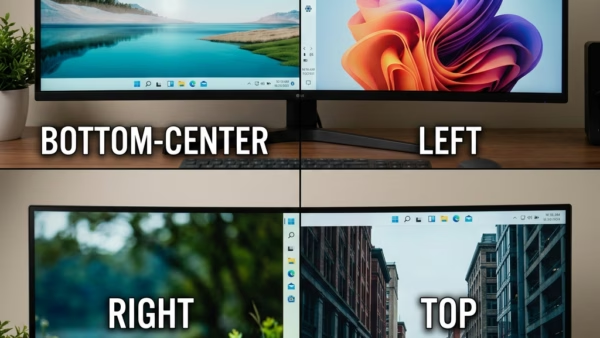
For years, Windows has kept that helpful bar at the bottom of your screen. It has worked well, but Microsoft is finally letting you move it! Get ready, because Windows…
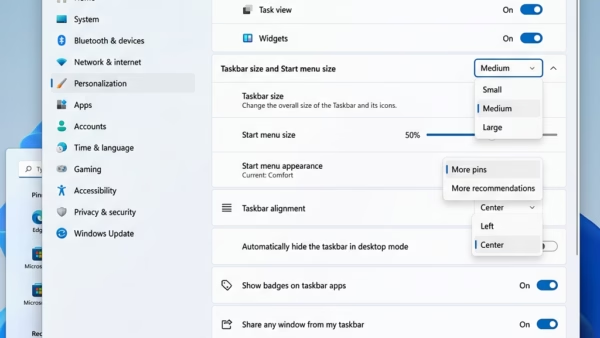
Windows 11 is getting a handy update: you can now adjust your Start menu’s size! If it feels like it’s hogging screen real estate or you want more space for…
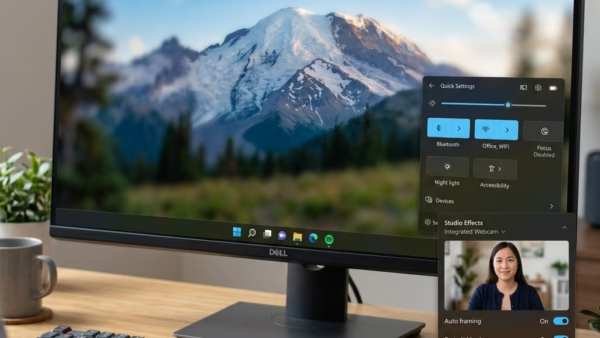
You access Windows Studio Effects settings in Windows 11 through the Camera app. Windows Studio Effects are smart features powered by artificial intelligence (AI) that enhance your video calls, helping…
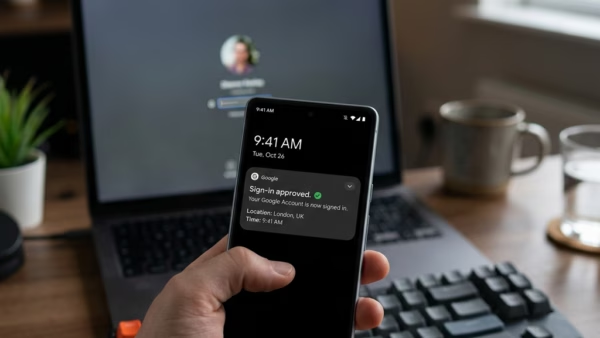
You can make your Microsoft account passwordless by enabling sign-in using Windows Hello or a Microsoft Authenticator app. This eliminates the need to remember and type traditional passwords for Windows…
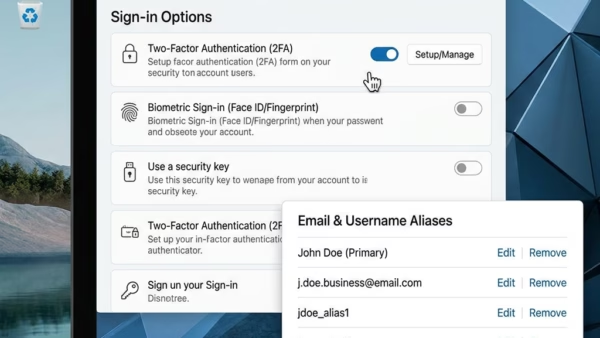
You can stop unwanted emails from signing into your Microsoft account by removing them as aliases. An email alias is just another email address, like outlook_B6F9GH@outlook.com, that you can use…
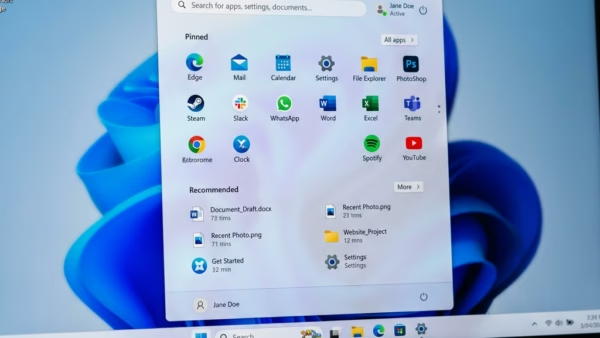
Microsoft is making your Windows 11 experience more personal. They’re improving the Start menu and the taskbar, giving you more control to set them up exactly how you like them.…
Your computer is only as good as the software that runs its hardware. Drivers are the bridge between Windows 11 and your devices, like your printer, graphics card, or network…
Want to control how your Windows 11 desktop icons line up? Here’s how to toggle the ‘Align icons to grid’ feature on or off. This setting dictates whether your icons…
Want your Windows 11 desktop icons to stay put? You can control how they arrange themselves to keep things tidy. The ‘Auto arrange icons’ feature in Windows automatically positions your…
This guide shows you how to change the appearance of files and folders in Windows 11 File Explorer. You can choose from different layouts like icons, lists, or details. Why…
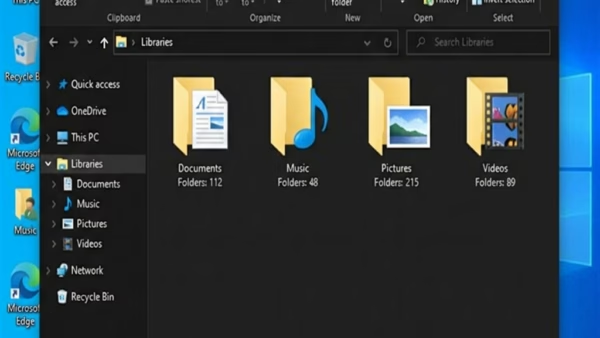
You restore Windows 11 library default settings by deleting and recreating the library folders. Libraries in Windows 11 act as virtual folders that consolidate files from various locations on your…
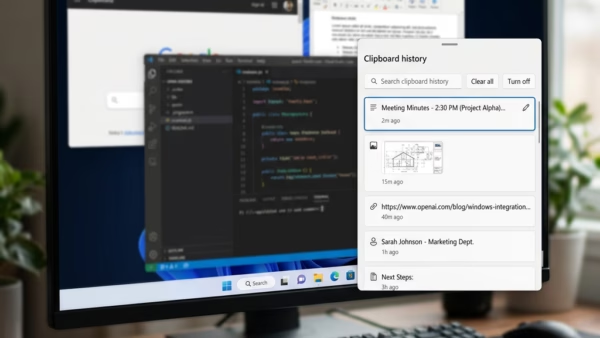
You can paste as plain text from Clipboard History in Windows 11 using a keyboard shortcut, which helps you bypass unwanted formatting. When you copy text, Windows 11’s Clipboard History…