



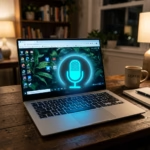
How to Start Voice Typing in Windows 11
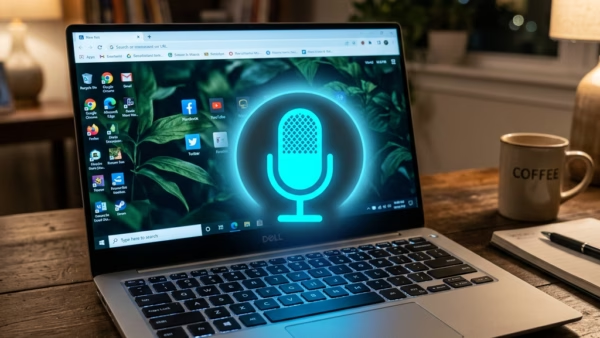
You start voice typing in Windows 11 using the built-in Voice Typing feature, activated by the Windows key + H shortcut. Voice Typing is…
Step-by-step guides for Windows, Linux, networking and everything tech — written by experts, verified for accuracy.
Most recently published
You start voice typing in Windows 11 using the built-in Voice Typing feature, activated by the Windows key + H shortcut. Voice Typing is…
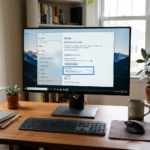
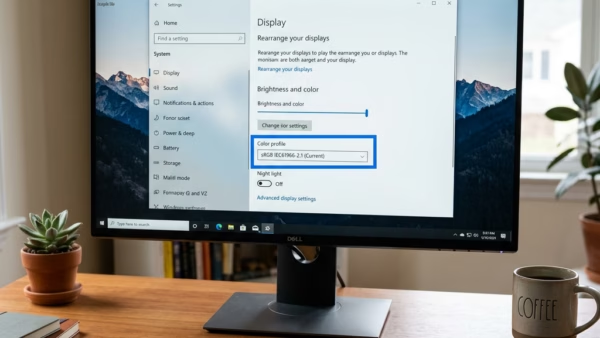
Want to clean up your computer's color settings? Removing a color profile in Windows 11 is a process. Here’s how to do it using…
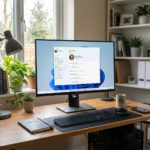
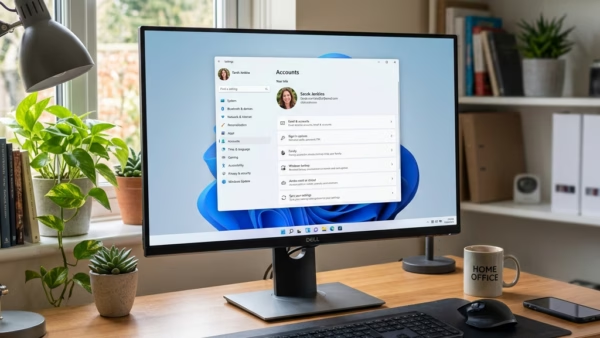
Windows 11 user accounts let you create distinct profiles for different people or purposes on your PC. Each account acts as a personal space,…
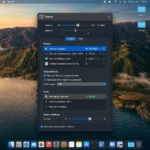
You can turn off adaptive communication sound levels in Windows 11 to prevent other sounds from automatically lowering when you use communication apps. This…
You can turn automatic upgrades to passkeys on or off in Microsoft Edge to manage how your old logins transition to this newer, more…
You add a color profile in Windows 11 by navigating to the "Calibrate display color" tool, which allows you to select and apply ICC…
You can turn Auto Color Management on or off in Windows 11 to ensure accurate and consistent colors on your display. Auto Color Management…

You can easily set up and use multiple monitors with Windows 11 to expand your digital workspace and boost productivity. Multiple monitors connect two…