
Category: Windows
-
Date:
Boost Windows 11 Performance: Delete Trash Automatically
To improve your computer’s performance, automatically delete trash and temporary files using Windows 11’s Storage Sense feature. By enabling Storage Sense, your…
-
Date:
How to Disable Unnecessary Startup Apps in Windows 11
Windows 11 automatically launches various apps at startup, which can slow down your computer. To improve startup speed, users can disable unnecessary…
-
Date:
How to Use Windows 11 Disk Cleanup and Storage Sense
Running low on disk space can negatively impact your computer’s performance and hinder updates. Utilize the Disk Cleanup tool to remove unnecessary…
-
Date:
How to Factory Reset Windows 11
This guide explains how to factory reset a Windows 11 computer, ideal for improving performance, erasing personal data, or resolving significant issues.…
-
Date:
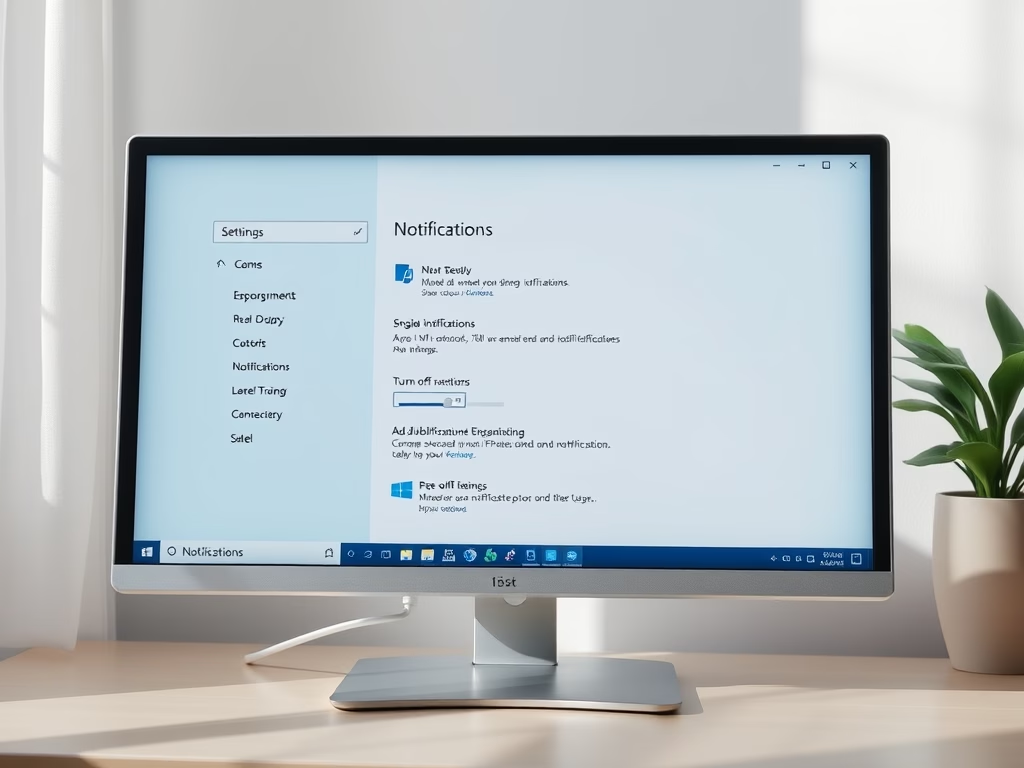
How to Disable Windows 11 Notifications
Windows 11 notifications inform users about activities but can be distracting. Users may want to disable them to enhance focus or protect…
-
Date:
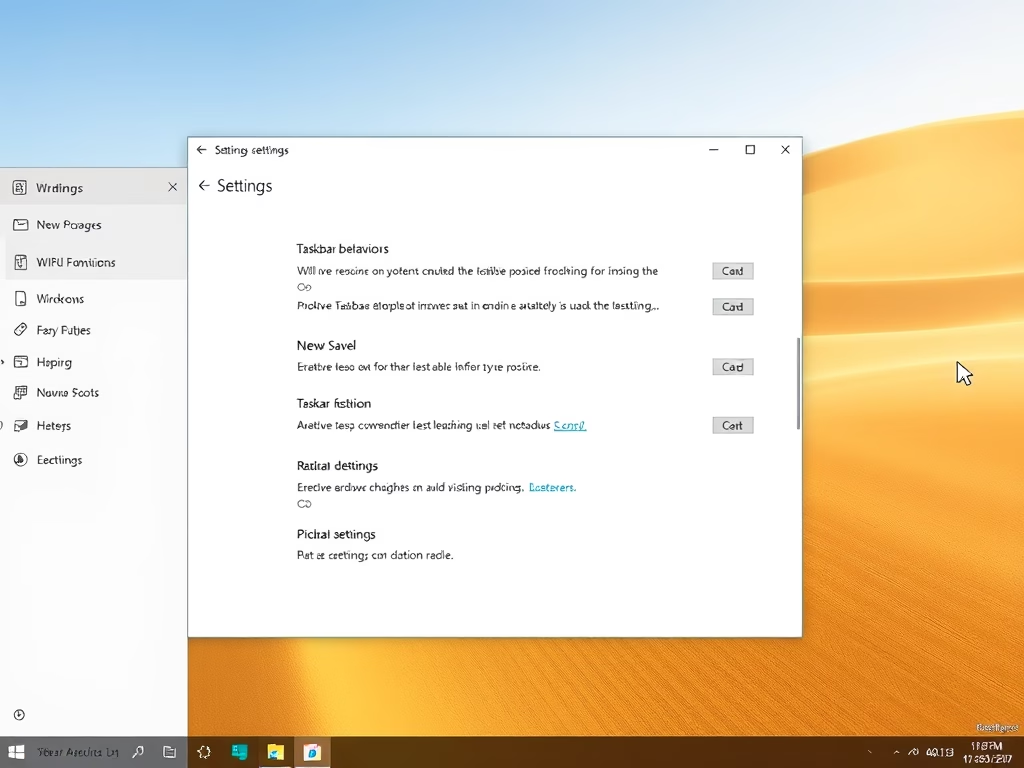
How to Move Windows 11 Taskbar to the Left
The Windows 11 Taskbar, typically centered, can be moved to the left for a more familiar user experience and better screen space…
-
Date:
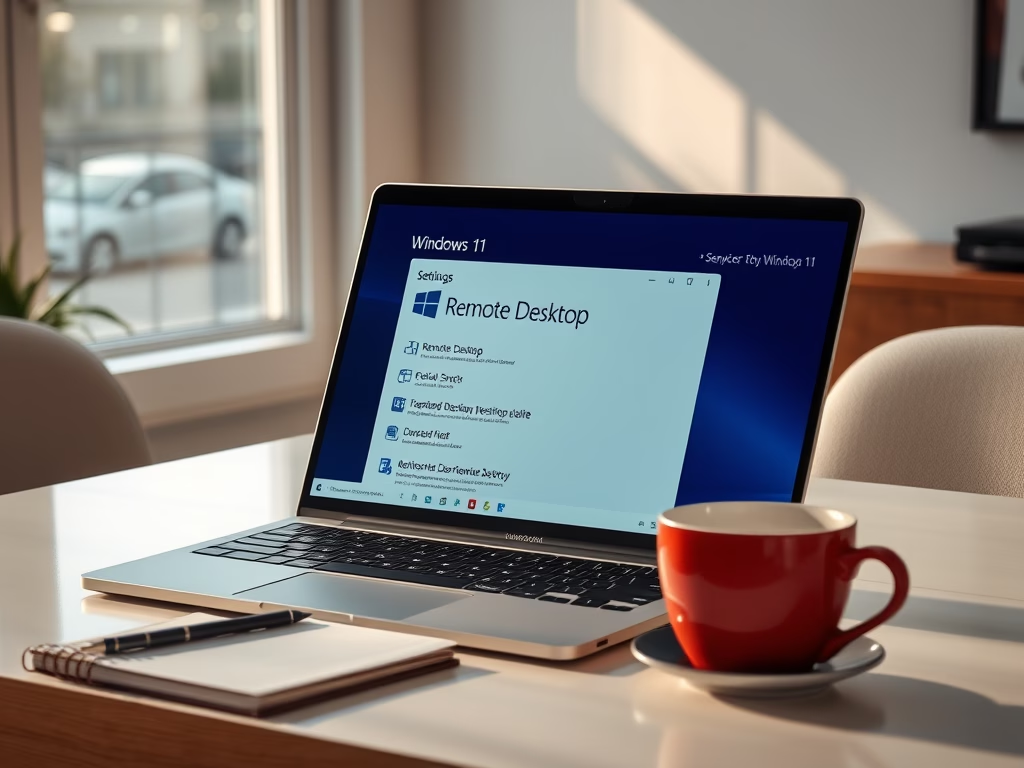
How to Enable Remote Desktop in Windows 11
This guide explains how to enable Remote Desktop in Windows 11, a feature that allows you to access your computer from another…
-
Date:
How to Enable or Disable Reducing Protections for Agent Connectors on Windows 11
This article outlines how to enable or disable the “Reducing Protections for Agent Connectors” feature in Windows 11, introduced with build 26220.7344.…
-
Date:
How to Enable or Disable AI Actions in Windows 11 Context Menu
This article explains how to enable or disable AI Actions in Windows 11’s context menu. With the latest build, users can streamline…
-
Date:
How to Enable or Disable Copilot Actions in Windows 11
This article explains how to manage the “Copilot Actions” feature in the Windows 11 Copilot app. Users can enable or disable it,…