Category: Windows
-
Date:
Restore Default Icons on Windows 11 Desktop
The post provides a guide on how to restore formerly default desktop icons like ‘Computer’, ‘User’, ‘Control Panel’ on Windows 11, shifted…
-

Date:
How to Bypass the Recycle Bin on Windows 11
The post guides users on deleting files or folders from Windows 11 without storing them in the Recycle Bin first. It instructs…
-
Date:
How to Use Periods in Windows 11 Date Formats
This content guides Windows 11 users on how to change the default format of dates and times, specifically replacing slashes with periods.…
-
Date:
Uninstall Programs in Windows 11 via Command Prompt
This content provides a step-by-step guide on how to uninstall programs from Windows 11 using the command prompt. It explains that while…
-

Date:
How to Hide and Show Desktop Icons in Windows 11
This content provides steps for both hiding and revealing desktop icons on Windows 11. For a clean desktop, users can hide all…
-
Date:
How to Resize Recycle Bin on Windows 11
The post provides a guide for adjusting the maximum size of the Recycle Bin on Windows 11. Users may want to modify…
-
Date:
How to Access Power User Tasks Menu in Windows 11
The post guides students and new users on how to launch and use the Power User Tasks Menu on Windows 11, initially…
-
Date:
How to Disable Touchpad on Windows 11
This post provides steps for enabling or disabling the Touchpad on laptops running Windows 11. A user may want to disable the…
-
Date:
How to Transfer Files from USB to Windows 11
The article guides students and new users on how to transfer files from a USB flash drive to a Windows 11 computer.…
-
Date:
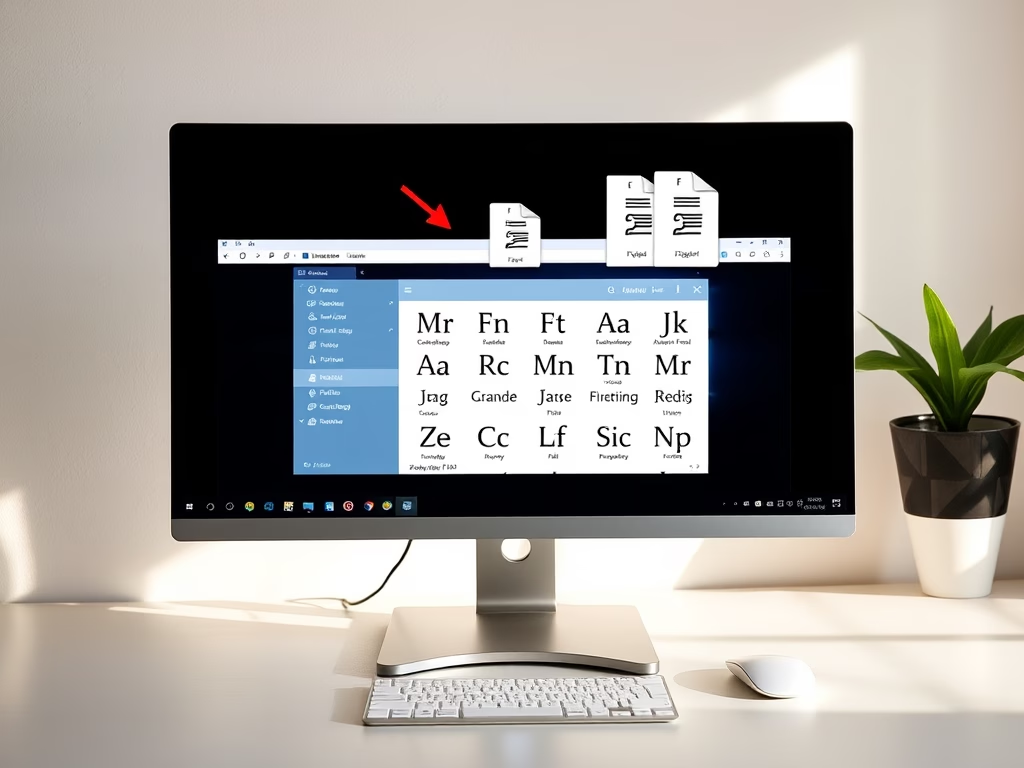
How to Install Custom Fonts on Windows 11
This post teaches how to install or remove custom fonts in Windows 11. Users can download free fonts online, extract the files,…