
Category: Windows
-
Date:
How to Remove a Kiosk from Windows 11
The post provides a guide on how to remove a kiosk from Windows 11. It first explains that a single-app kiosk uses…
-
Date:
How to Update Kiosk Apps in Windows 11 Easily
This summary explains how to modify a kiosk app in Windows 11’s kiosk mode, which limits users to a single app on…
-
Date:
How to Set Up a Kiosk on Windows 11
This article provides a guide on how to set up a single-app kiosk system on Windows 11 using the Assigned Access feature.…
-
Date:
How to Enable Fullscreen Optimizations in Windows 11
This excerpt guides on enabling or disabling fullscreen optimizations in Windows 11 for optimal gaming. The three display modes; Fullscreen Exclusive, Windowed,…
-

Date:
Enable Optimizations for Windowed Games in Windows 11
The article explains how to enable or disable the new ‘Optimizations for windowed games’ feature in Windows 11, which immensely improves latency…
-
Date:
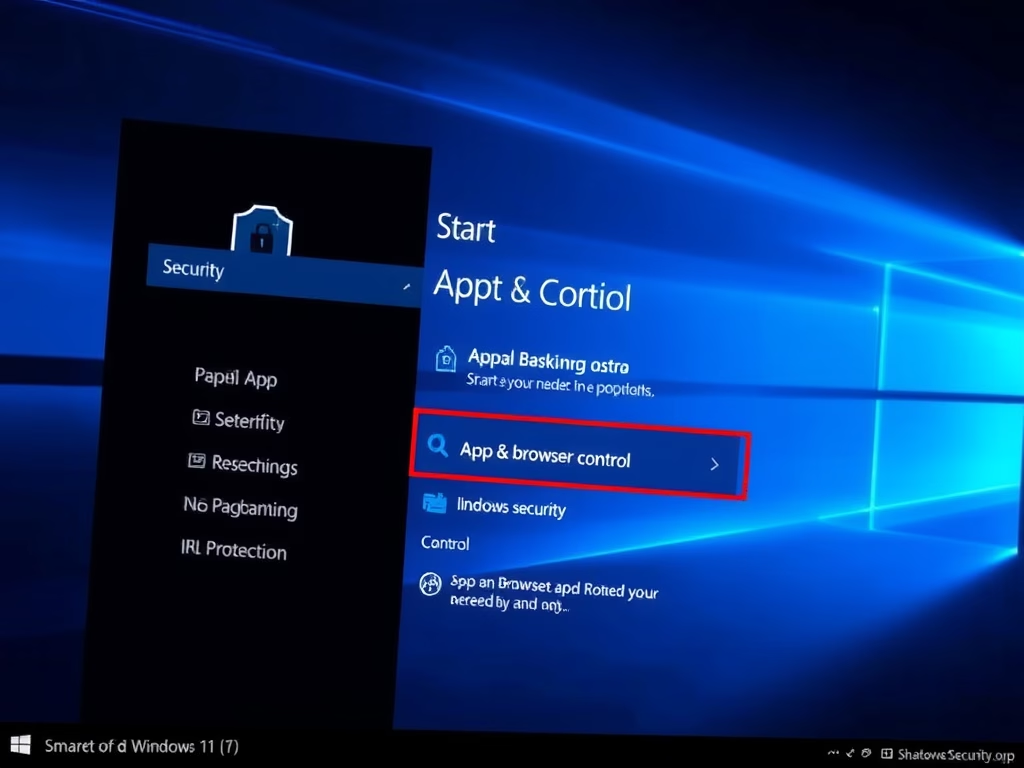
How to Enable Smart App Control in Windows 11
The post provides a guide for students and new users on how to enable or disable Smart App Control in Windows 11.…
-
Date:
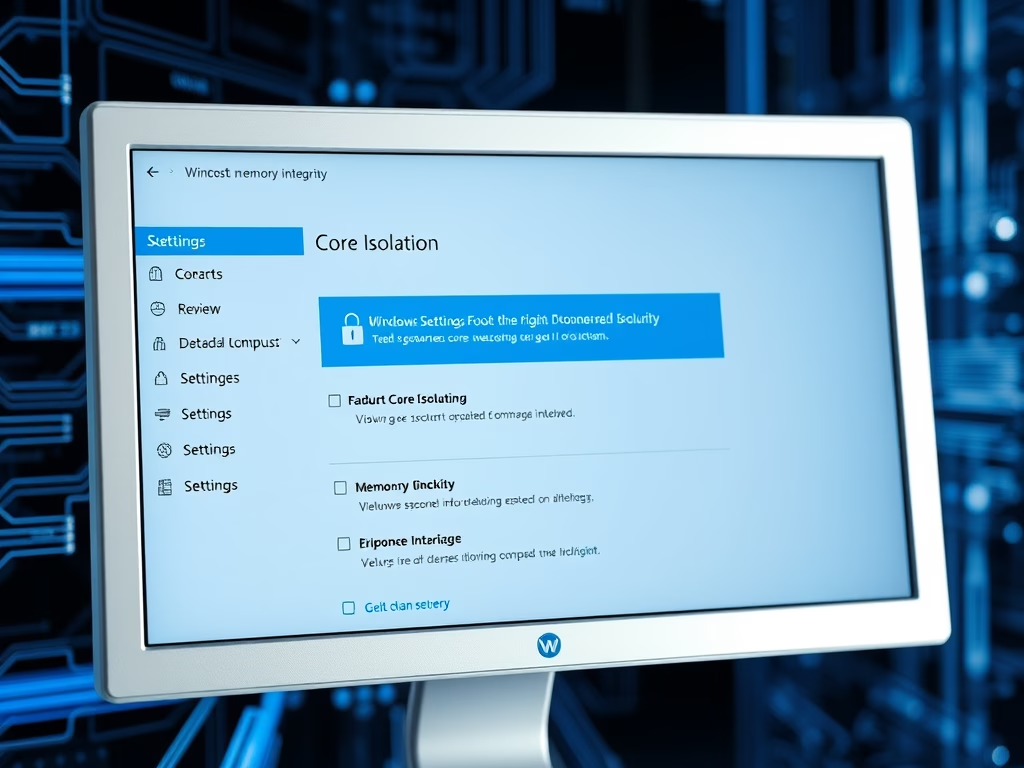
Enable Core Isolation Memory Integrity in Windows 11
The article explains how to use the Core Isolation Memory Integrity feature in Windows 11 to protect the system against malware such…
-
Date:
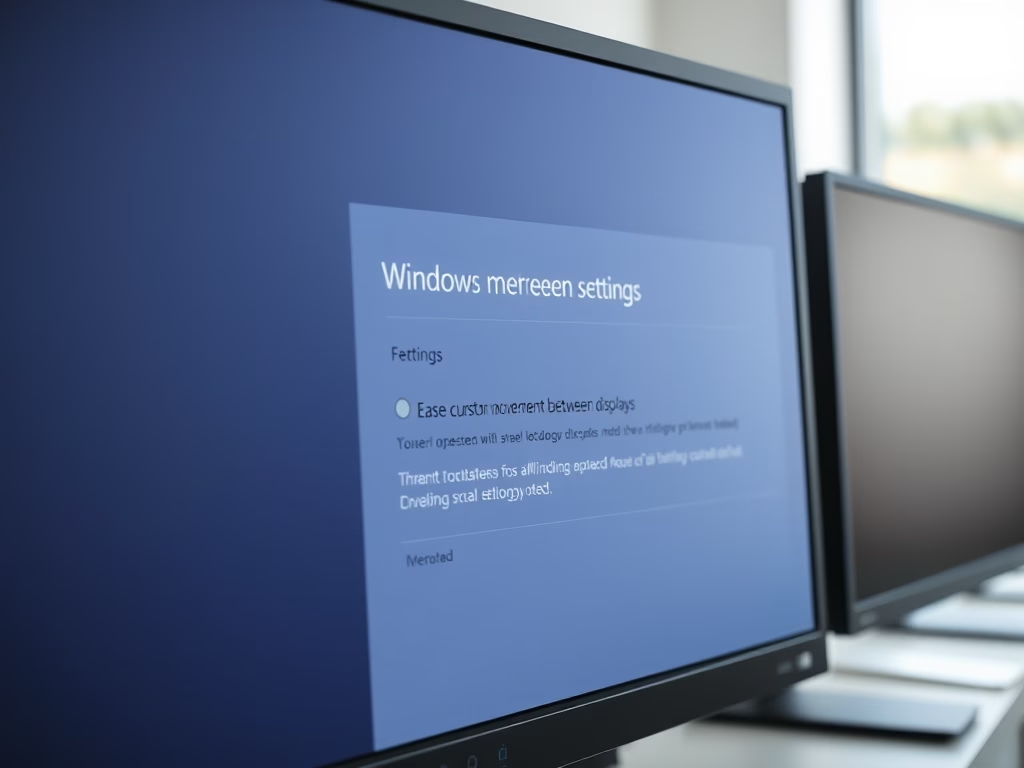
How to Adjust Cursor Movement Between Displays on Windows 11
This article explains how to enable or disable improved cursor movement across multiple displays in Windows 11 build 22557. This feature helps…
-

Date:
Remove System Requirements Not Met Watermark in Windows 11
The post provides a guide for students and new users on how to remove the ‘System requirements not met’ watermark in Windows…
-

Date:
Windows 11 Setup Without Internet: Easy Workaround
Installing Windows 11 without an internet connection requires navigating around setup requiring online functionality. Although it currently allows offline setup, future builds…