
Category: Windows
-
Date:
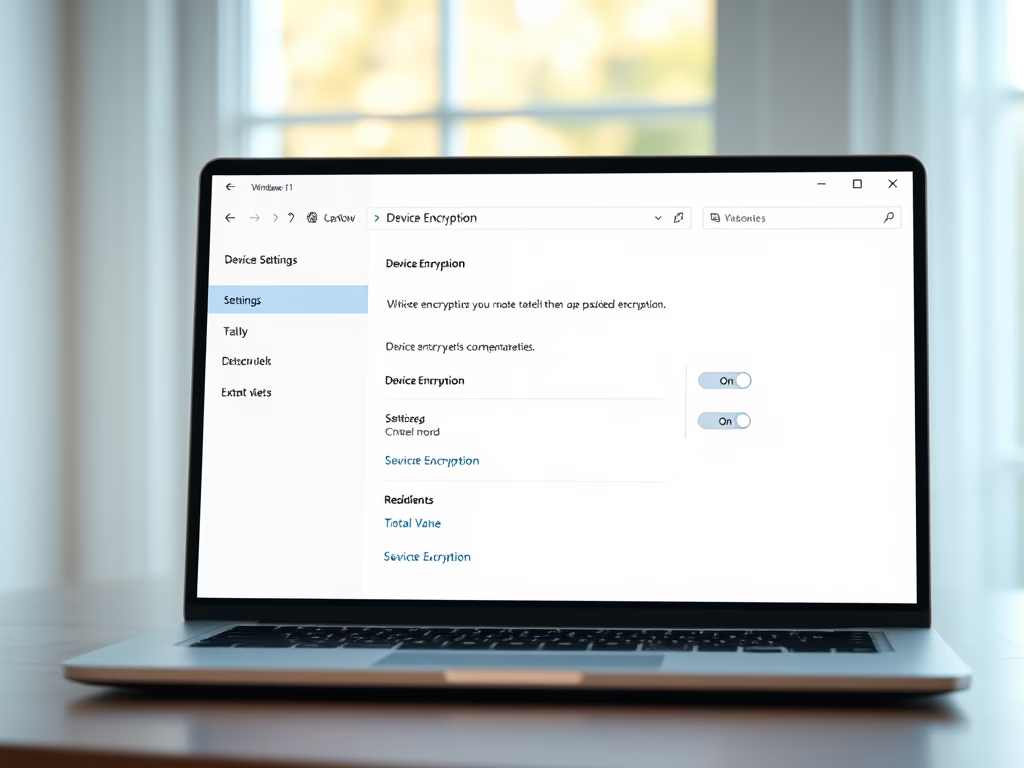
How to Enable Device Encryption in Windows 11
The post instructs users how to enable or disable device encryption on Windows 11 for enhanced data protection. Device encryption converts stored…
-
Date:
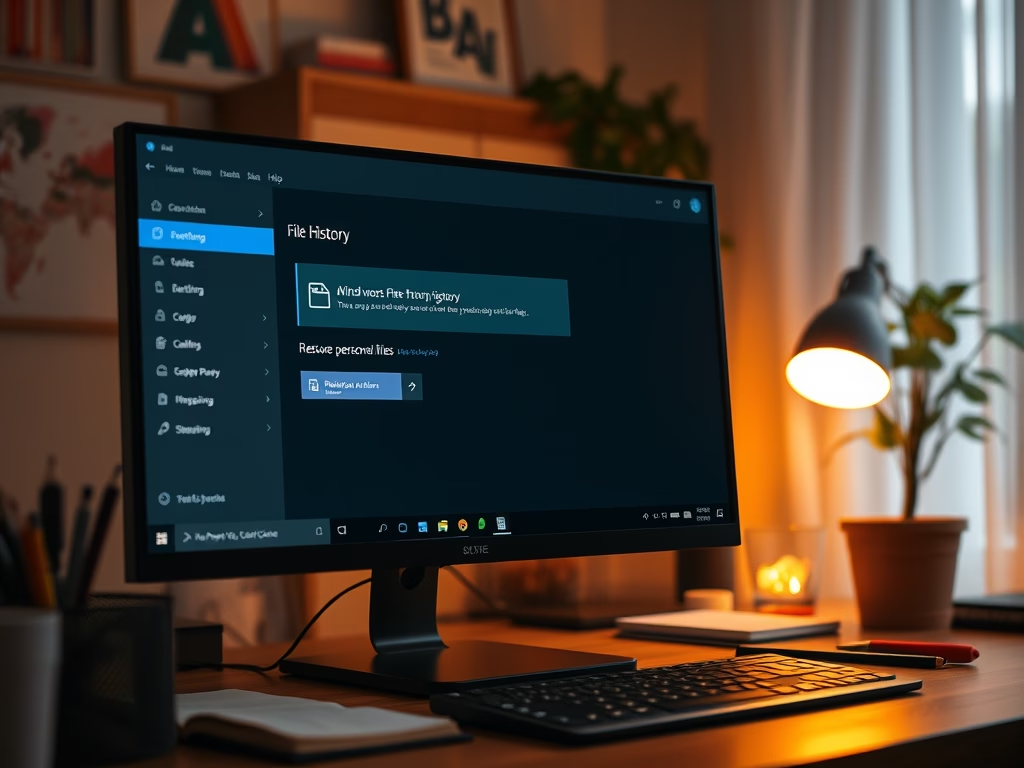
How to Restore Files with Windows 11 File History
The post describes how to restore files and folders from File History in case the originals are lost or damaged. Although apps…
-

Date:
How to Find Your Computer Name in Windows 11
This post provides instructions for Windows 11 users on identifying their computer name. Users can name their computer any character excluding certain…
-
Date:
How to Install VLC Media Player on Windows 11
This content provides a detailed guide for installing VideoLAN (VLC) media player on Windows 11 and setting it as the default media…
-
Date:
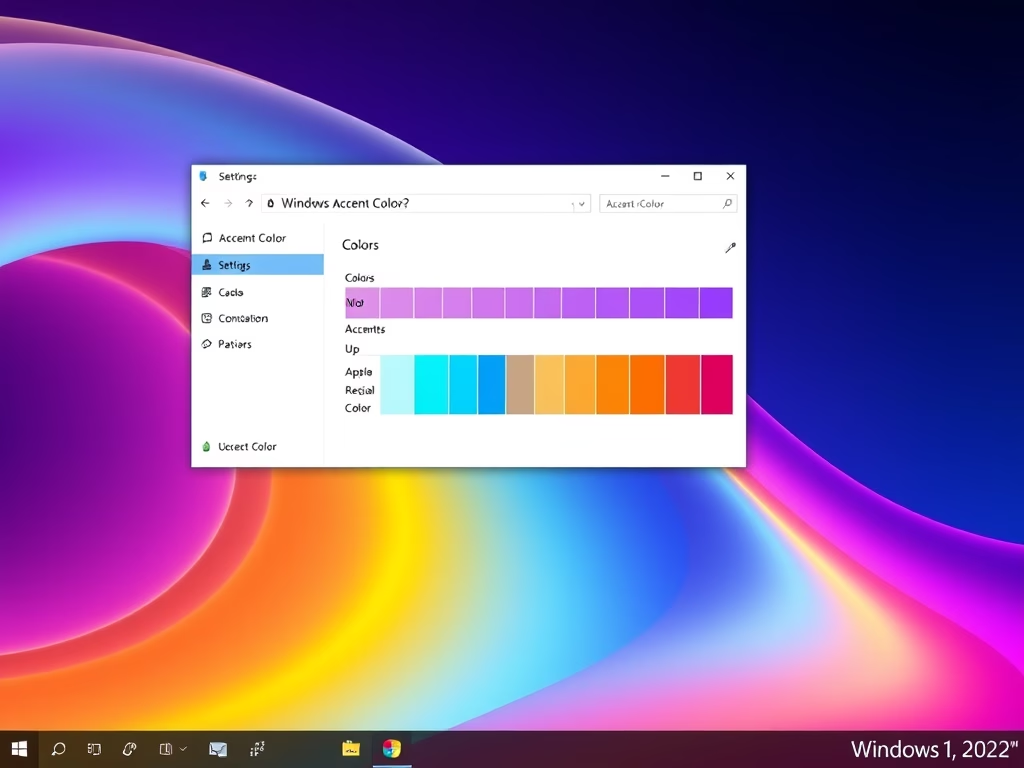
How to change Windows 11 Taskbar Color
This guide provides a method to customize the taskbar color on Windows 11. The process requires accessing the System Settings pane, where…
-

Date:
How to View Your Print Queue on Windows 11
This post provides a guide for students and new users on how to view the print queue in Windows 11. It explains…
-
Date:
Set Windows Terminal to Open with Command Prompt on Windows 11
The post instructs how to set up Windows Terminal on Windows 11 to open with the Command Prompt tab by default. Normally,…
-
Date:
Check Graphics Card Details on Windows 11
The post provides a guide for Windows 11 users to check and display the details of their computer’s graphics card. This is…
-
Date:
How to Show or Hide Libraries Folder in Windows 11
This text provides instructions for showing, hiding, and adding files to the Libraries folder in Windows 11, which consolidates content from different…
-

Date:
How to Install HEVC Codec on Windows 11
This post instructs how to install the HEVC (H.265) codec on Windows 11 for playing media files encoded in the HEVC format,…