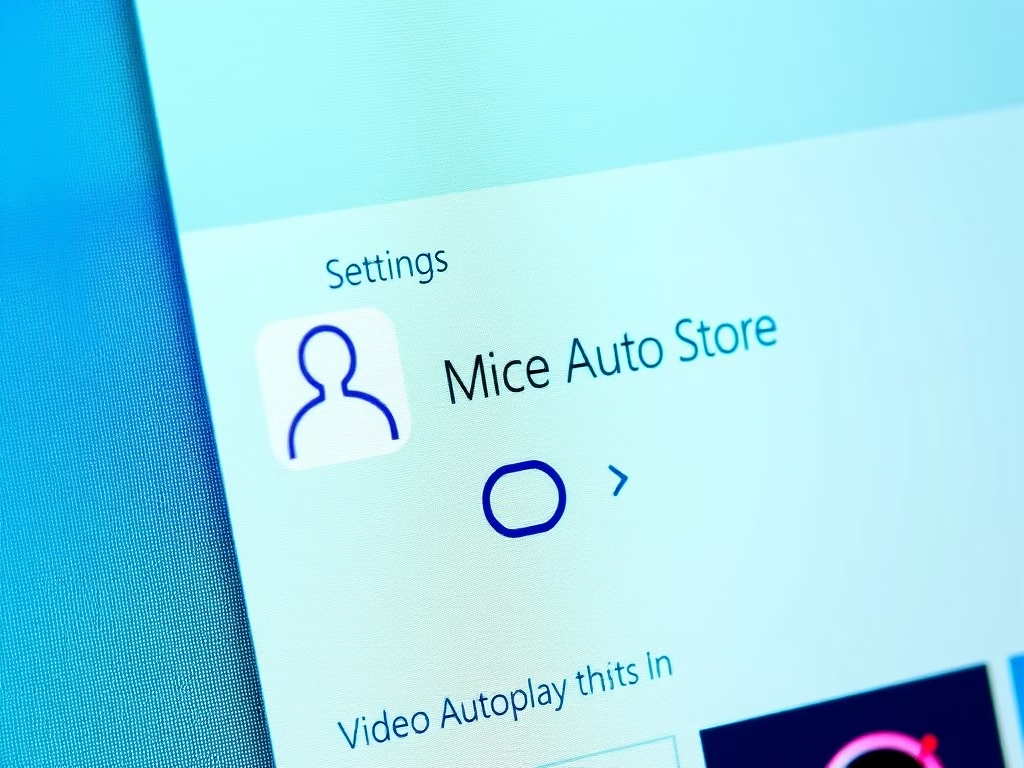
How to Enable or Disable Video Autoplay in Microsoft Store on Windows 11
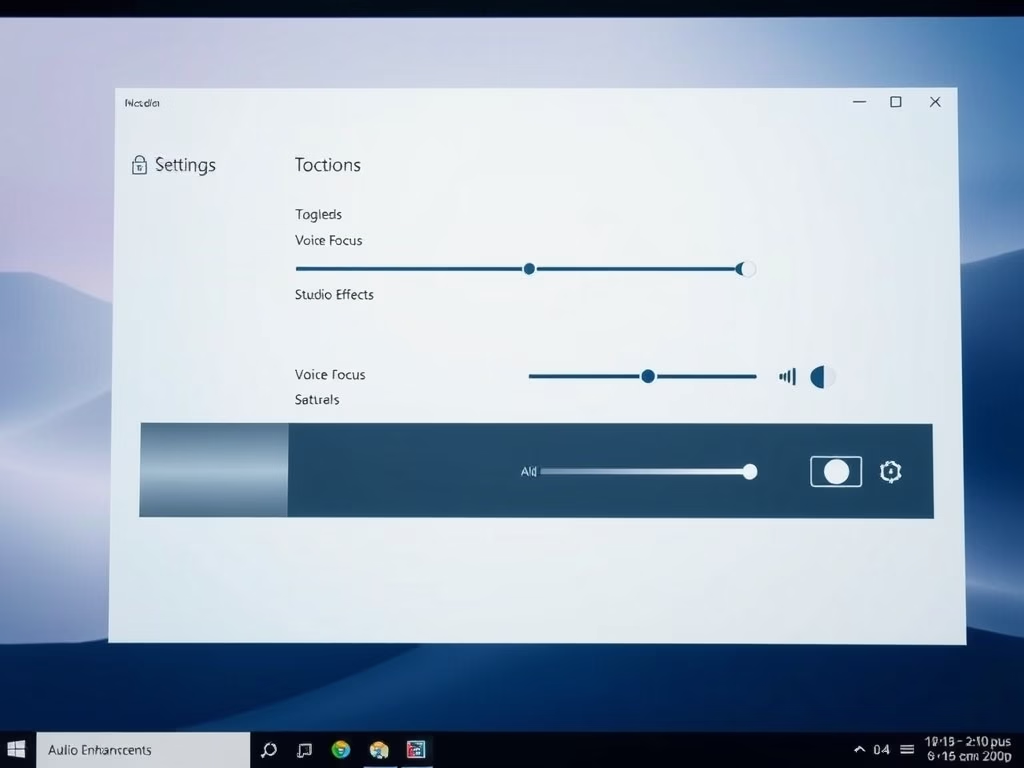
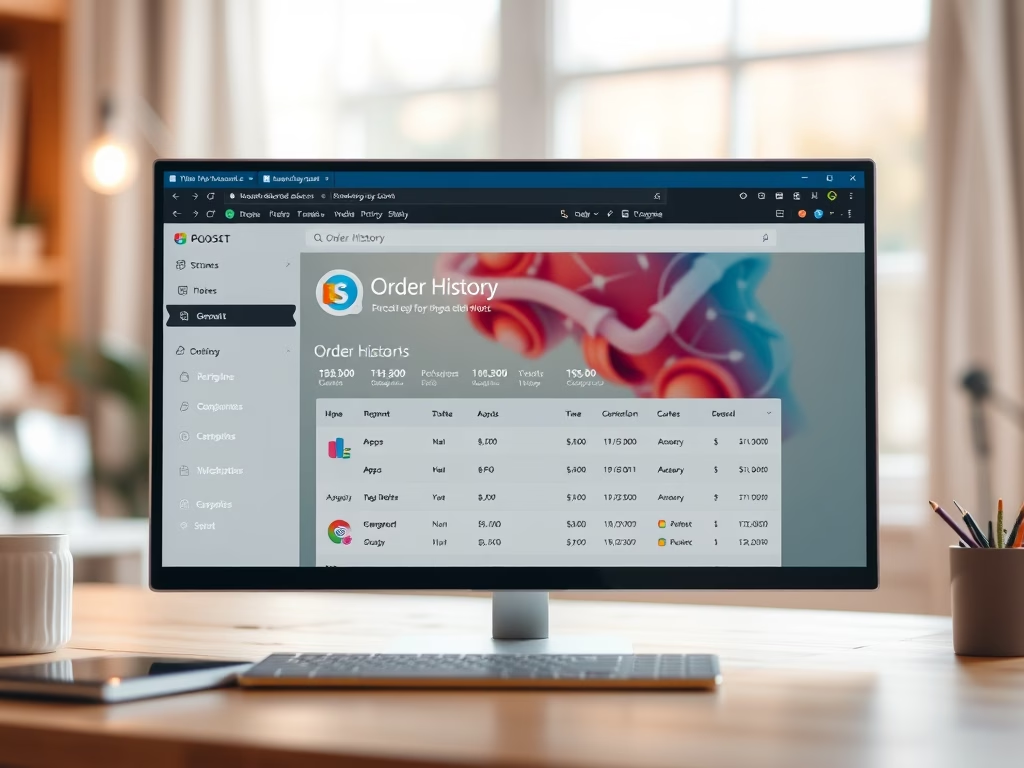
The Microsoft Store on Windows 11 allows users to download apps, games, and movies. It features an autoplay option for videos that can be distracting or use excessive data. Users can easily turn this feature on or off via the Settings menu to customize their experience and save internet data.
February 1, 2026
Read more →