How to Install JasperReports Server on Ubuntu Linux


This guide explains how to install JasperReports Server on Ubuntu. JasperReports is a powerful, Java-based engine used to create professional reports and charts from your data.
Why use JasperReports? It turns raw data into clean, readable documents like PDFs or Excel sheets that are easy to share.
What happens when done? You will have a fully functional reporting dashboard accessible via your web browser.
Install Java OpenJDK
JasperReports runs on Java. You need to install the OpenJDK to support it.
sudo apt update
sudo apt install default-jdk
Verify the installation with java --version.
How to install OpenJDK on Ubuntu Linux
Install MariaDB
You need a database to store your report information. MariaDB is a reliable choice.
sudo apt update
sudo apt install mariadb-server
sudo mysql_secure_installation
Follow the prompts to secure your database instance. How to install MariaDB on Ubuntu Linux
Create database account
Create a dedicated user for JasperReports to keep your data secure.
sudo mysql
CREATE DATABASE jasperserver;
CREATE USER 'jasperadmin'@'localhost' IDENTIFIED VIA unix_socket;
GRANT ALL ON jasperserver.* TO 'jasperadmin'@'localhost';
FLUSH PRIVILEGES;
exit;
Install Tomcat server
Tomcat acts as the web server for your reports. We will use Apache Tomcat 11.
sudo groupadd tomcat
sudo useradd -s /bin/bash -g tomcat -d /opt/tomcat tomcat
sudo mkdir /opt/tomcat
wget https://dlcdn.apache.org/tomcat/tomcat-11/v11.0.0/bin/apache-tomcat-11.0.0.tar.gz
sudo tar -xzvf apache-tomcat-11.0.0.tar.gz -C /opt/tomcat --strip-components=1
sudo chown -R tomcat: /opt/tomcat
sudo sh -c 'chmod +x /opt/tomcat/bin/*.sh'
Create a systemd service config for Tomcat
This allows your server to manage Tomcat automatically.
sudo nano /etc/systemd/system/tomcat.service
Use this configuration, noting the dynamic path for Java:
[Unit]
Description=Tomcat servlet container
After=network.target

[Service]
Type=forking
User=tomcat
Group=tomcat
Environment="JAVA_HOME=$(dirname $(dirname $(readlink -f $(which java))))"
Environment="CATALINA_HOME=/opt/tomcat"
ExecStart=/opt/tomcat/bin/startup.sh
ExecStop=/opt/tomcat/bin/shutdown.sh

[Install]
WantedBy=multi-user.target
sudo systemctl daemon-reload
sudo systemctl start tomcat
Install JasperReports server
Download the installer and connect it to your database.
sudo su - tomcat
wget https://sourceforge.net/projects/jasperserver/files/JasperServer/JasperReports%20Server%20Community%20edition%209.0.0/TIB_js-jrs-cp_9.0.0_bin.zip
unzip TIB_js-jrs-cp_9.0.0_bin.zip
cd jasperreports-server-cp-9.0.0-bin/buildomatic
cp sample_conf/mysql_master.properties default_master.properties
nano default_master.properties
Update the default_master.properties file with your database credentials. Finally, run the installer:
./js-install-ce.sh
Access JasperReports portal
Open your browser and navigate to http://your-server-ip:8080/jasperserver.
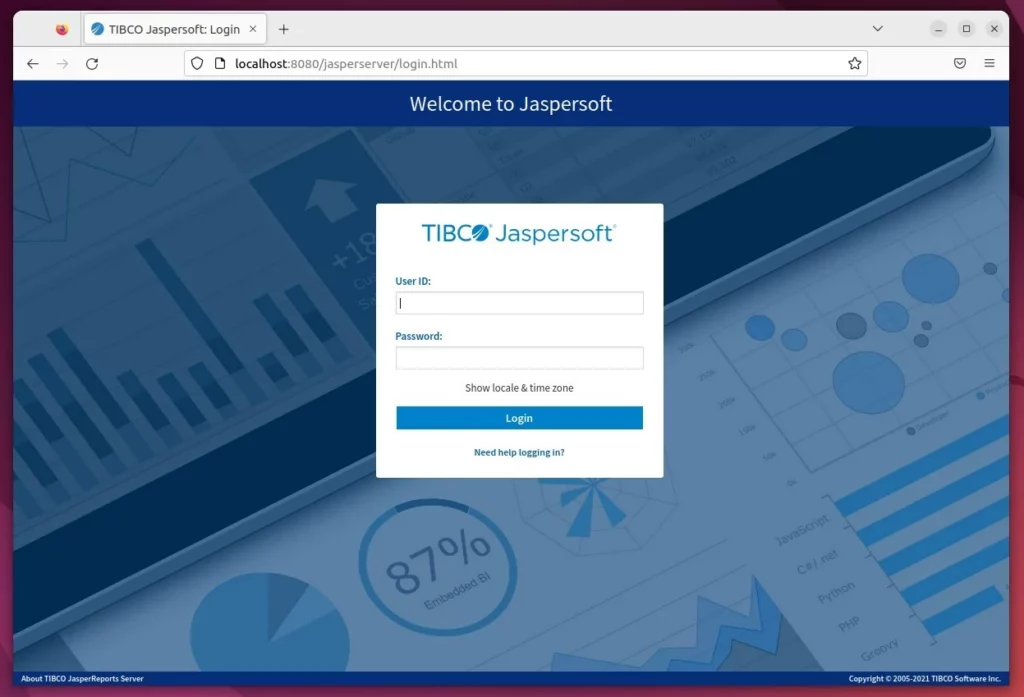
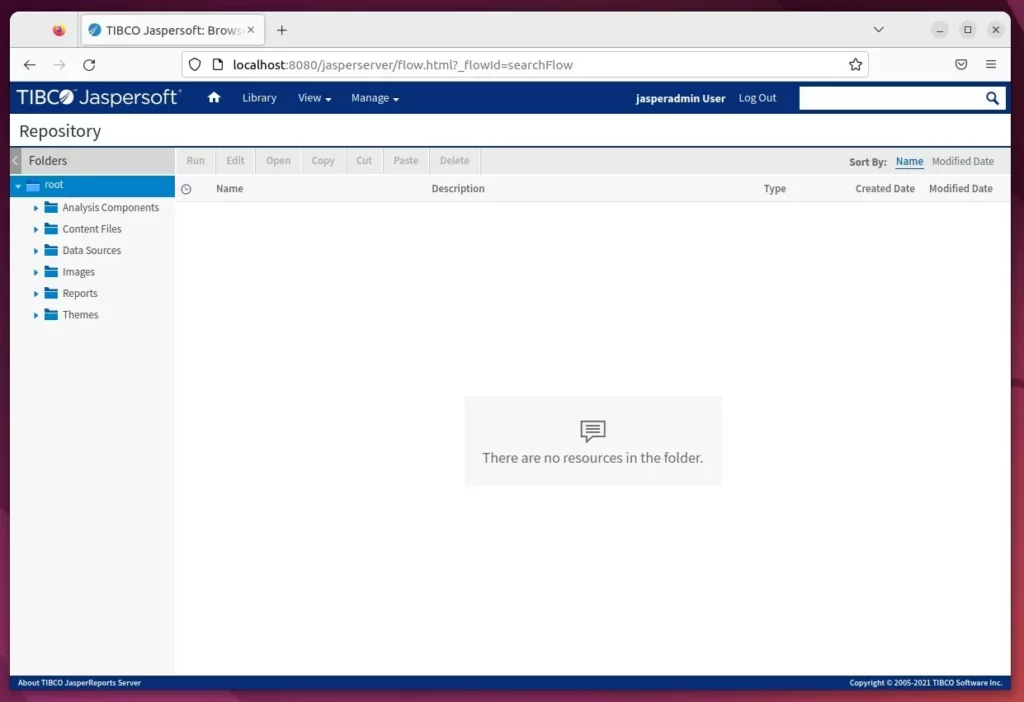
Log in with the default credentials (username: jasperadmin, password: jasperadmin). Change these immediately after your first login.
For advanced setups, you can connect a reverse proxy to handle traffic more efficiently.
How to set up a reverse proxy with Nginx
How to set up a reverse proxy with Apache
[Unit] [Service] [Install] [echo]
Was this guide helpful?





Leave a Reply